
Zim desktop wiki
I suffer dreadful mental blocks at times. I’m also a tad forgetful. To work around this, I use Jaap Karssenberg’s ‘Zim’. This is an excellent indexed, searchable, cross-linkable, exportable, cross-platform note-taking program. Described by its developer as a ‘desktop wiki’ Zim turns effective note-taking from a tedious chore into a simple and routine task. And unlike stick-it notes, Zim is still readable after you’ve had a few weeks to forget what you have written and are unable to read your own handwriting. Or perhaps that’s just me? 🙂
Back in the nineties, similar applications were given the grand title “neural databases”. But essentially it just an ever-growing bunch of plain text files with a minimal bit of mark-up, an index and a search engine. It means that once you have taken the trouble to learn something, you never need to relearn it.

Zim plays nicely with other apps and devices. You can cut and paste chunks to/from other pages or other applications. It can also export any or all of itself to html web pages. Also has a built-in web-server, so you can read with a browser on your mobile or whatever. And every page can be cross-linked to any other page, as well as any location on the www. And of course it’s indexed and fully searchable. Which is just as well. I have been using Zim since the mid noughties and have amassed several thousand pages of notes.
Dead easy to use
Most importantly, it’s fast and very easy to use. It’s a powerful aide-mémoire, personal ‘desktop wiki’, general ‘thought manager’, journal and to-do list. This thing has saved my proverbial bacon countless times, not just for photography but pretty much all my business and hobby interests too.
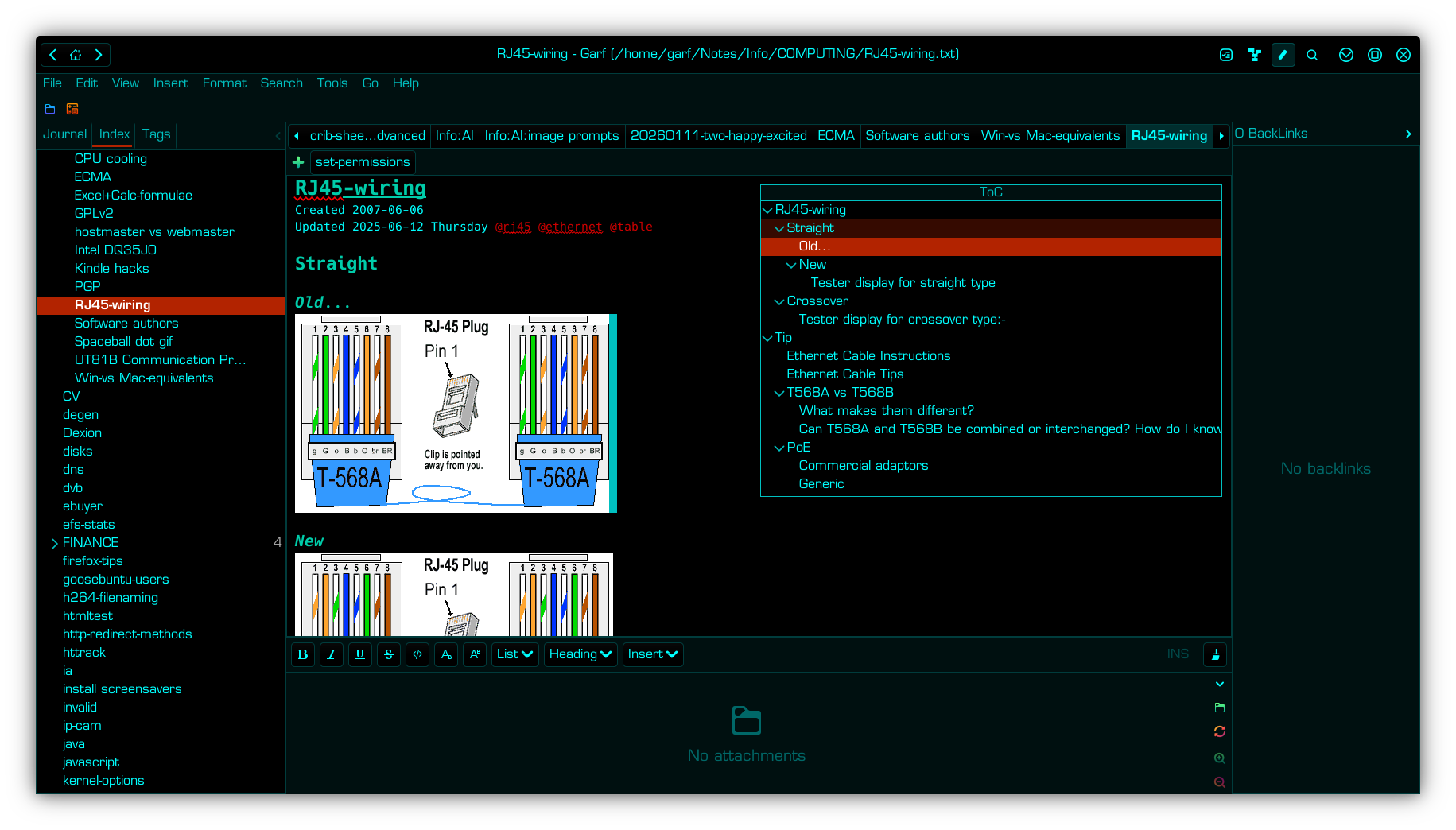
Zim is something I’d wholeheartedly recommend to anyone with a tendency toward forgetfulness. I routinely use it for standard letter/email texts, clickable URLs, cable pin-outs, bug fixes, workarounds, bulbs, fuses and battery sizes, rsync backup paths, code and manual snippets, even the part numbers for the bits we need to fix the bog! I use its journal feature extensively for contemporaneous notes of telephone conversations, e.g. pre-shoot conversations with models. Dead handy when dealing with banks, ISPs and other useless suppliers. Means I can always find the support ticket number, and/or the name of the person who made whatever promise they failed to keep. Also provides “mnemonics” for tasks I perform relatively infrequently. E.g extracting correct reports for completing tax return, remote server builds etc.
Handy journal
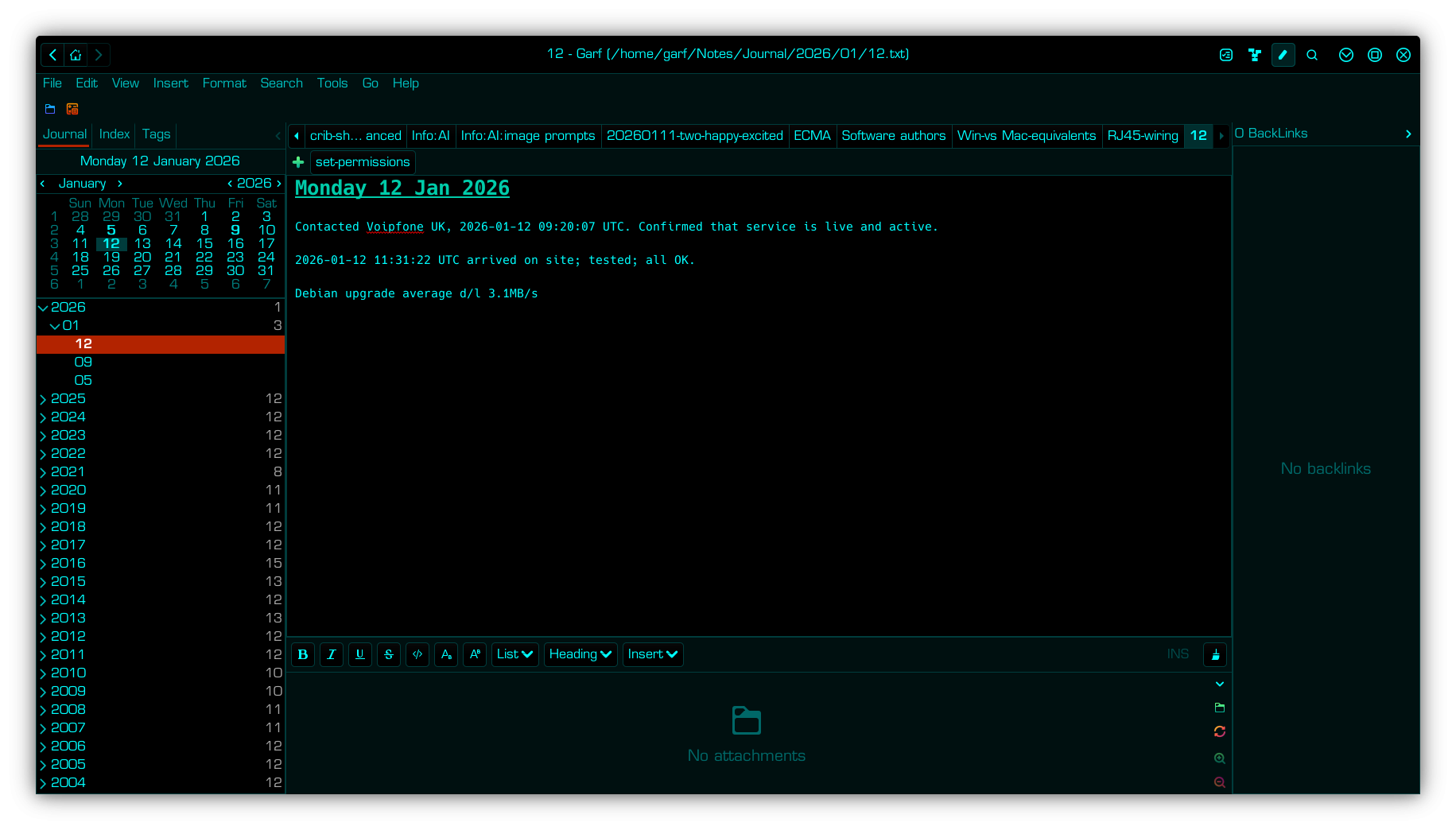
In addition to its normal indexed pages, Zim also has a really useful journal feature. There are many uses to which one can put this. I find it particularly handy for logging support phone calls. Details of who said what and when can be immensely useful. I also log my own customer interactions in a similar manner.
Download
Zim is free, open source with no hidden nasties or gotchas. It is written in Python and initially was intended for (and included with most) GNU/Linux distros, including Debian and Ubuntu. Simply open a terminal type the following and hit the return key…
sudo apt install zim
There are also supported versions for MacOS and 64-bit versions of Microsoft Windows, available for free, from…
Linking to a smartphone
With the addition of KDEConnect it also becomes dead easy to make lists and squirt them across to my phone using KDEConnect’s shared clipboard feature. Or make notes on the phone using an open source text editor app such as Fossify Notes and import them back to Zim. I’ll discuss KDEConnect in more detail in another article. But for now, have a play with Zim and tell me what you think of it in the comments box below…