Unedited 3D SooC stereo pairs & adding EXIF
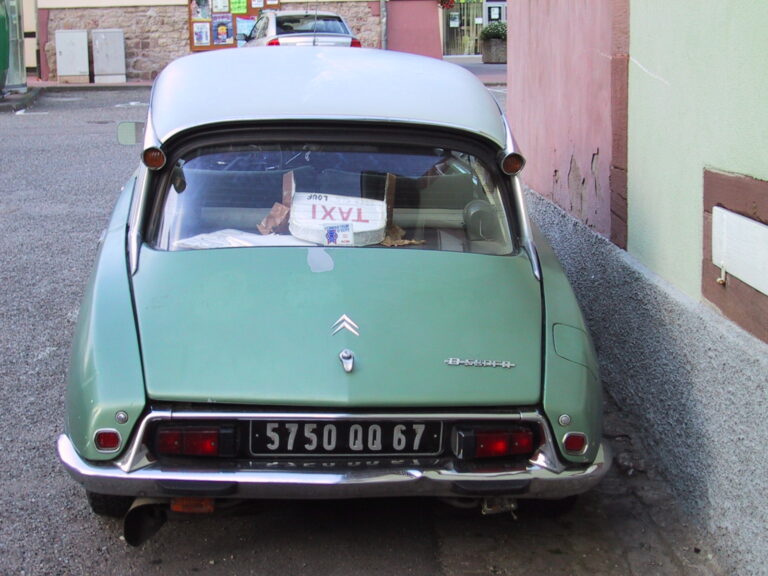
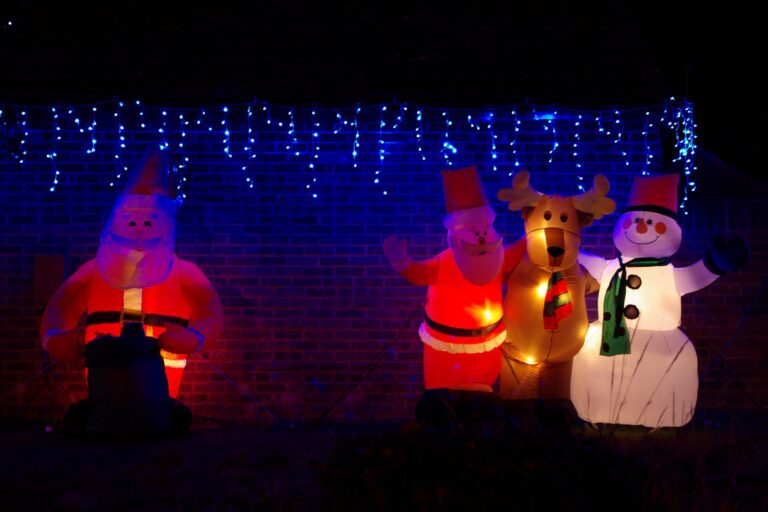
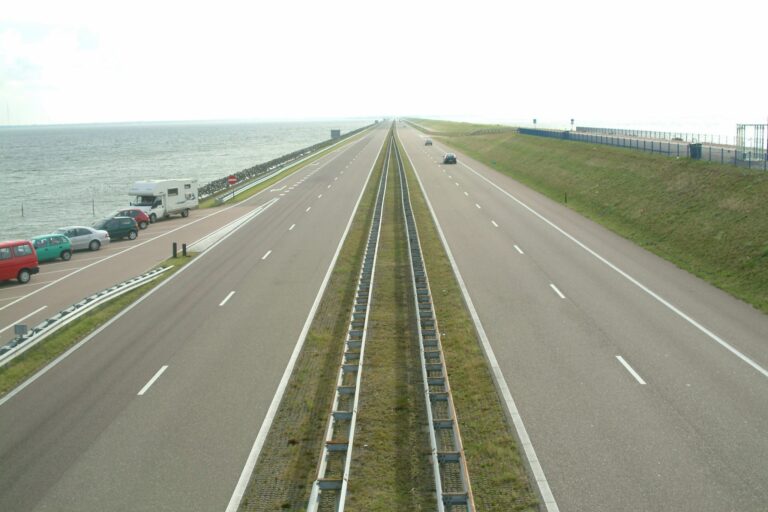
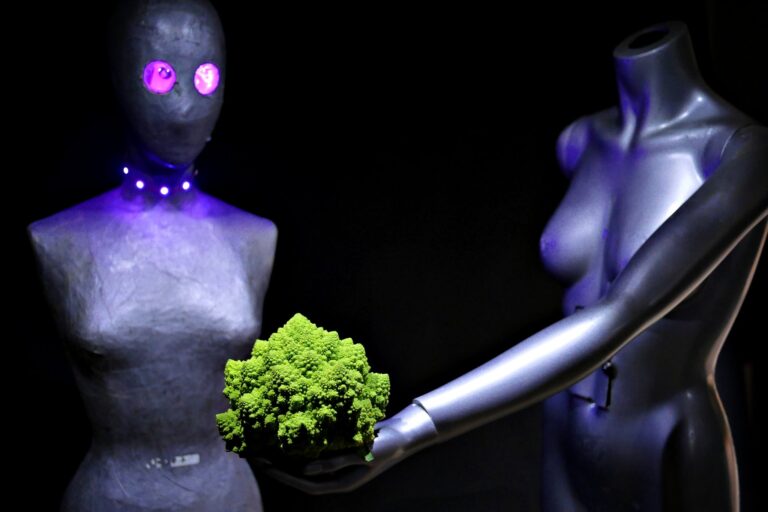
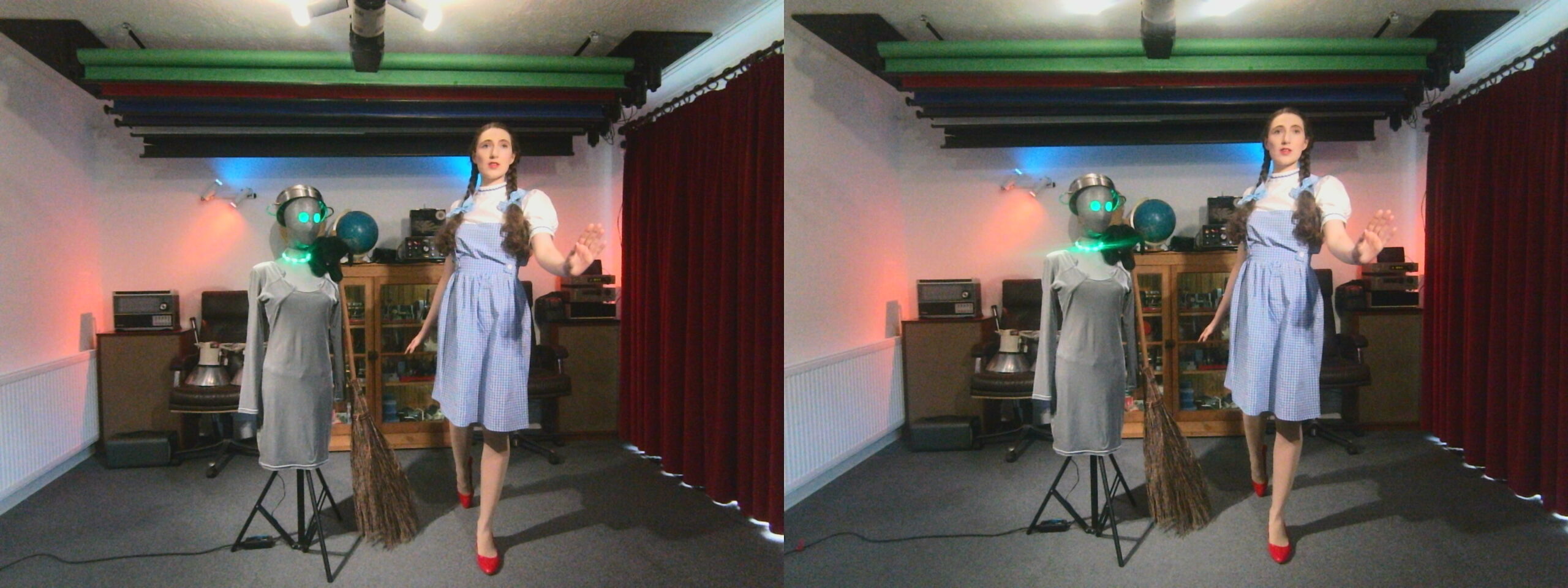
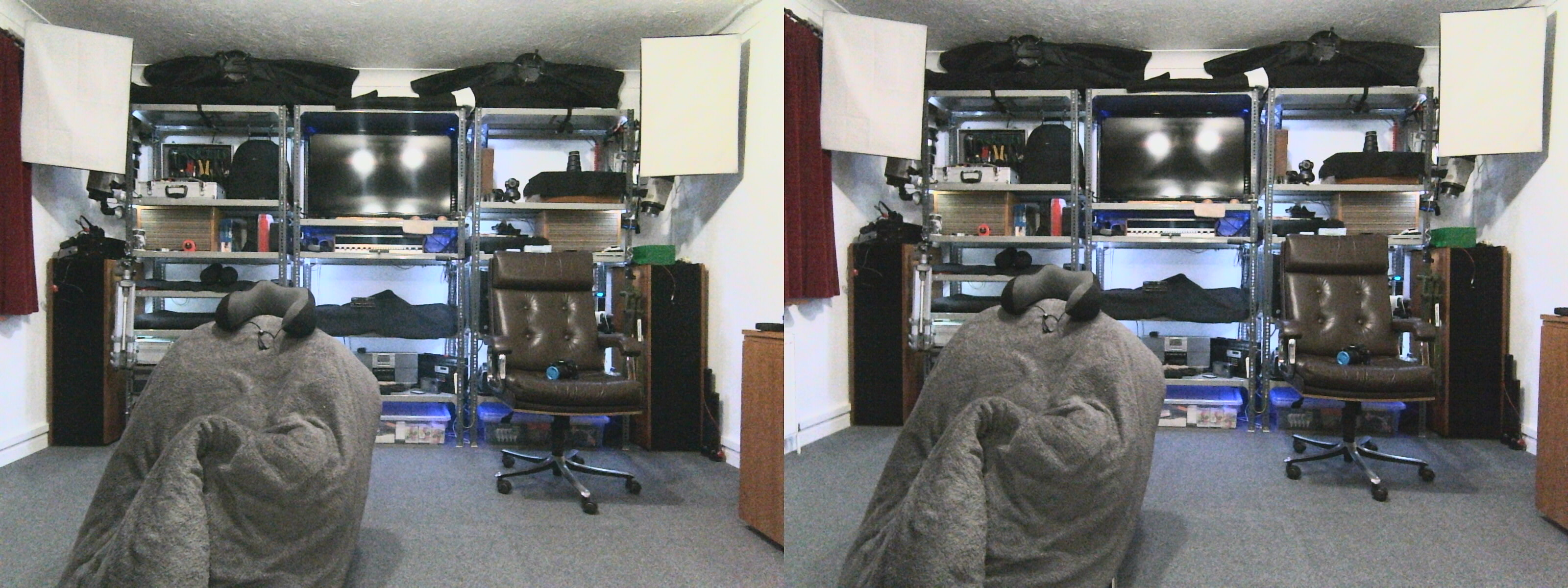
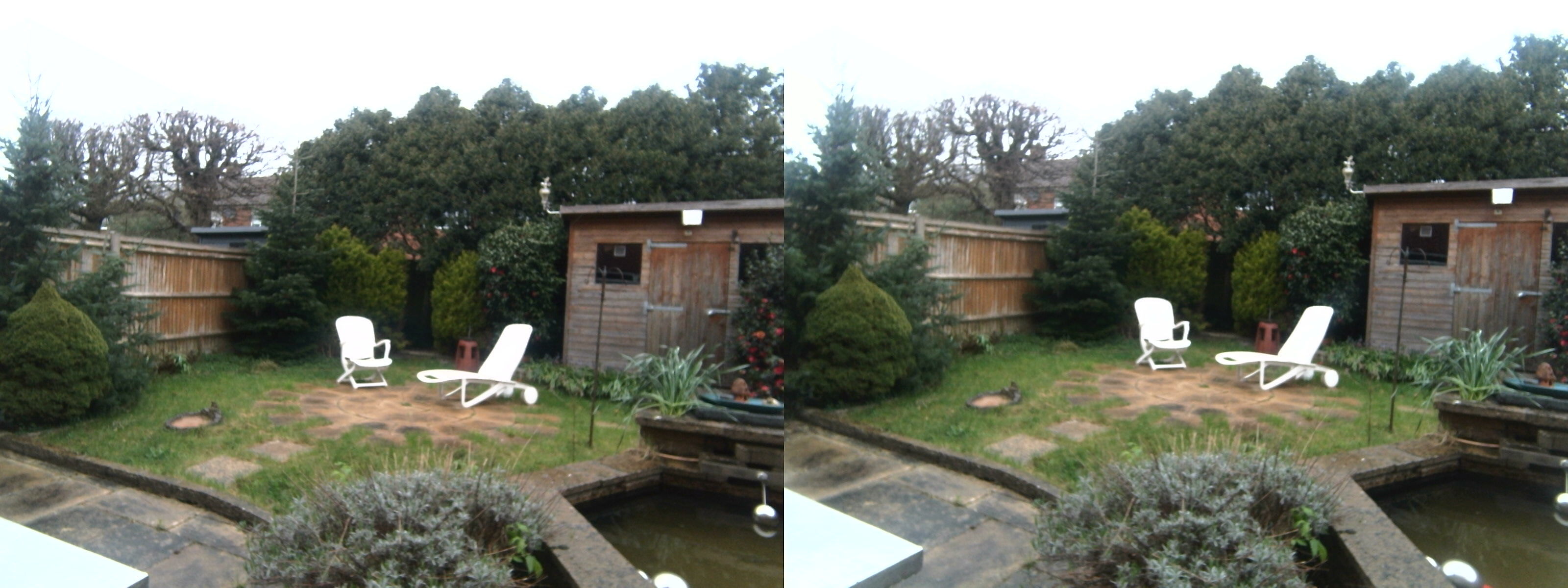
[Jump to gallery | script to add exif] These are some unedited 3D SooC (straight out of camera) 1600 x 1200 pixel stereo pairs (3200 x 1200 pixel overall) from my recently constructed stereo camera module. This is part of an ongoing project to create a modular GNU/Linux digital camera system using easily available generic components.
These images are simple pairs. The image from the left camera is on the left and the right camera on the right. At this stage, there is no processing. And these won’t work as cross-eyed stereo pairs. That requires some processing, where the left and right images are swapped over. They were captured via a relatively simple ELP 3D camera module, mounted in a die-cast aluminium stomp box enclosure. The capture software was guvcview.
Gallery
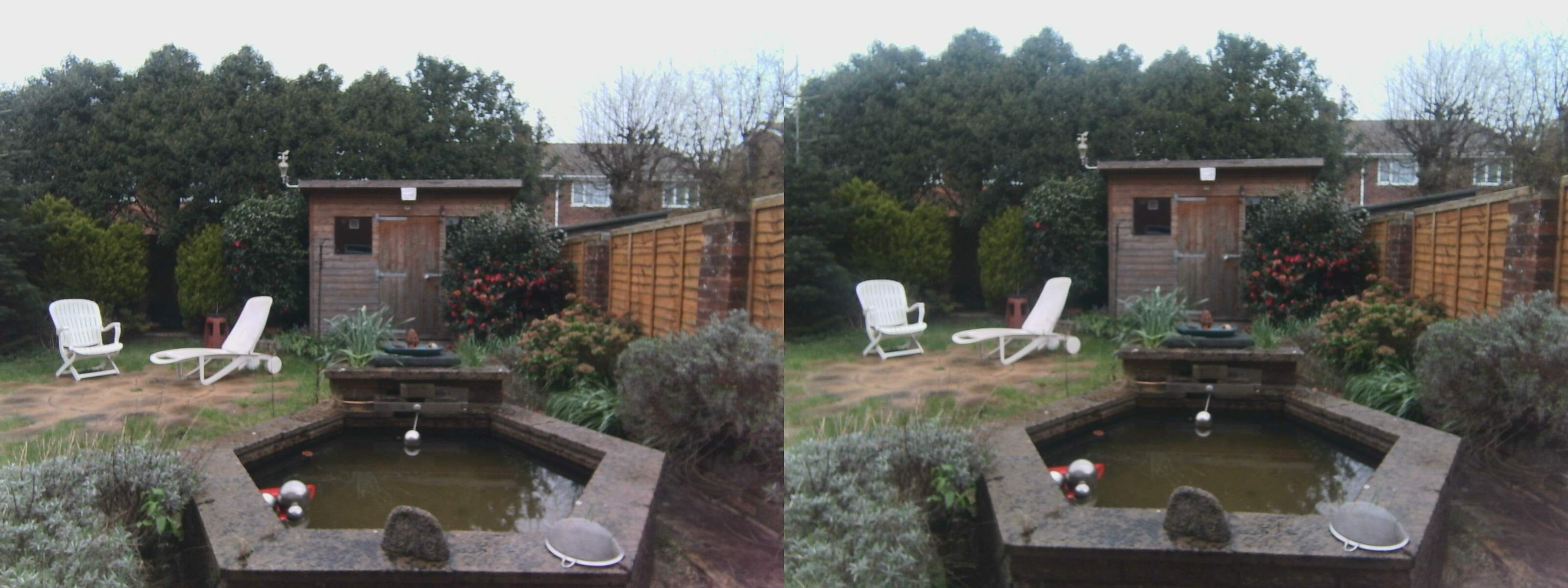
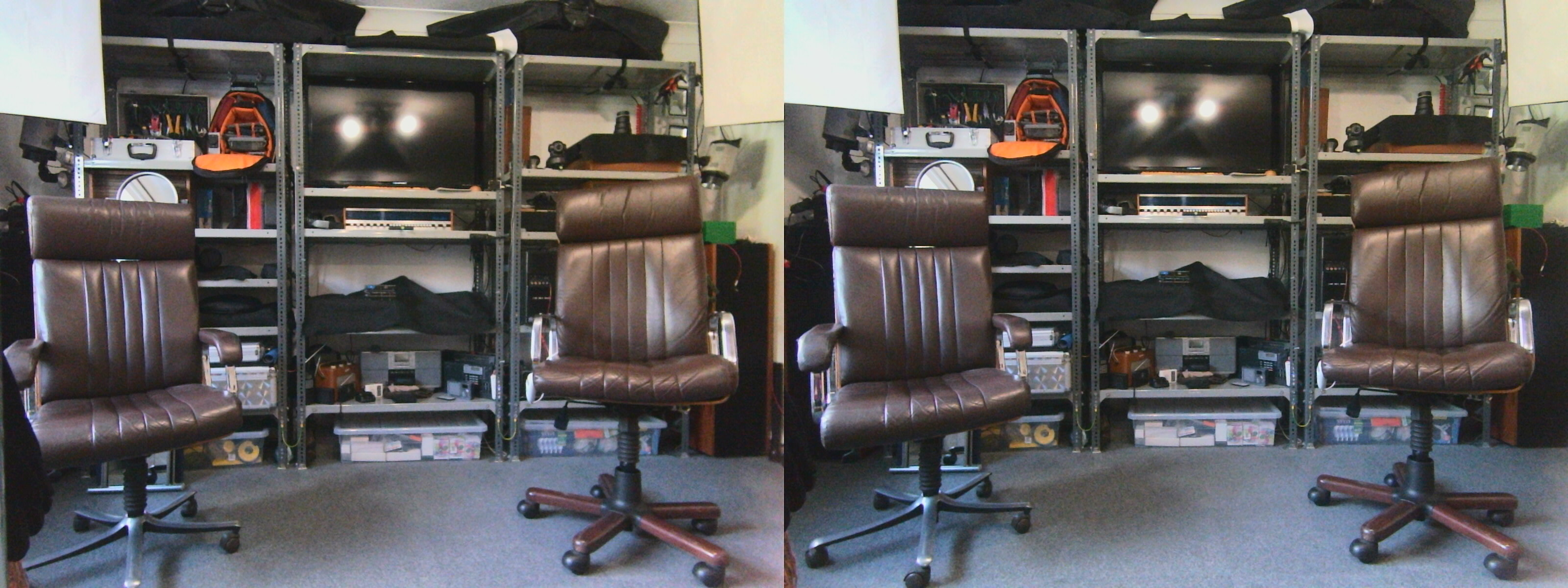
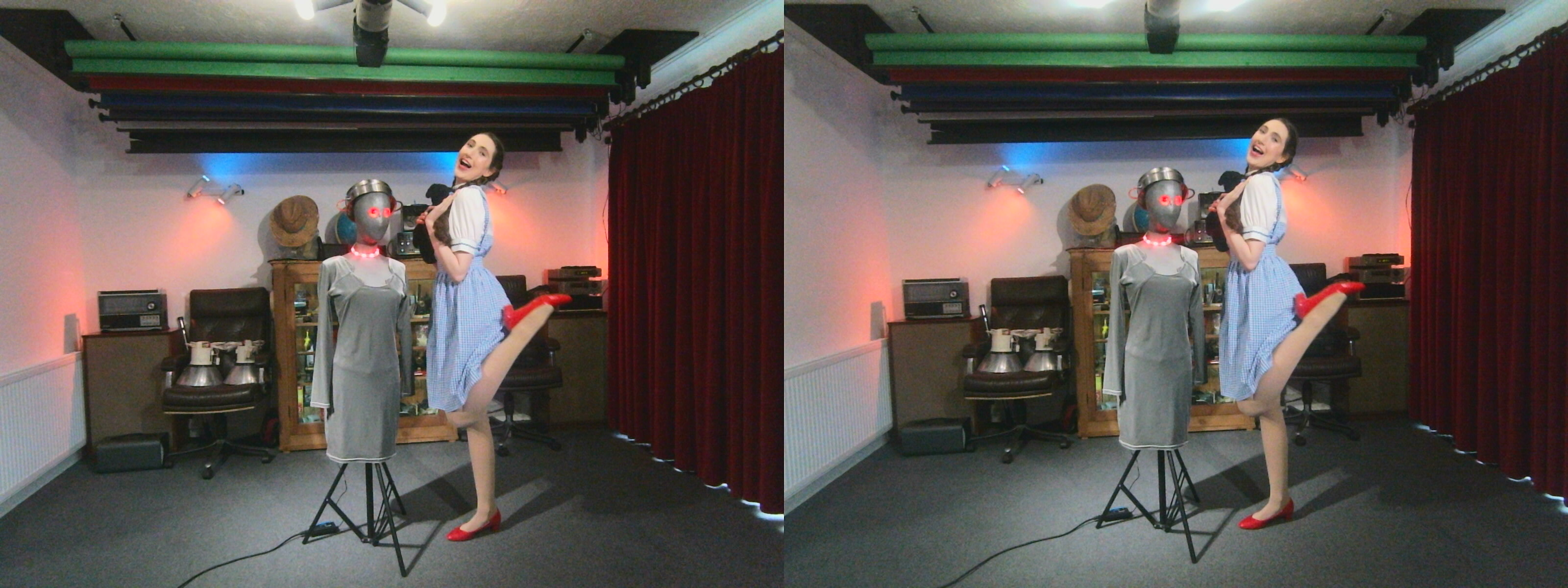
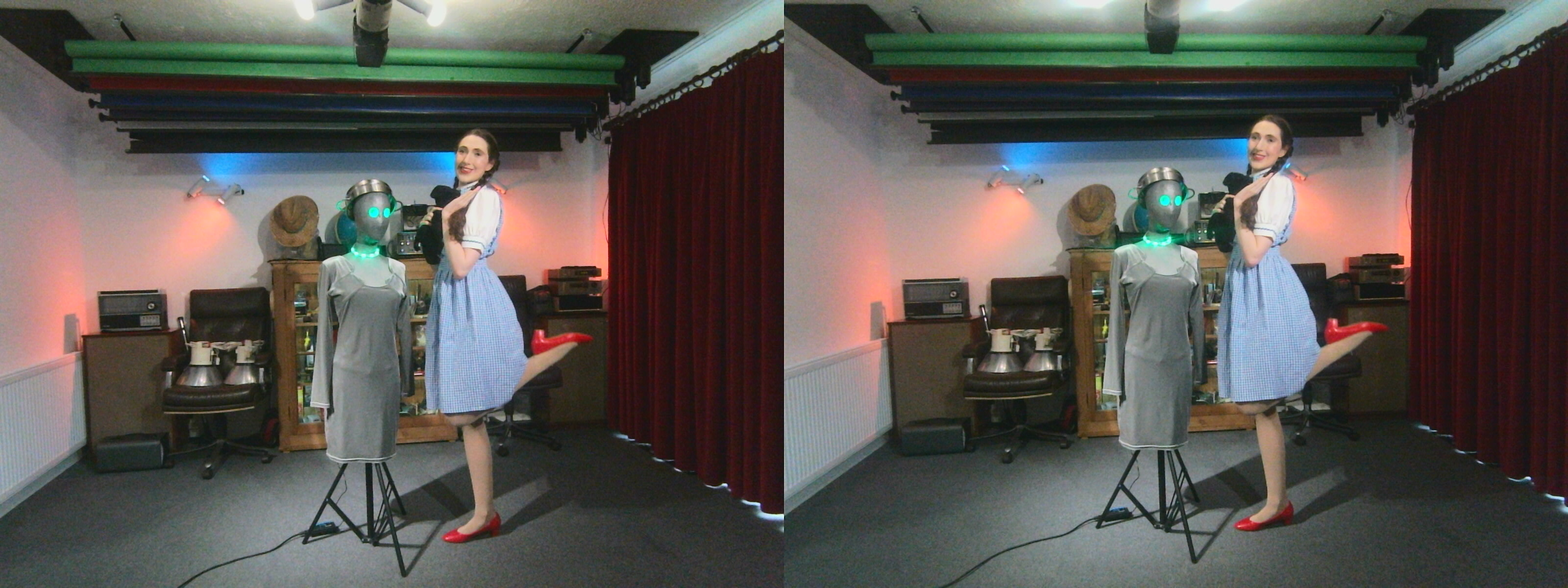
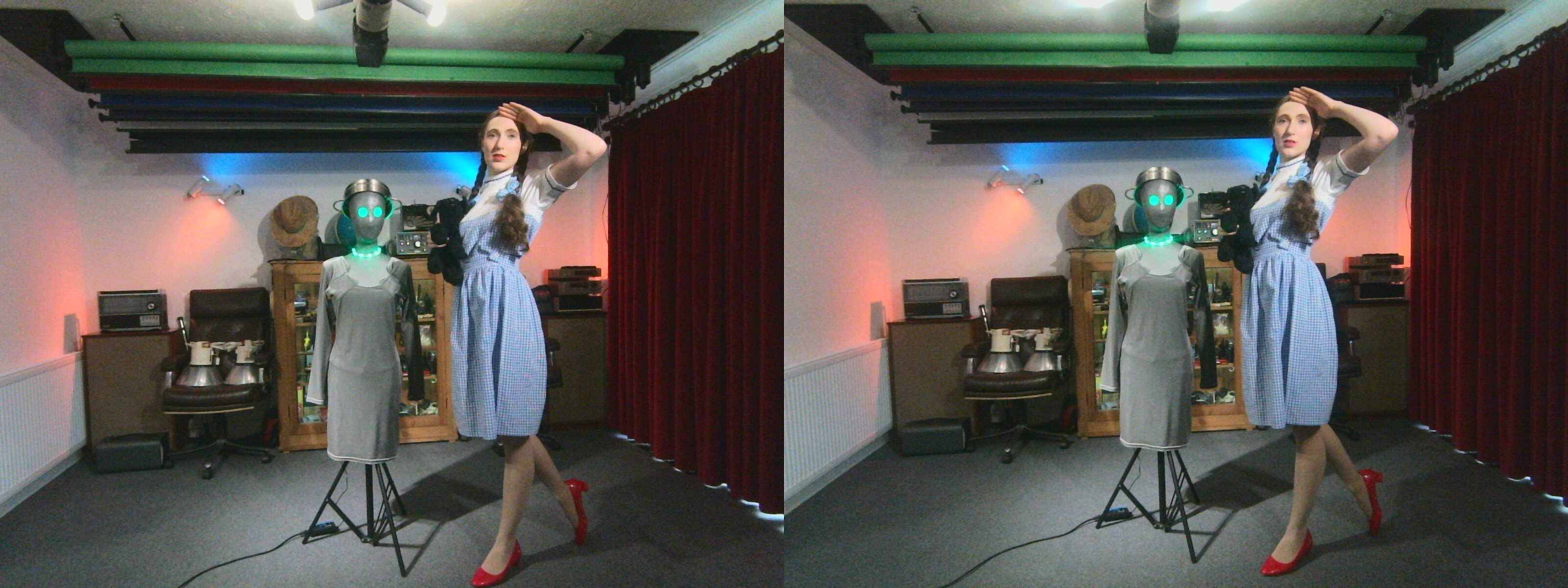
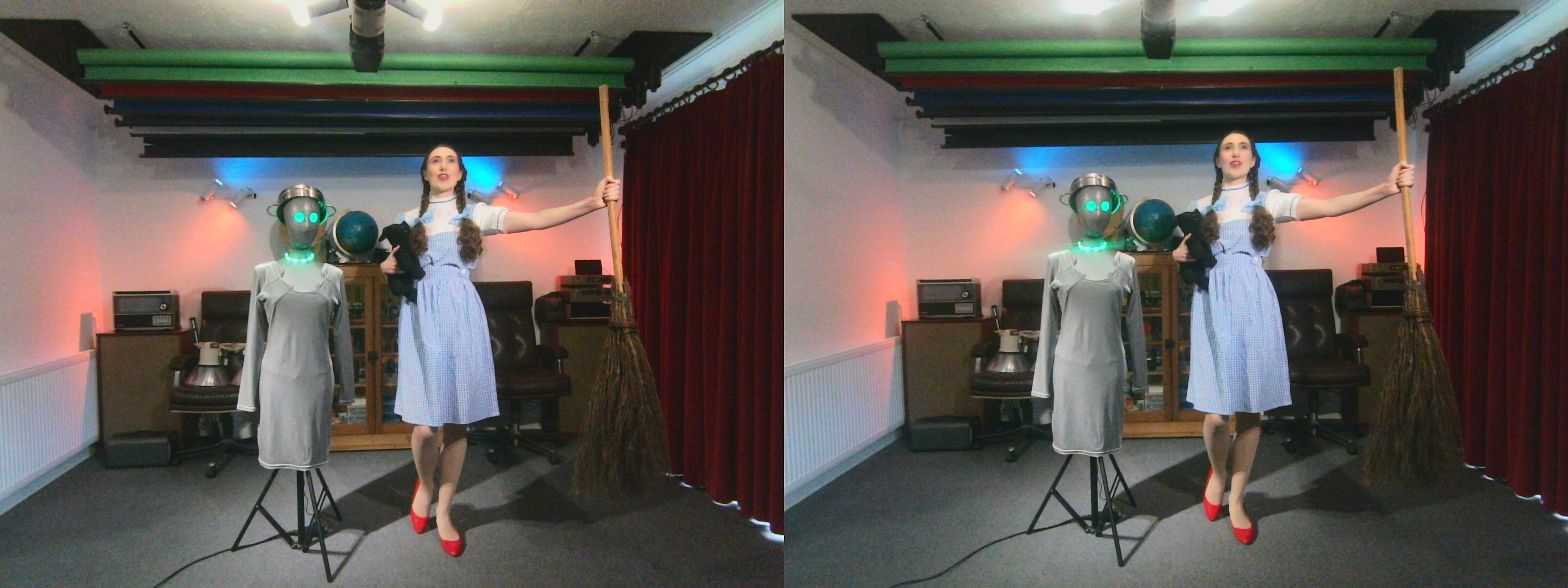
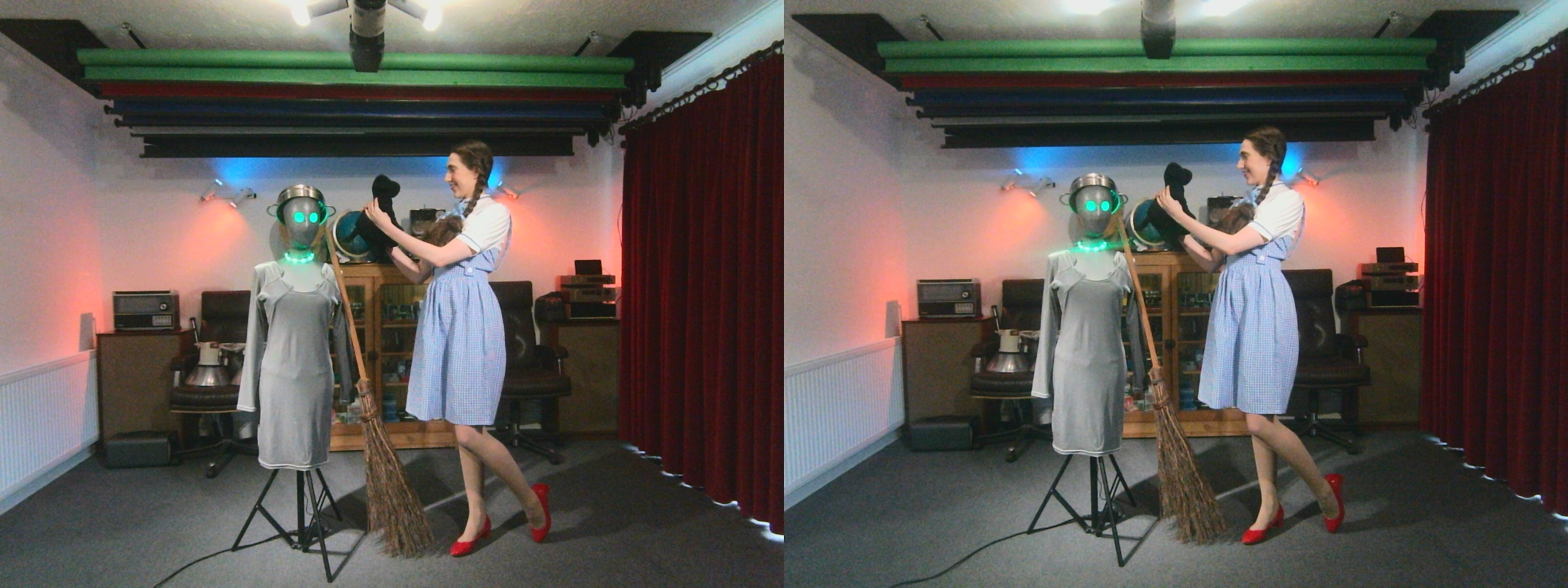
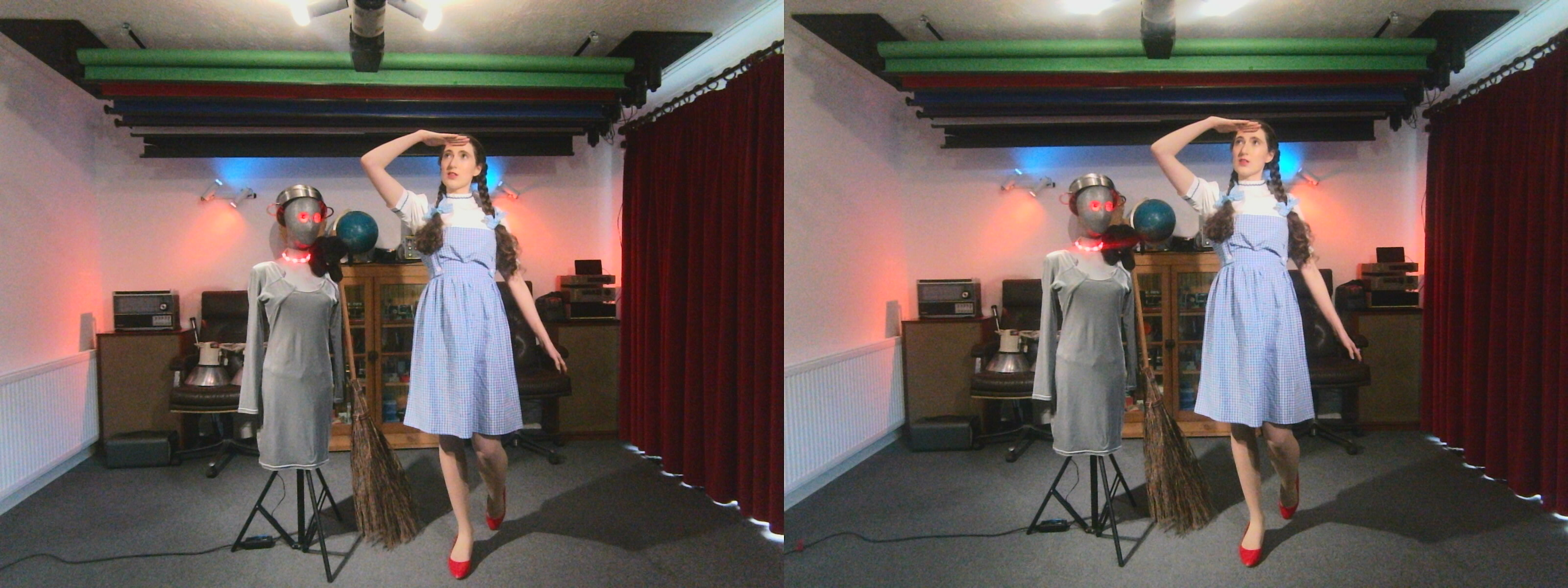
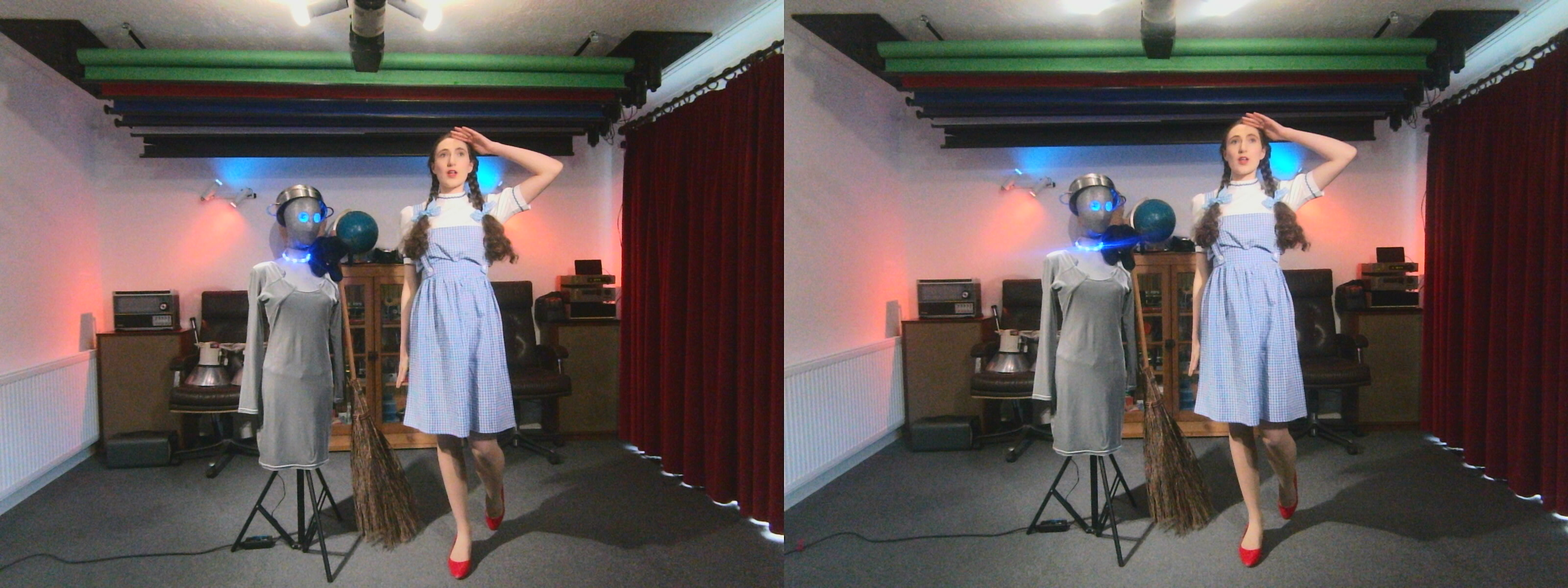
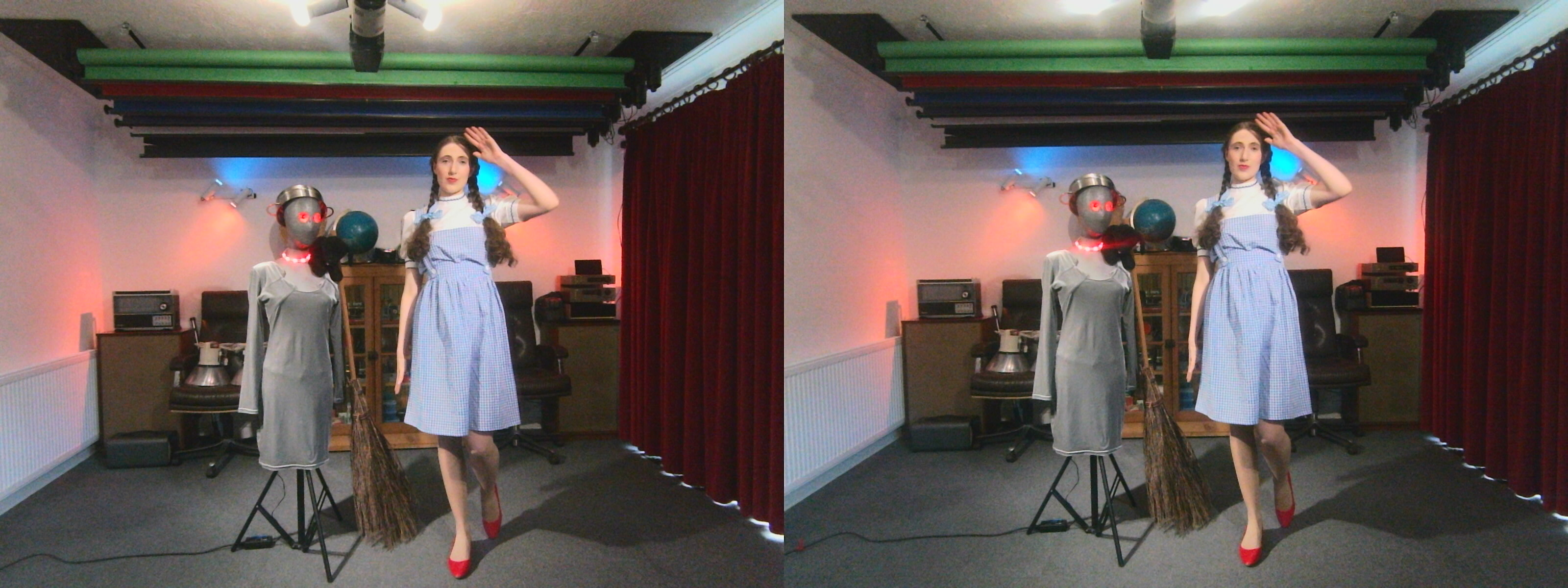
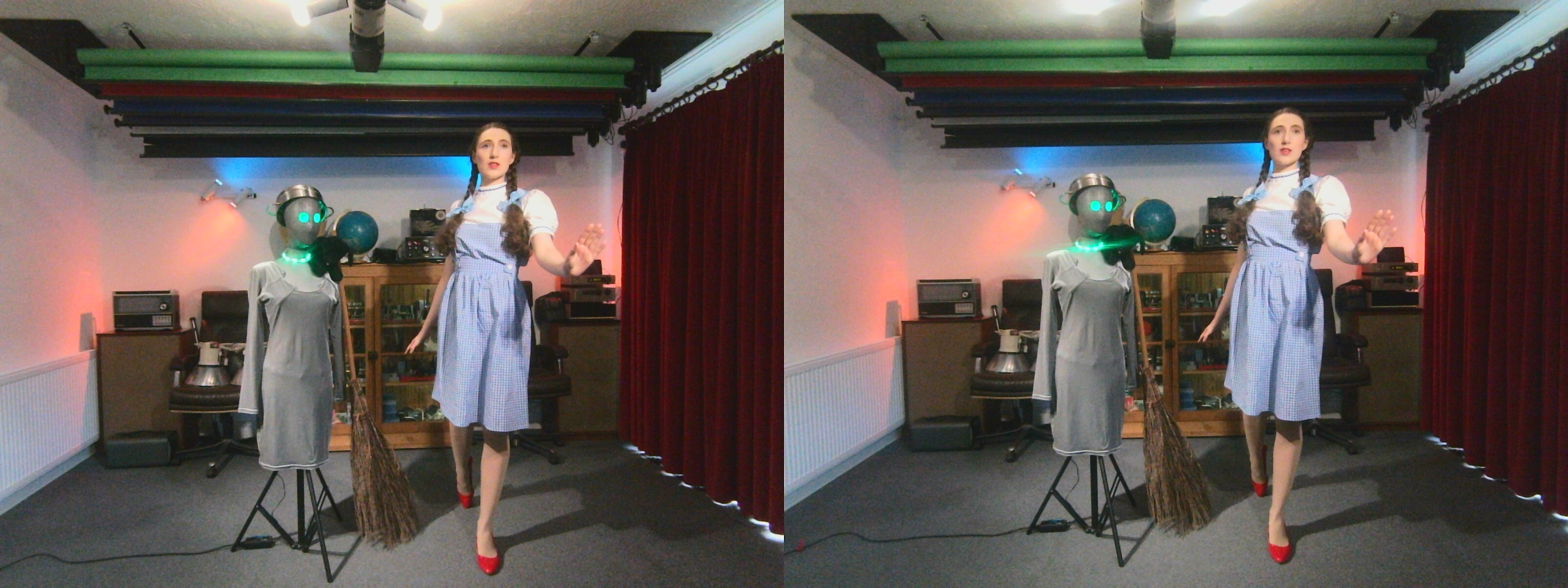
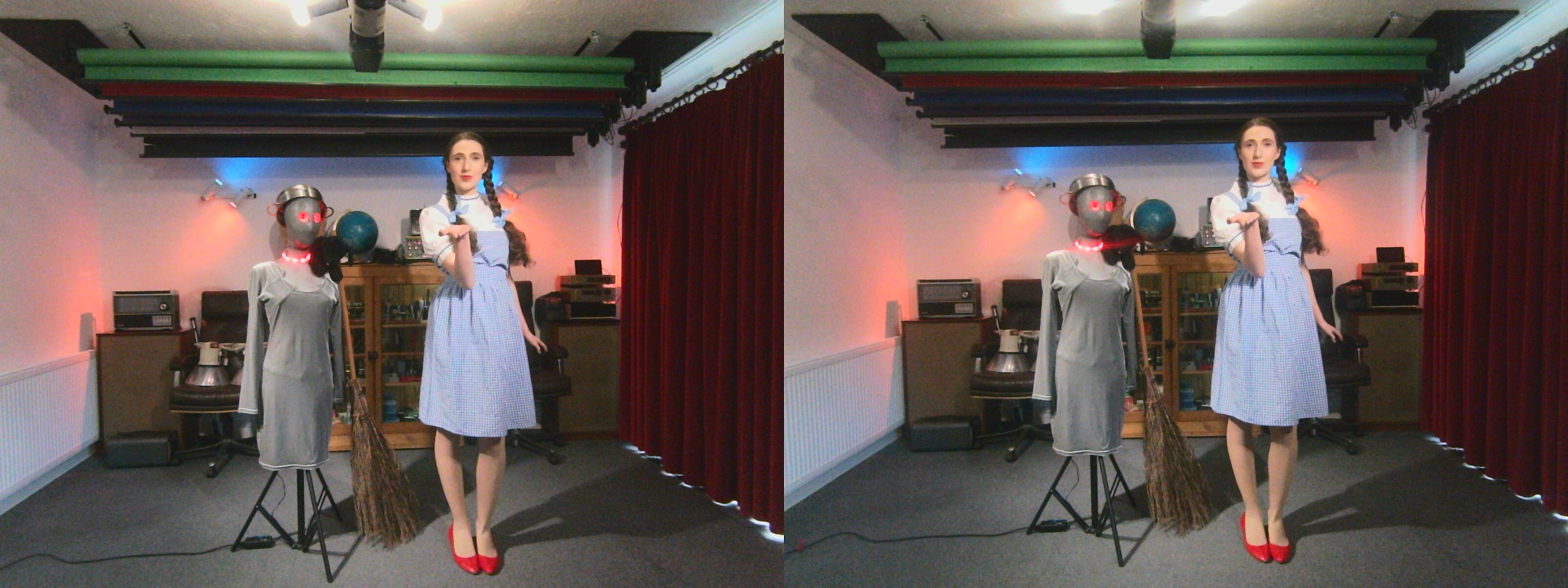
Installing guvcview
To capture stills from this type of board requires suitable UVC software. One of the best for GNU/Linux is GUVCView.
sudo apt install guvcview
This particular camera board supports YUYV output. This is better quality than the default motion JPEG (MJPG). But it only allows a few frames per second. Which is OK for still photography. In fact it is a sane compromise to make under these circumstances.
BASH script to add EXIF data for our image files: garf-exif2image
When capturing from a video camera board using applications such as GUVCView, no EXIF data is recorded. However one can add some using ExifTool. To do this one needs a simple BASH shell script. This particular script also needs a “camera.txt” file in the same directory as the image files. WARNING. This script can alter the EXIF on ordinary photos too!
#!/bin/bash

# garf-exif2image.
# Tags images files created by UVC 3d camera and similar devices.
# Usage: ./garf-exif2image /path-to/images-and-camera.txt.
# Requires exiftool and a valid camera.txt file.
# Also sets EXIF date from file updated date.
# By Garf 2026-04-18.

# --- Directory (default = current folder) ---
DIR="${1:-.}"

# --- ExifTool config (inside images directory) ---
CONFIG="$DIR/camera.txt"

# --- Validate directory ---
if [ ! -d "$DIR" ]; then
echo "Error: directory not found: $DIR"
exit 1
fi

# --- Check ExifTool exists ---
if ! command -v exiftool >/dev/null 2>&1; then
echo "Error: exiftool is not installed or not in PATH"
exit 1
fi

# --- Check camera config exists ---
if [ ! -f "$CONFIG" ]; then
echo "Error: camera.txt not found: $CONFIG"
exit 1
fi

echo "Tagging files in: $DIR"
echo "Using config: $CONFIG"

# --- Run ExifTool ---
exiftool -r \
-ext jpg -ext jpeg -ext png -ext webp \
-@ "$CONFIG" \
"-DateTimeOriginal<FileModifyDate" \
"-CreateDate<FileModifyDate" \
"-ModifyDate<FileModifyDate" \
-P \
-overwrite_original \
"$DIR"

echo "Done."
Copy and paste the above script to a text file and save it as “garf-exif2image”.
Permissions
Don’t forget to change the script file’s permissions to make it executable. From the same directory run the following command:-
chmod +x garf-exif2image
Dependencies
This script requires ExifTool on your system. To install it on Debian-based systems, type or paste the following into a terminal and hit return:-
sudo apt install exiftool
camera.txt
This particular script also requires a valid camera.txt. This is the one I used for the images in the gallery.
# --- Device identity ---
-Make=Garf Technology
-Model=ELP 3200 x 1200 pixel 3D camera board
-Software=UVC Capture Pipeline (GUVCView on Debian GNU/Linux)

# --- Optional hardware description ---
-SensorType=CMOS
-LensModel=Fixed Board Lens
-FocalLength=Fixed

# --- Only include exposure if you REALLY have it ---
# (UVC often does NOT provide real values)

# --- Image metadata ---
-ColorSpace=sRGB

# --- Ownership (important for galleries) ---
-Artist=Garf Technology
-Copyright=© 2026 Garf Technology

# --- XMP for web/gallery compatibility ---
-XMP:Make=Garf Technology
-XMP:Model=ELP 3200 x 1200 pixel 3D camera board
-XMP:CreatorTool=GUVCView UVC Capture Pipeline
-XMP:Creator=Garf Technology
Credits
- ExifTool by Phil Harvey
- GUVCView
- With many thanks to my friend and model Estella Rose for dressing up in her “Dorothy Gale” costume and posing for some test images.
Disclaimer
Scripts and other code are provided as-is, with no warranty, express or implied. They all work perfectly for me, but I cannot guarantee they will work for you.