3D stereograms and alignment circles with BASH script
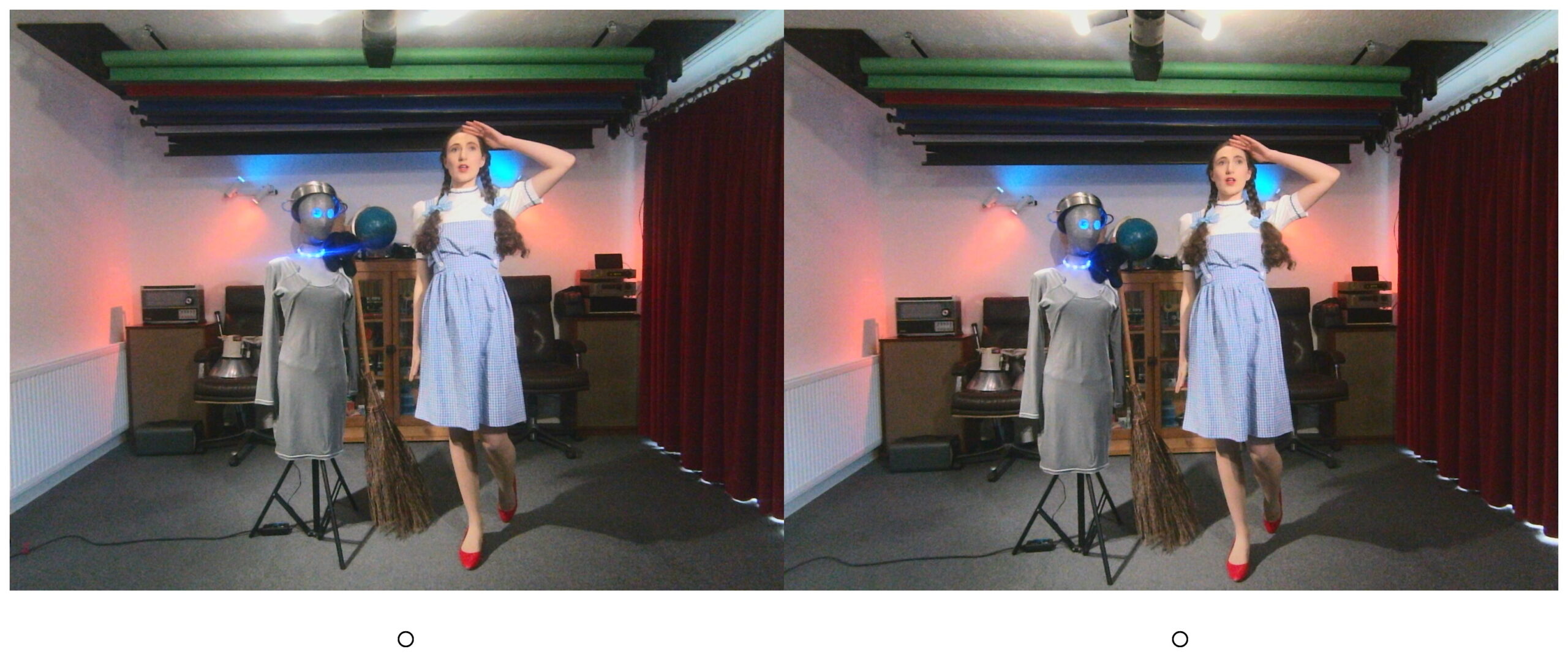
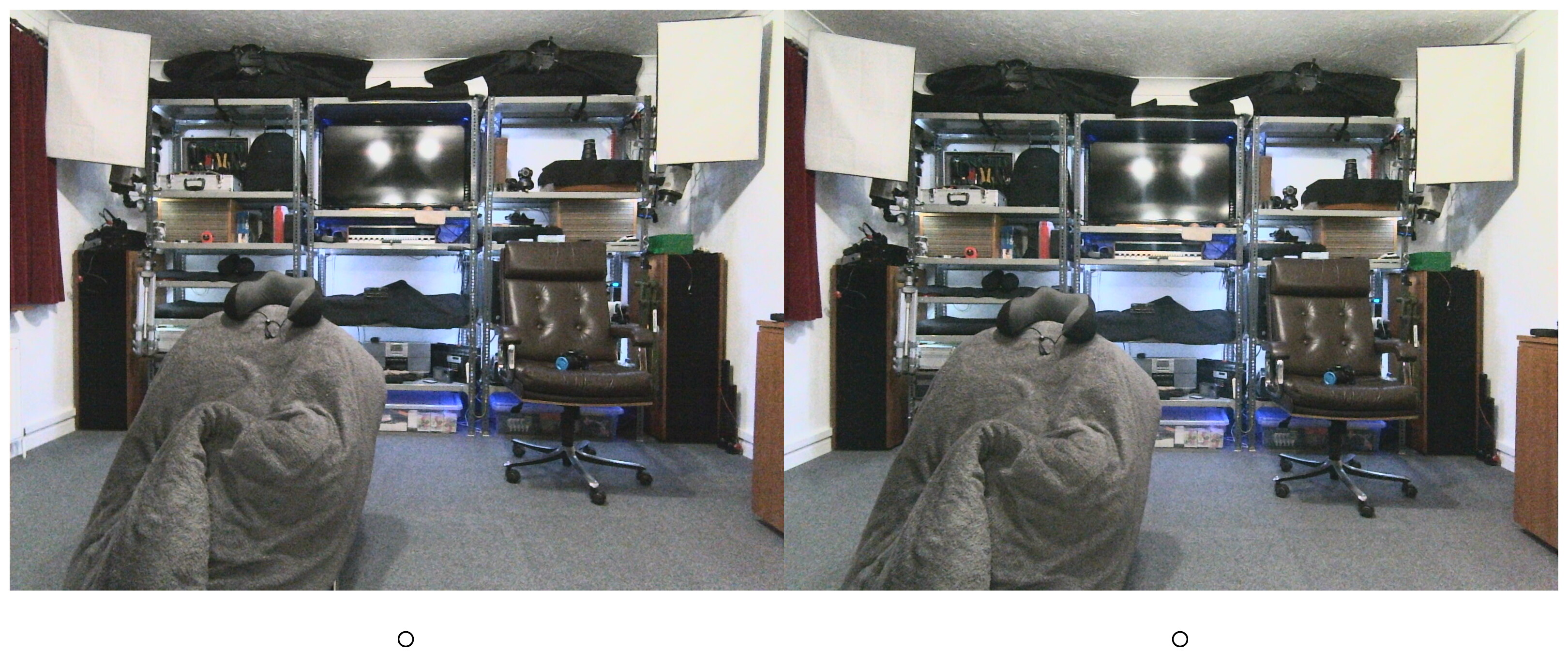
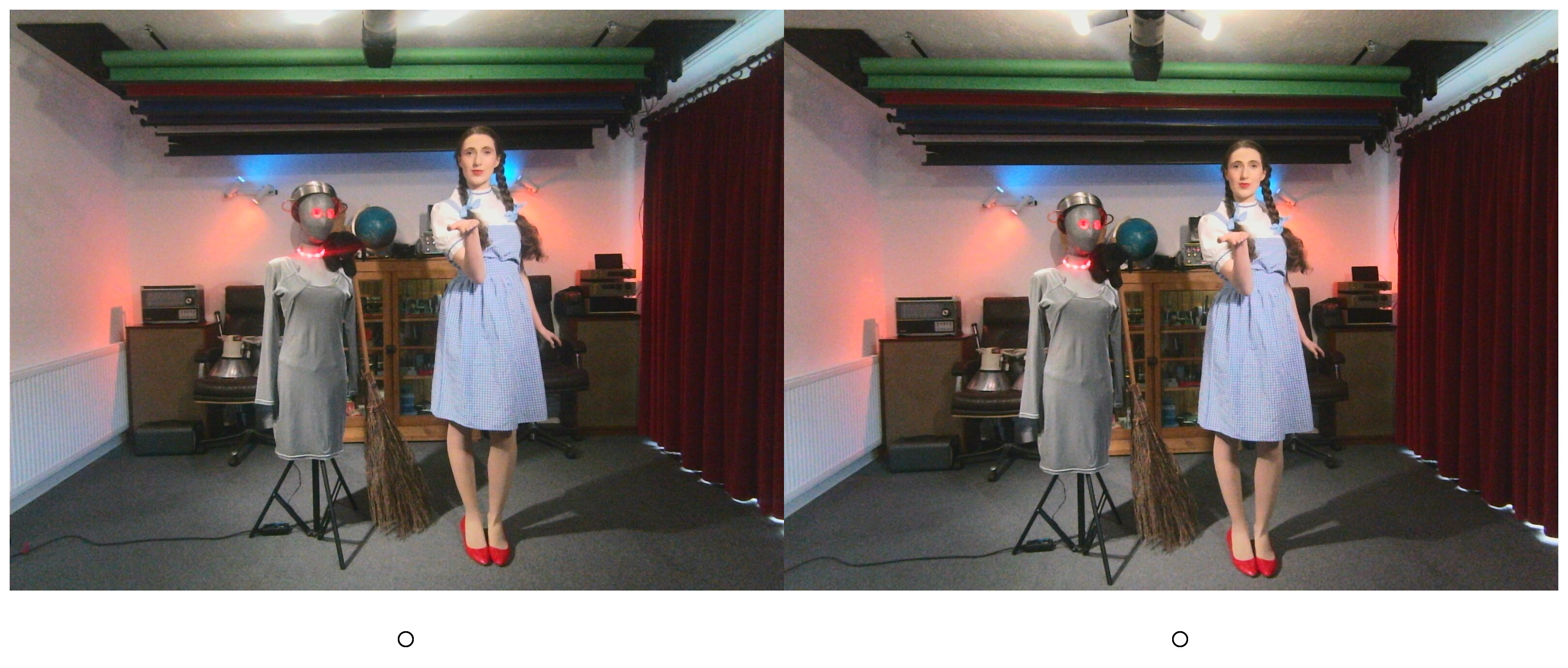
[Jump to gallery | script] These are some almost SooC images BUT with left and right images swapped AND “alignment circles” at the bottom. They were captured with my recently constructed stereo camera module. This is part of an ongoing project to create a modular GNU/Linux digital camera system using easily available generic components.
Although the images themselves are unedited, the left and right images have been swapped over, using a simple BASH shell script (detailed below). Thus they behave as 3d cross-eyed pairs. To view them in 3D simply cross your eyes slightly until a third image appears between the two photos. This version of these images also has “alignment circles” at the bottom of the images to help the viewer align his/her eyes correctly.
When your eyes are crossed and focussed correctly, the two circles should merge to form a third circle. Look up slightly, and if you are doing it correctly then the central third image will be in 3D. For example in the pictures featuring Estella Rose, the silver-coloured mannequin and model Estella Rose will appear clearly in the foreground.
Gallery of cross eyed stereo pairs c/w alignment circles
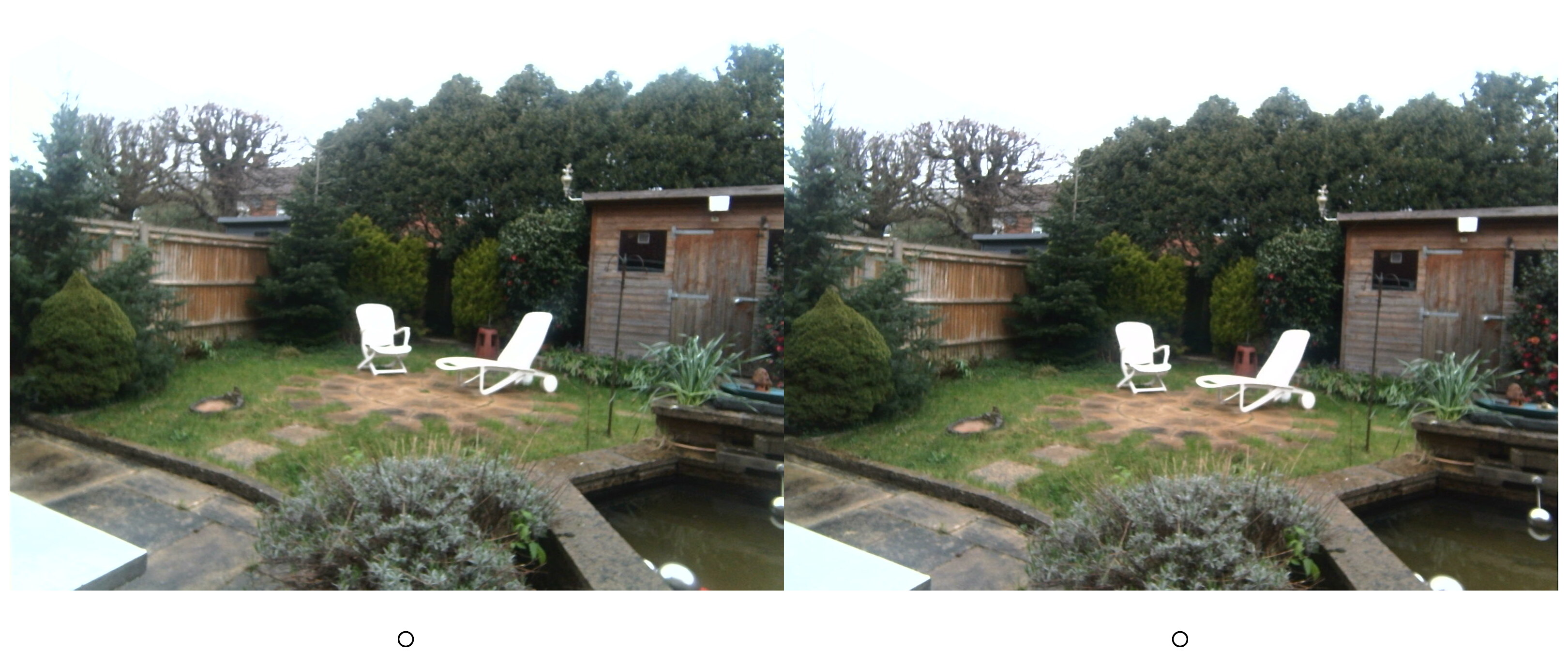
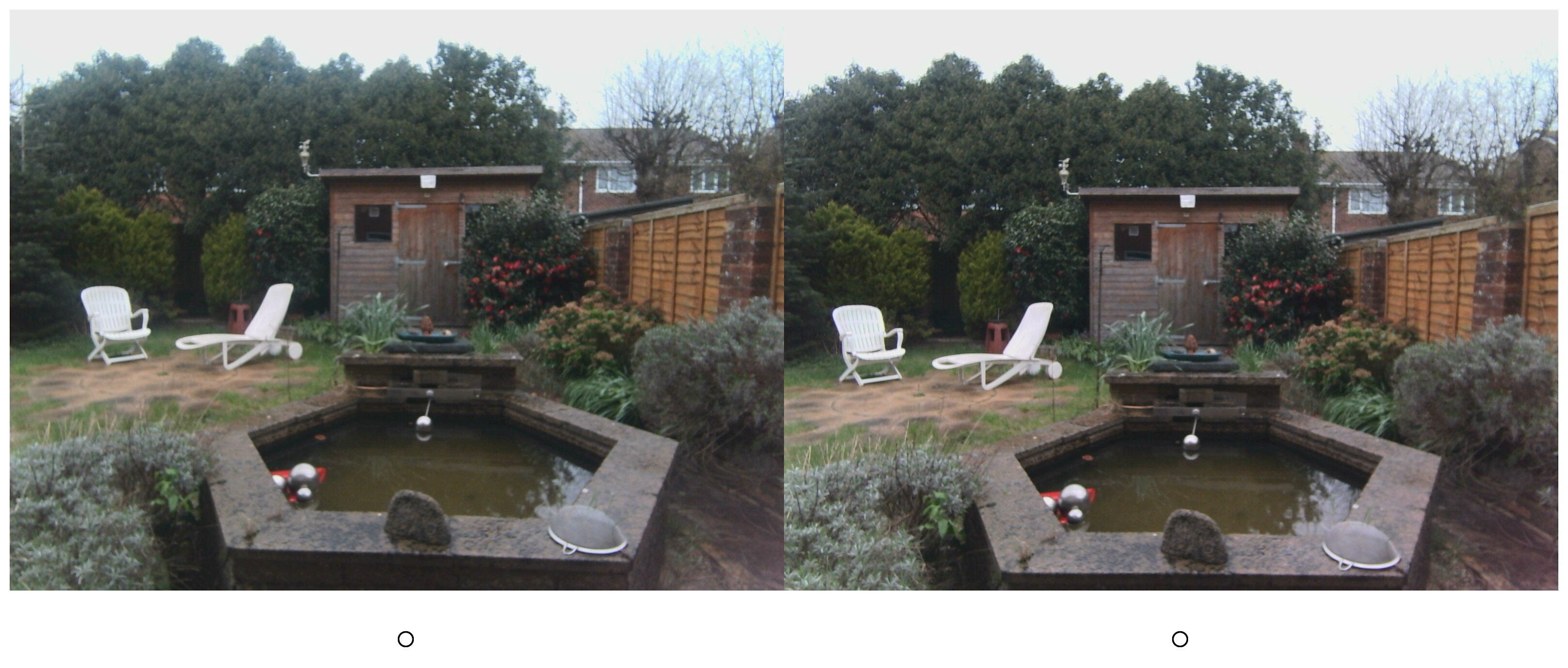
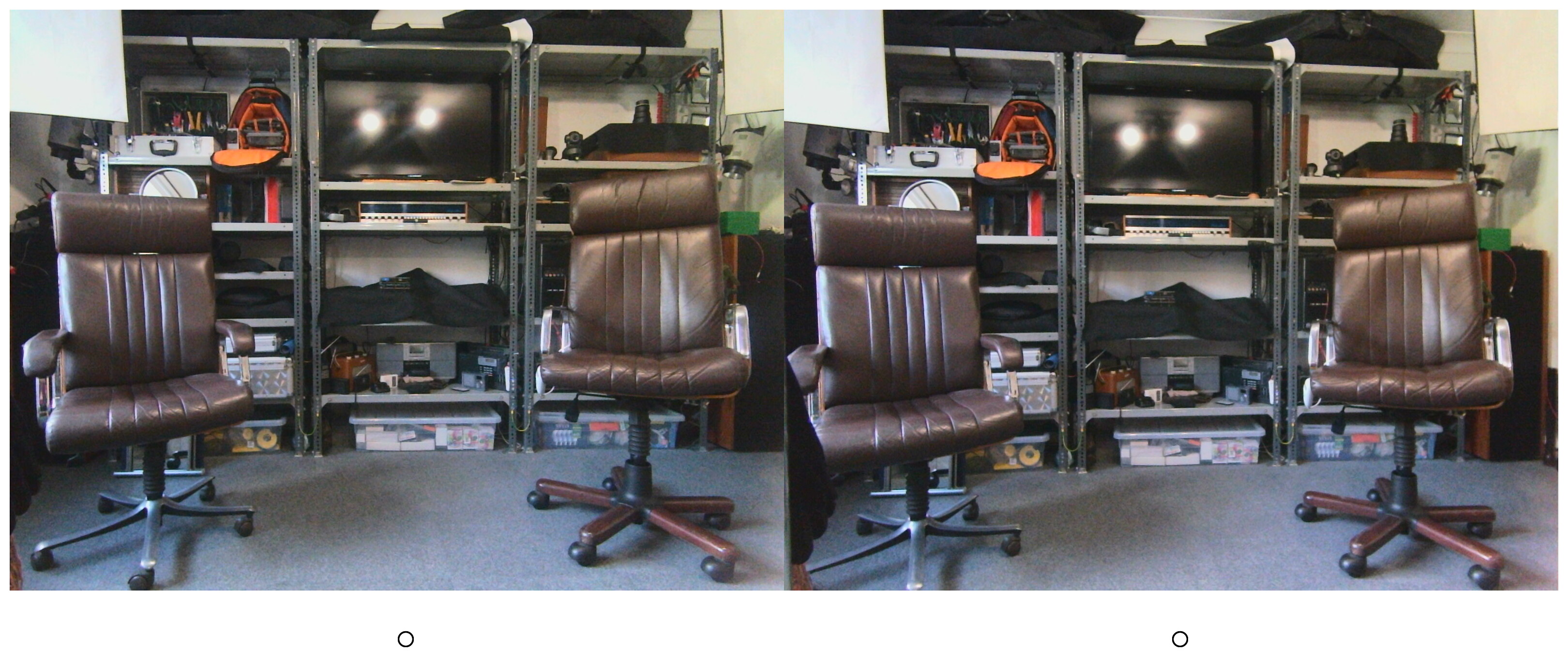
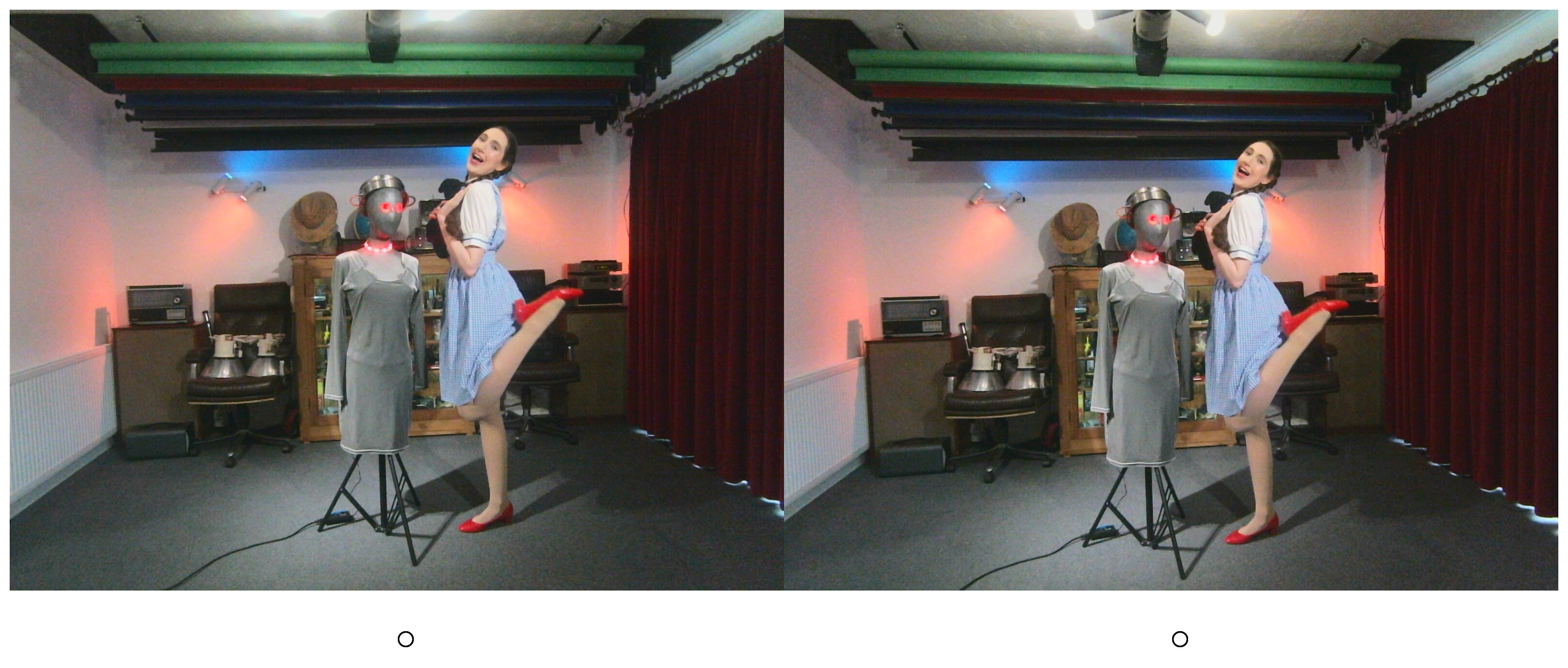
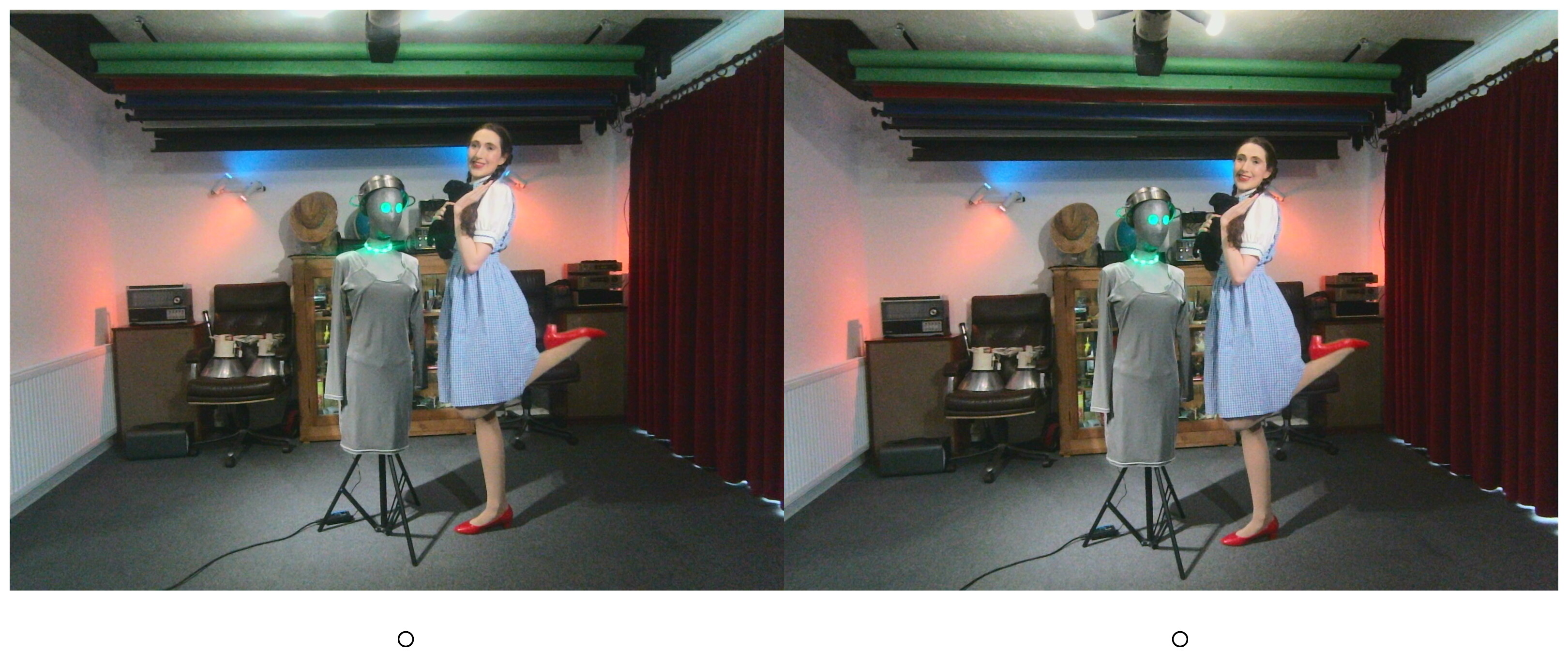
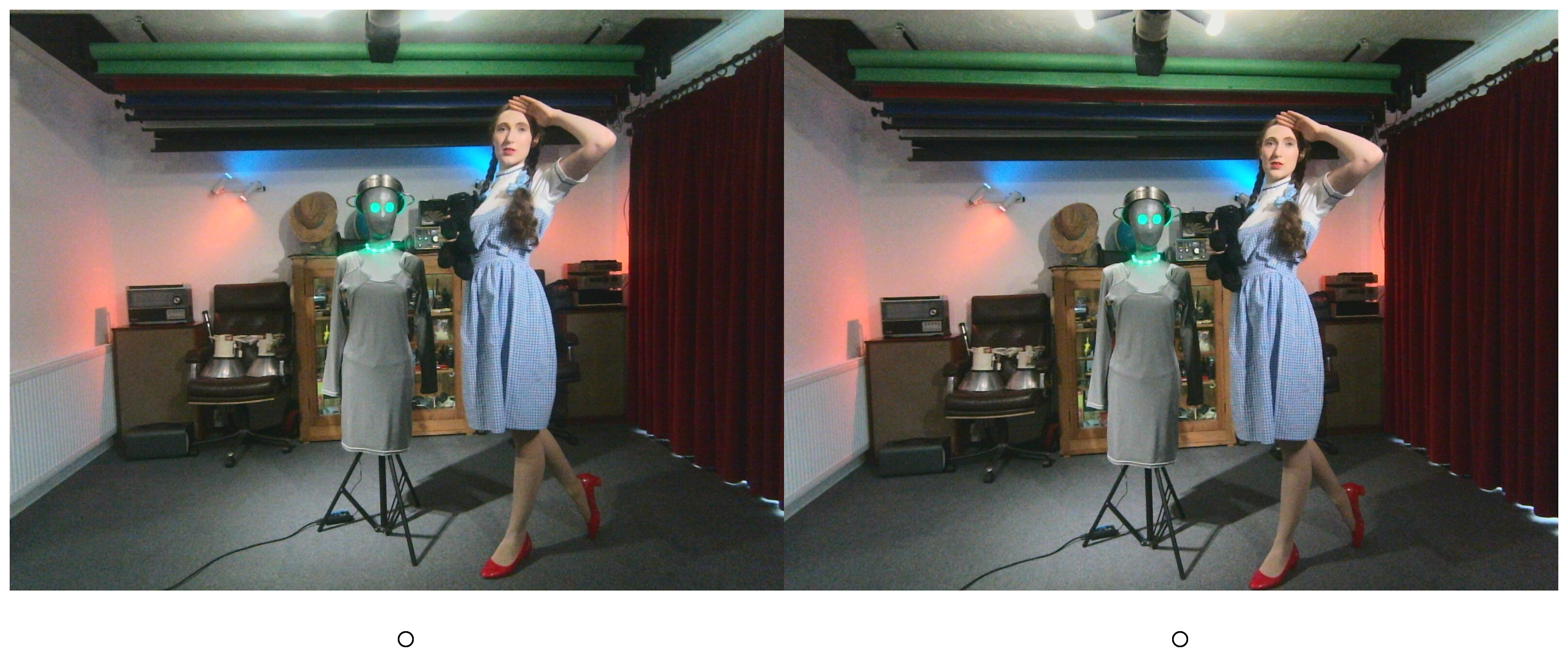
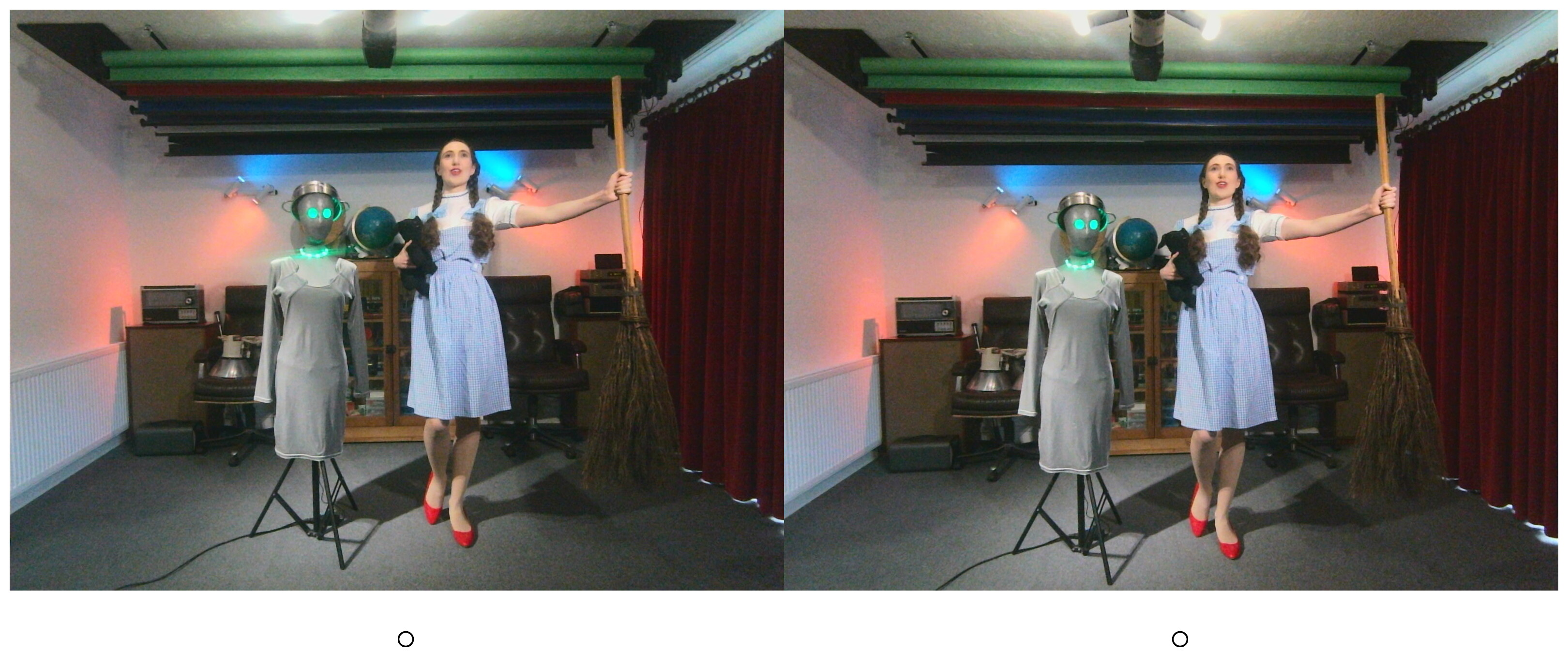
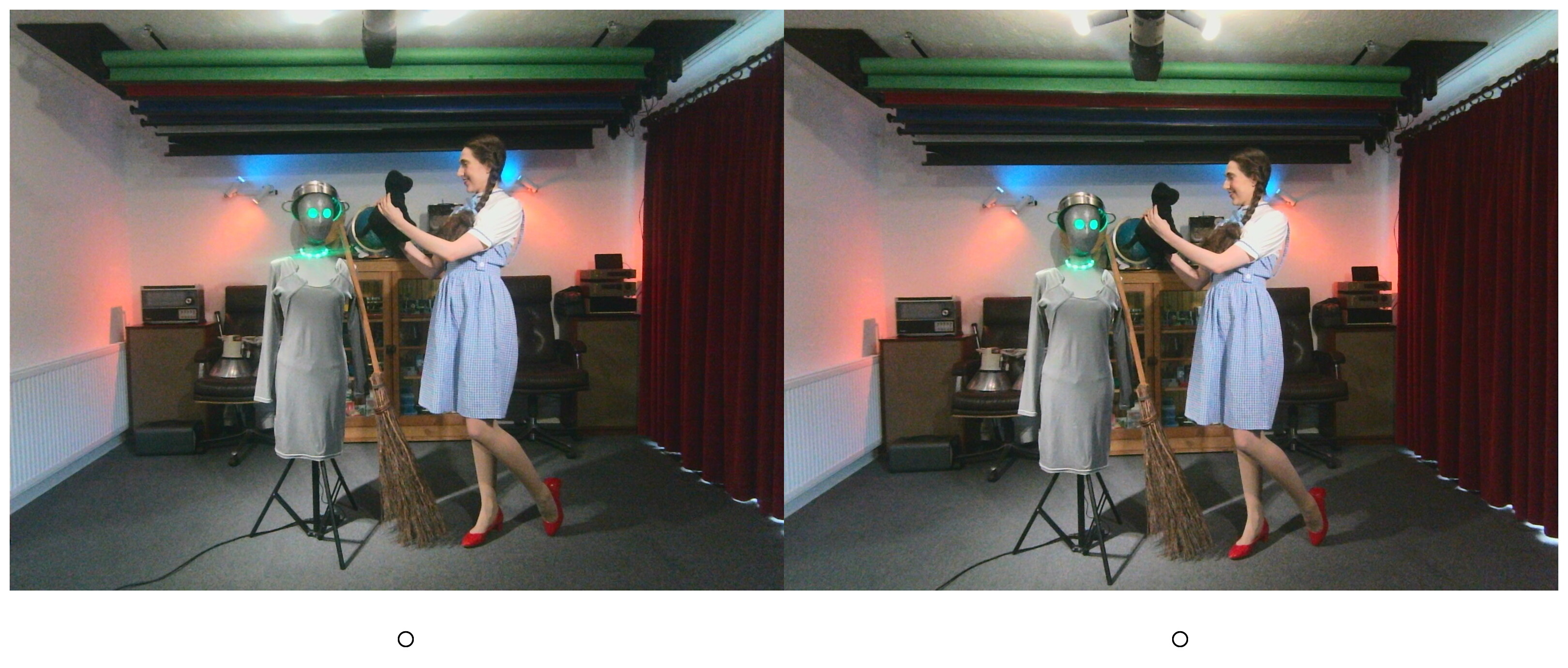
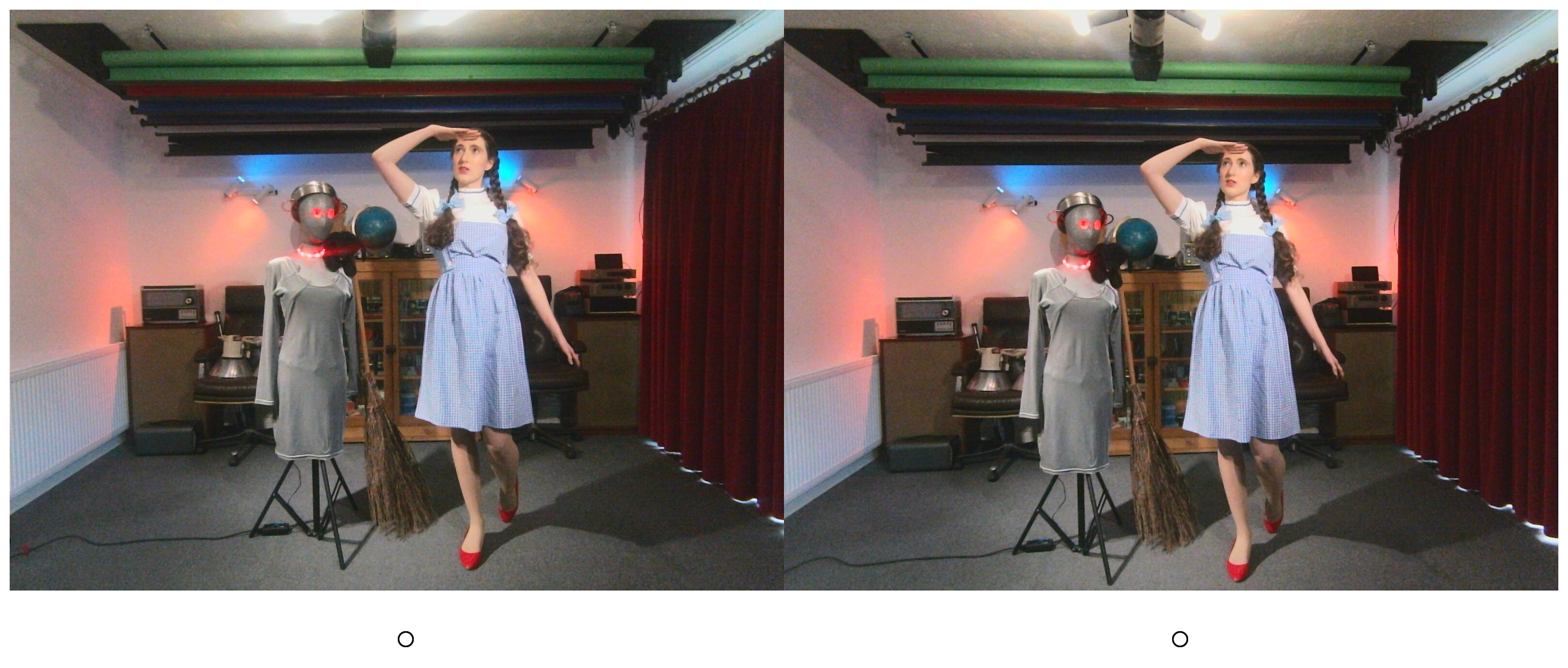
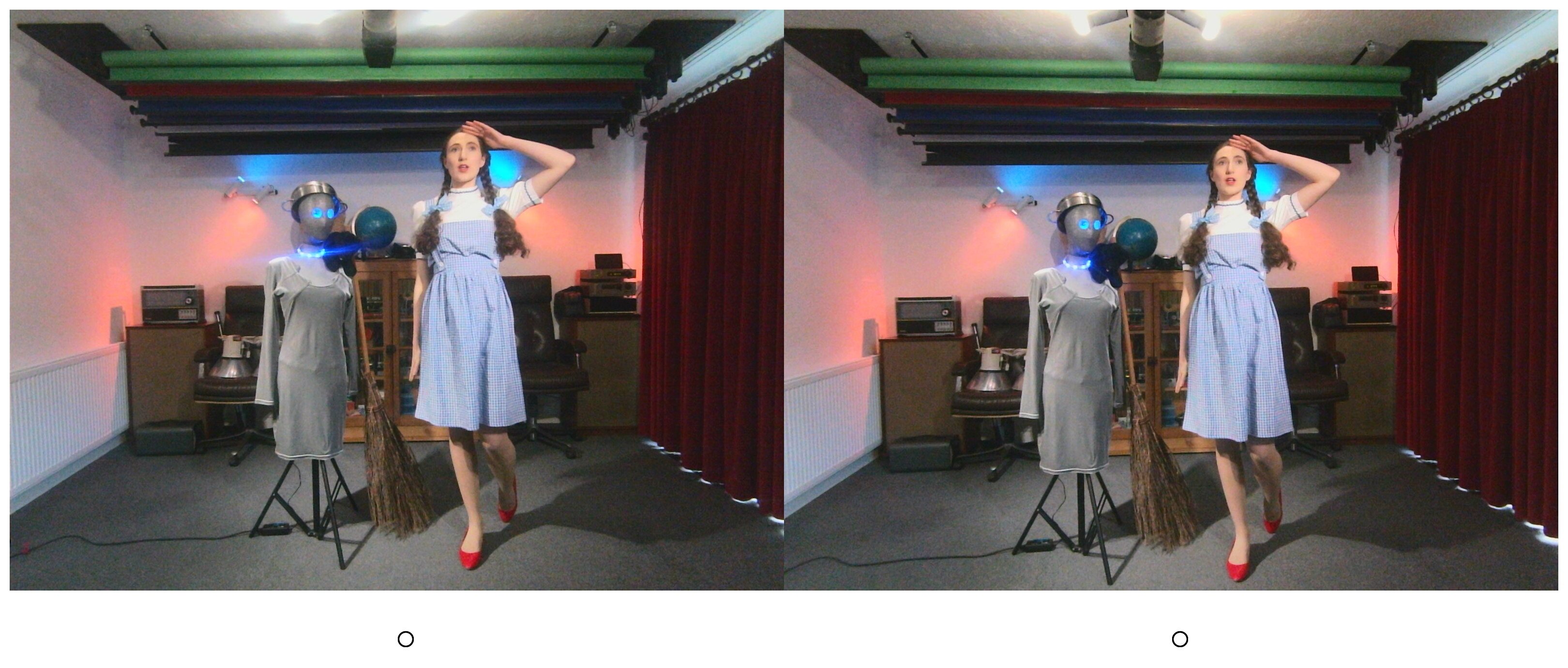
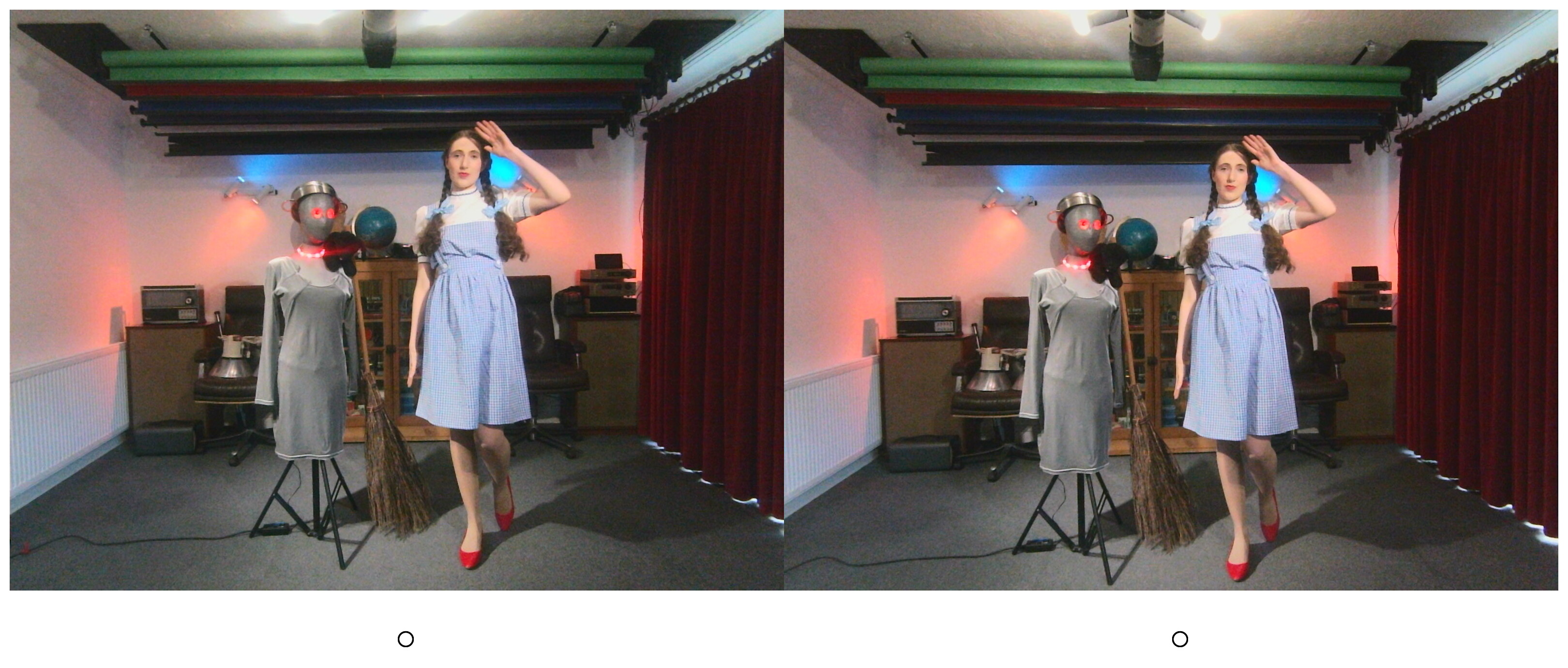
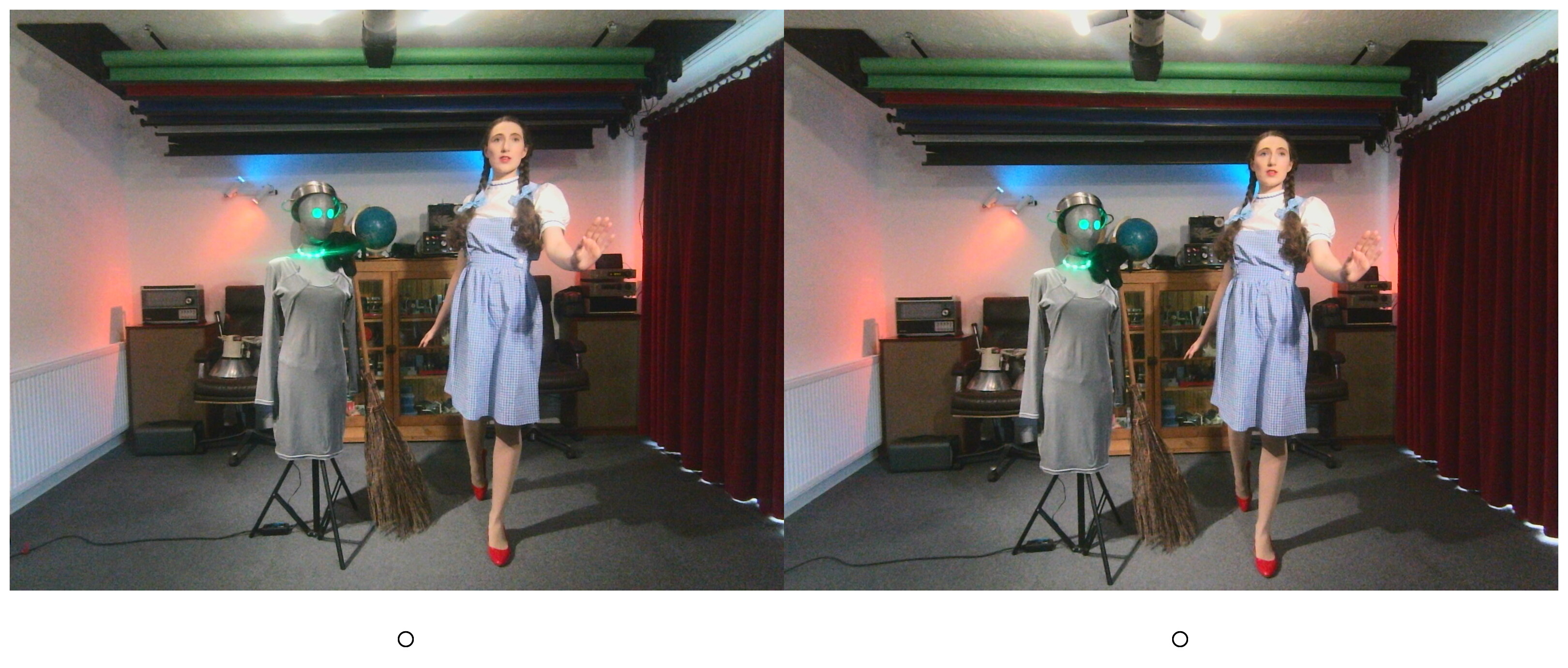
BASH script ‘garf-crosseyed+bg’
This script takes a directory full of parallel stereo pairs and converts them into cross-eyed stereo pairs by swapping the left and right halves. This version of the script also adds a fine border and calibration circles at the bottom. It works on entire current directory and creates a new subdirectory for the new file(s).
#!/bin/bash

# garf-crosseeyed+bg
#
# By Garfleld Lucas.
# Updated 2026-05-22.
#
# Converts parallel stereo pairs into cross-eyed stereo pairs
# by swapping the left and right halves.
# This version adds a fine border and calibration circles at the bottom.
# Works on entire current directory and creates a new subdirectory for the new file(s).
#
# Usage ./garf-crosseyed+bg *.jpg or ./garf-crosseyed+bg *.png
#
# May also work on other image formats.
#
# Input must be:
# Side-by-side image(s)
# Total size: 3200x1600
# Left eye : 1600x1600
# Right eye: 1600x1600.
#
# Output saved into ./crosseyed+bg
# Original filenames preserved
#
# Requires: ImageMagick ("magick" command)

# Exit on errors, undefined variables, or failed pipelines
set -euo pipefail

# Create output directory if needed
mkdir -p "crosseyed+bg"

# Process every file given on the command line
for img in "$@"; do

# Skip non-files
[ -f "$img" ] || continue

# Extract filename without path
filename=$(basename "$img")

# --------------------------------------------------
# Create crossed-eye stereo image
#
# 1. Crop square centre sections from each eye
# RIGHT eye first, then LEFT eye
#
# 2. Append side-by-side in reversed order
# for crossed-eye viewing
#
# 3. Add outer white border
#
# 4. Add white footer space underneath
# for alignment circles
#
# 5. Draw alignment circles onto transparent overlay
#
# 6. Composite overlay onto final image
# --------------------------------------------------
magick "$img" \
\( -clone 0 -crop 1600x1600+1600+0 +repage \) \
\( -clone 0 -crop 1600x1600+0+0 +repage \) \
-delete 0 \
+append \
-bordercolor white -border 20 \
-background white \
-gravity south \
-splice 0x140 \
\( \
-size 3240x1780 xc:none \
-fill none \
-stroke black \
-strokewidth 3 \
-draw "circle 820,1720 835,1720" \
-draw "circle 2420,1720 2435,1720" \
\) \
-compose over -composite \
"crosseyed+bg/$filename"

echo "Created: crosseyed+bg/$filename"
done
Copy and paste the above script to a text file and save it as “garf-crosseyed+bg”. Please note this script assumes the input images are 3200 x 1200 pixel pairs of equally sized 1600 x 1200 pixel images. If your input images are some other size, then you will need to make adjustments to the above script.
Permissions
Don’t forget to change the script file’s permissions to make it executable. From the same directory run the following command:-
chmod +x garf-crosseyed+bg
Dependencies
This script requires ImageMagick on your system. To install it on Debian-based systems, type or paste the following into a terminal and hit return:-
sudo apt install imagemagick
Credits
- ImageMagick
- With many thanks to my friend and model Estella Rose for dressing up in her “Dorothy Gale” costume and posing for some test images.
Disclaimer
Scripts and other code are provided as-is, with no warranty, express or implied. They all work perfectly for me, but I cannot guarantee they will work for you.