
Road trip to Hungary, part 5
Salzburg > Vienna > Austro-Hungarian border
Spent the day cruising through the Austrian Alps, stopping for lunch in Salzburg, a few snaps around the beautiful city of Vienna and then on to the Hungarian border.
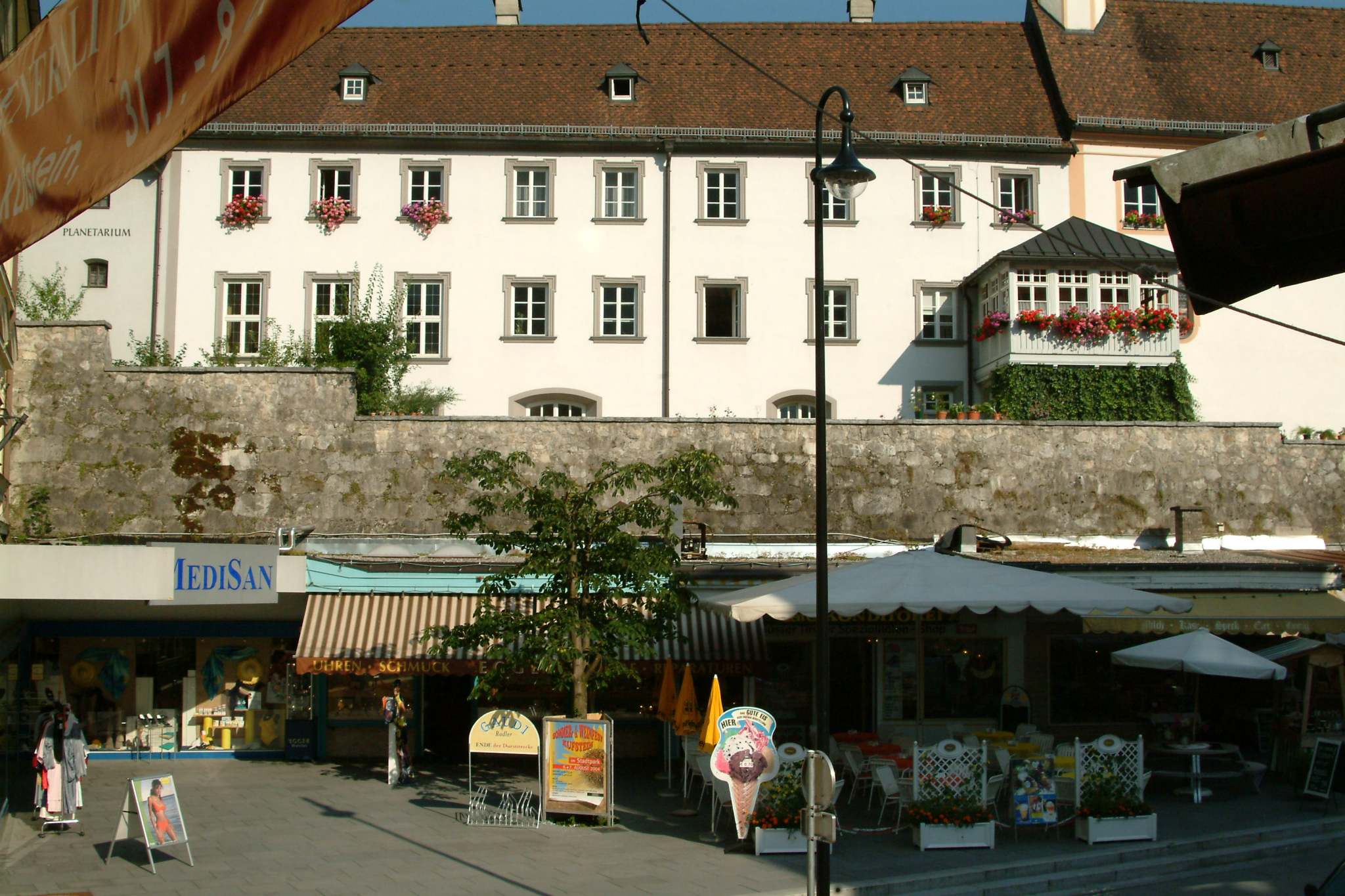
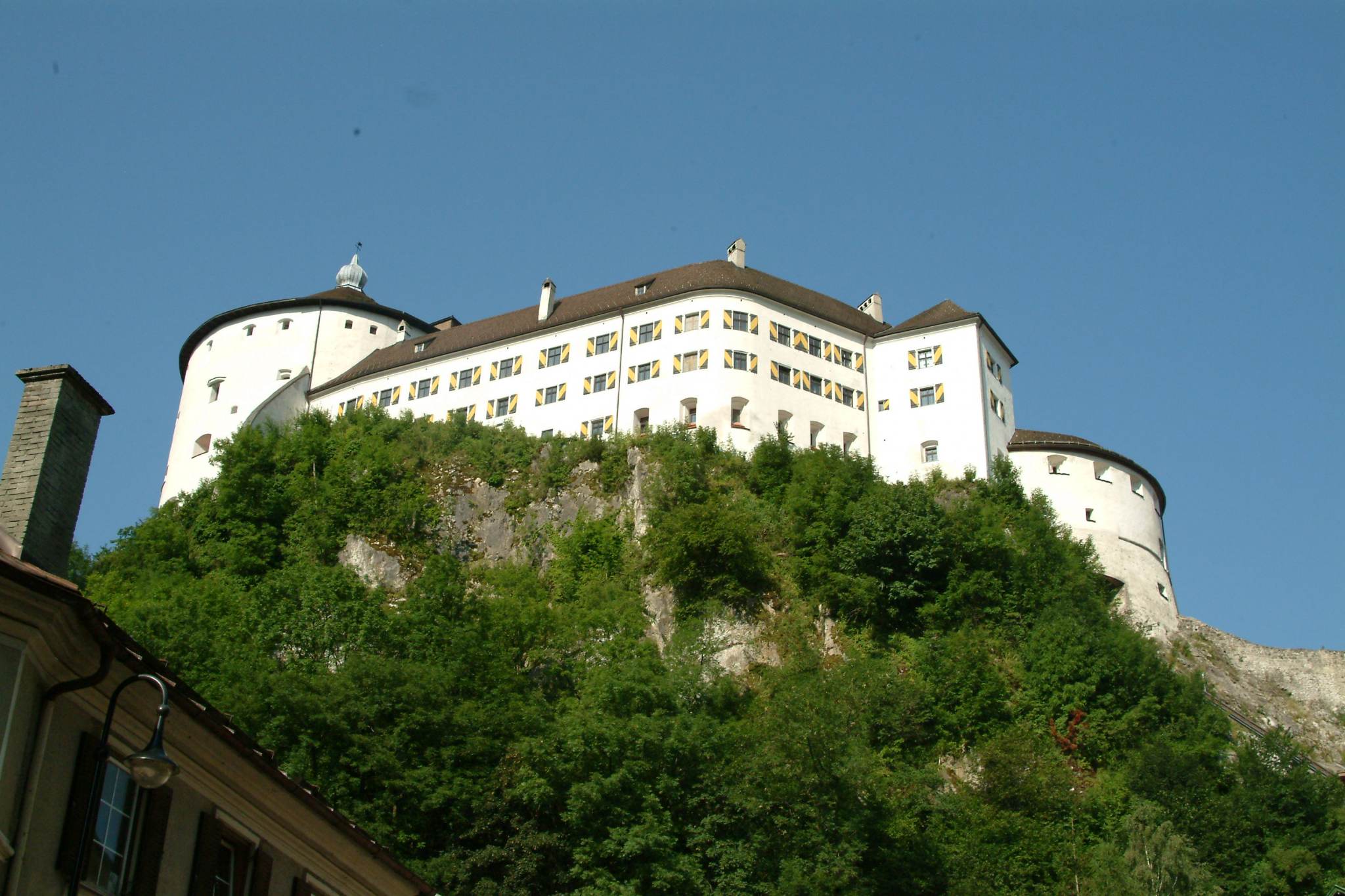
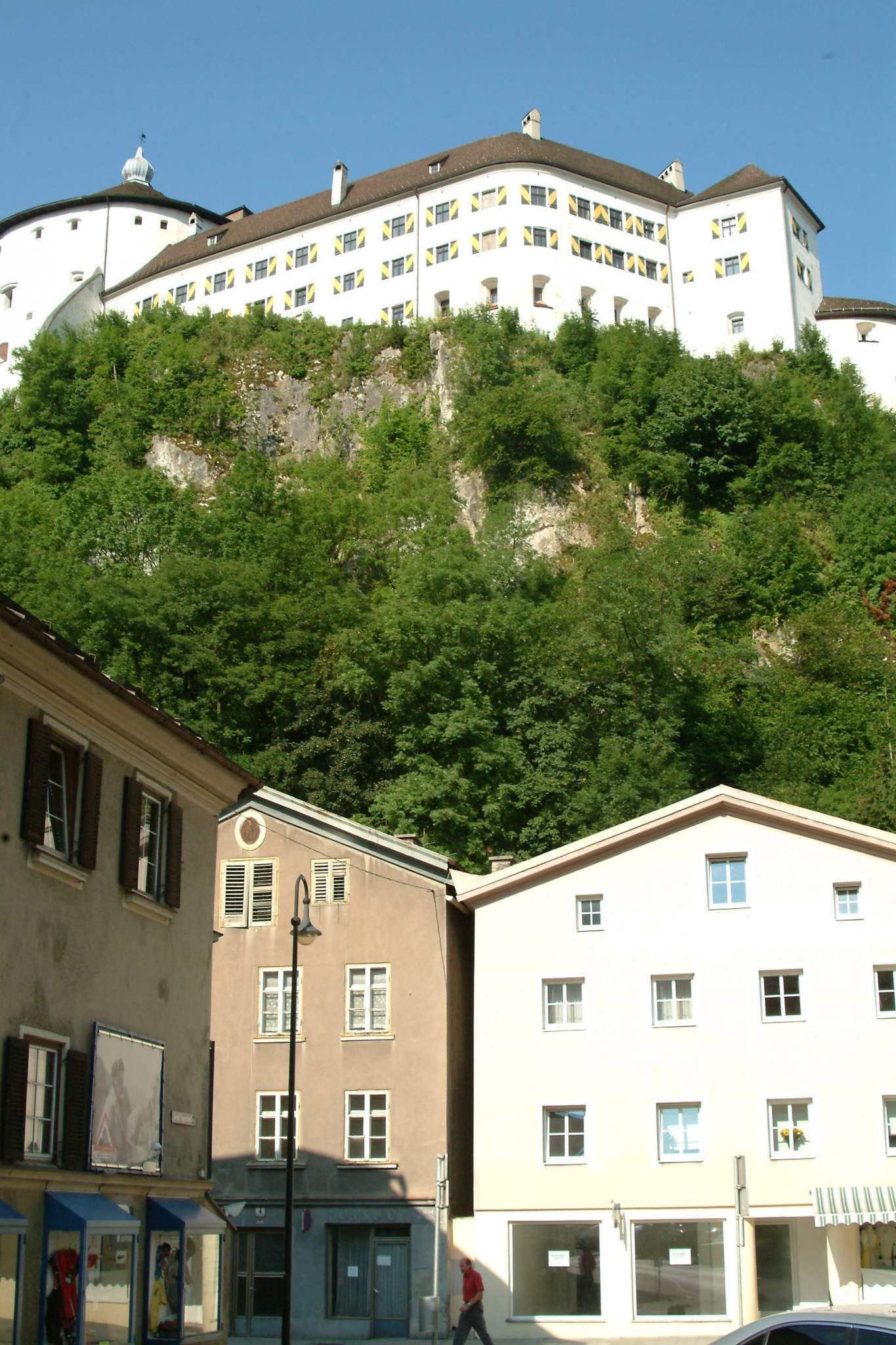
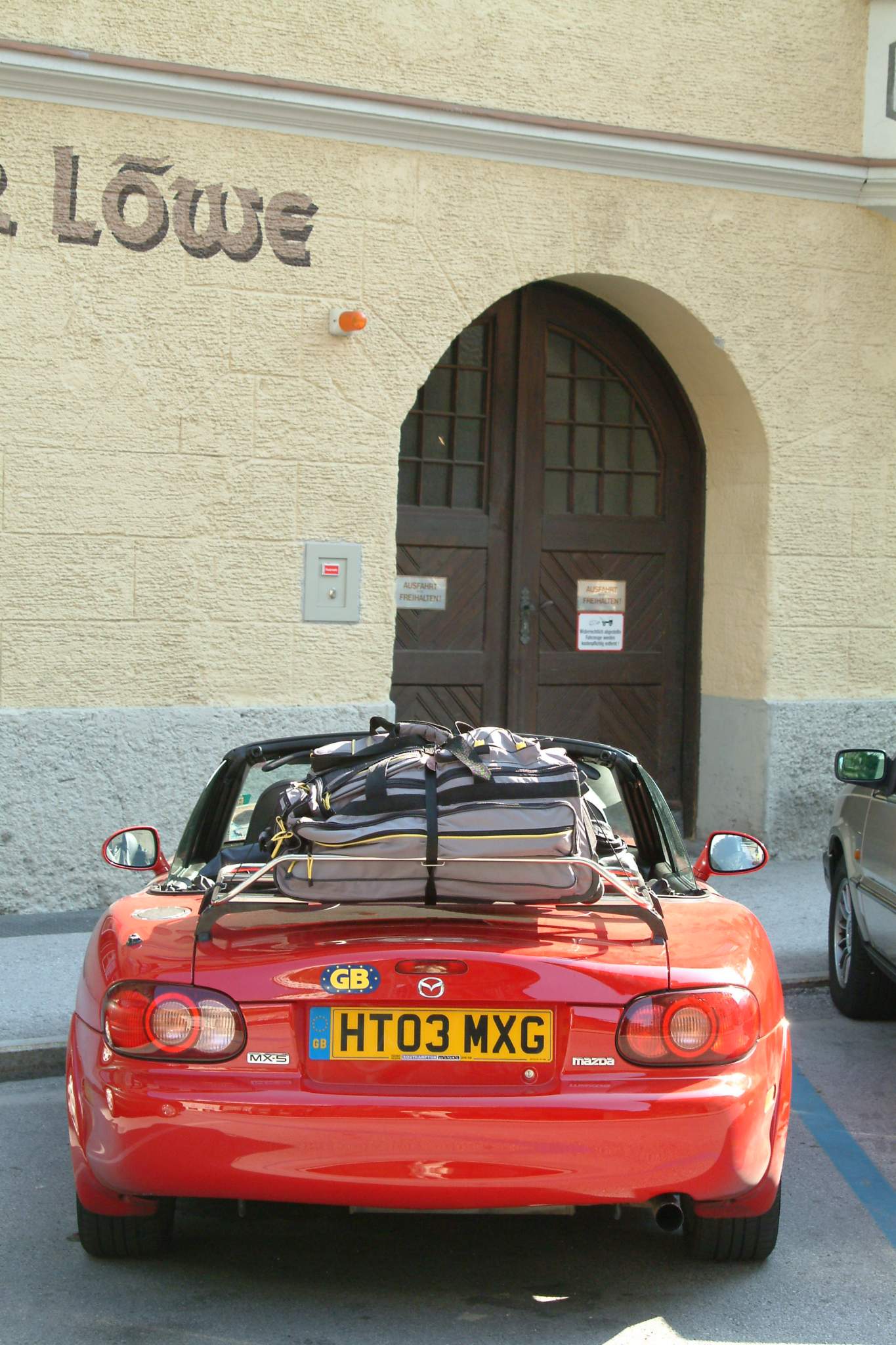
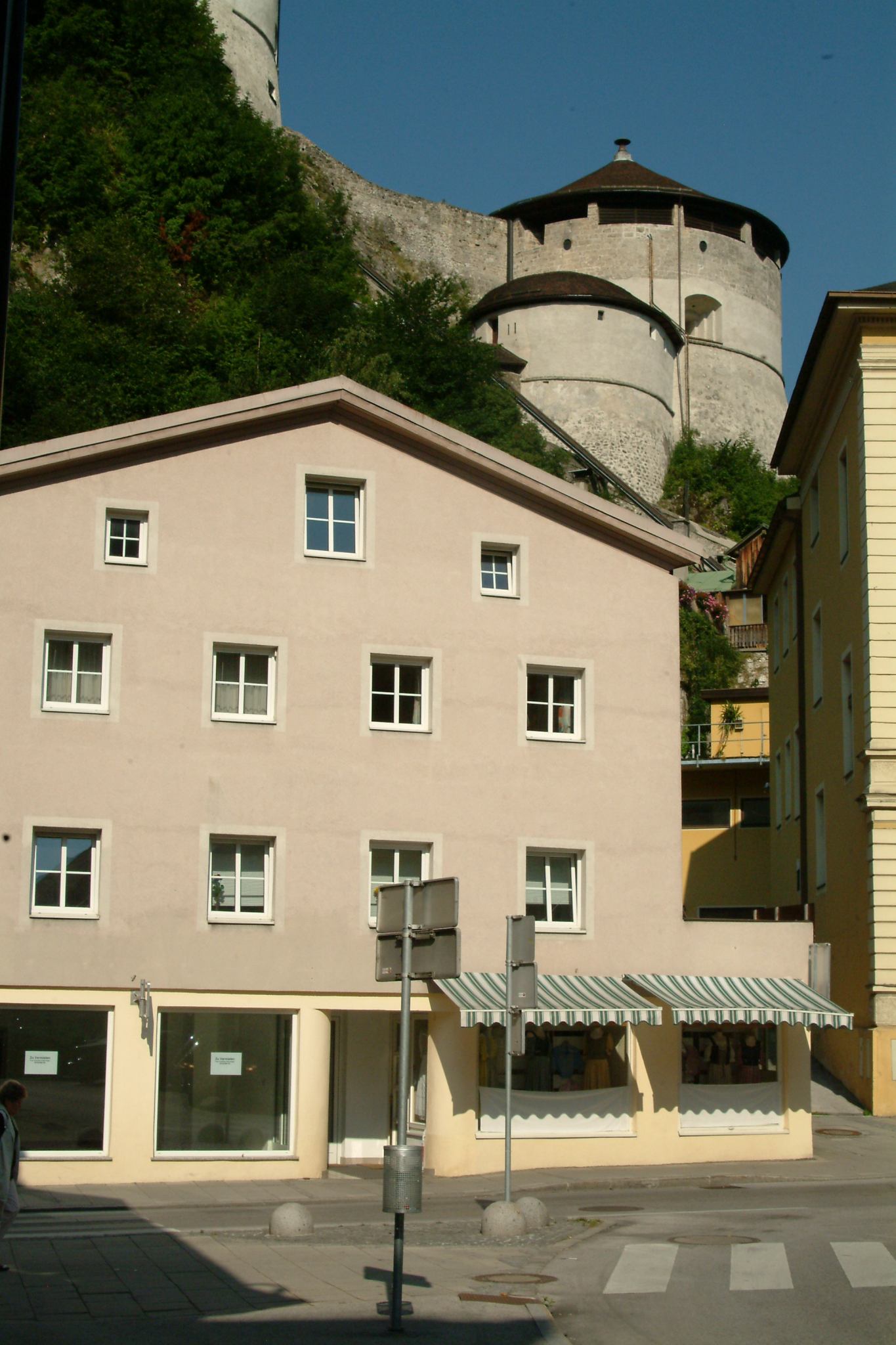
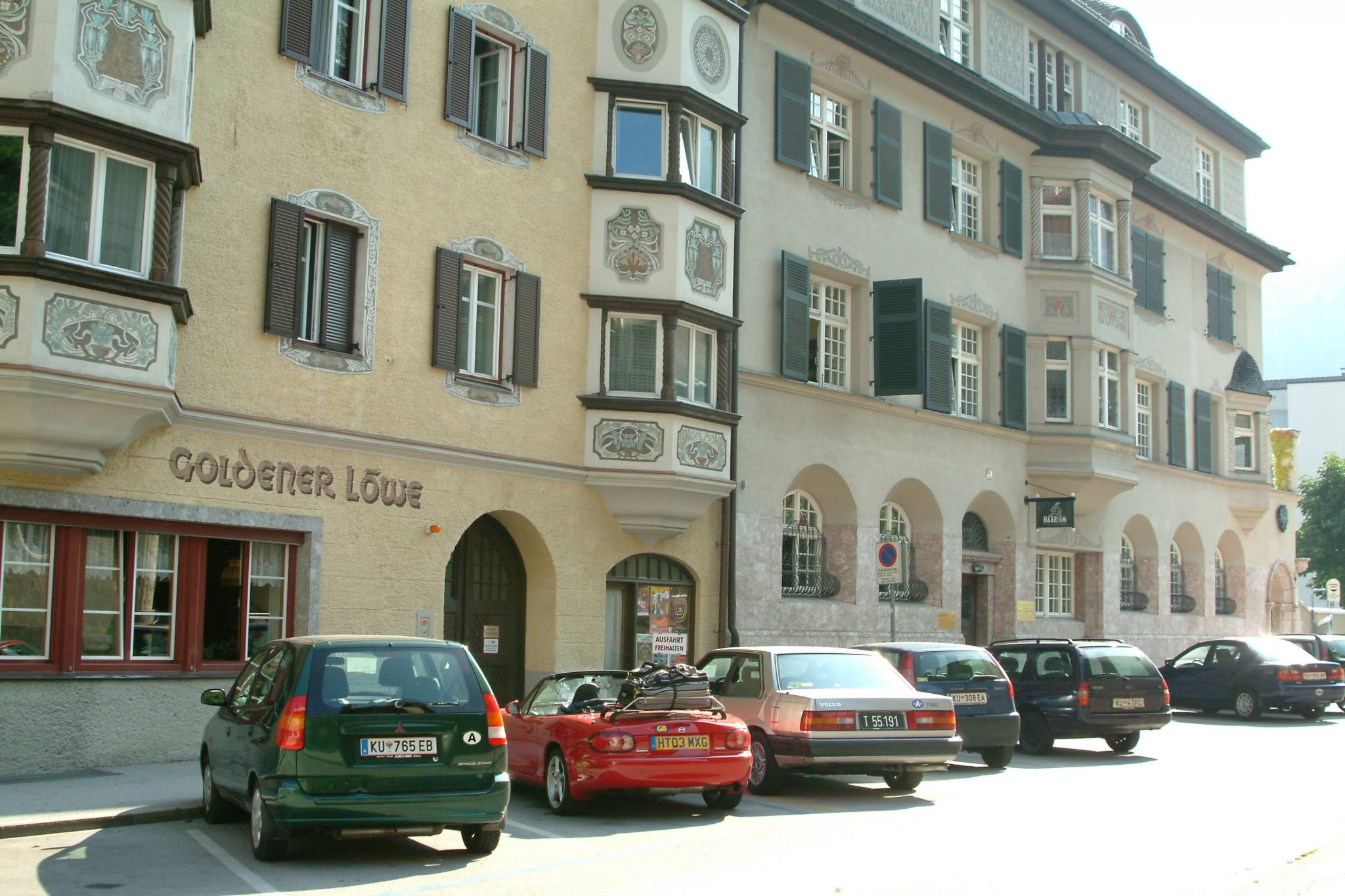

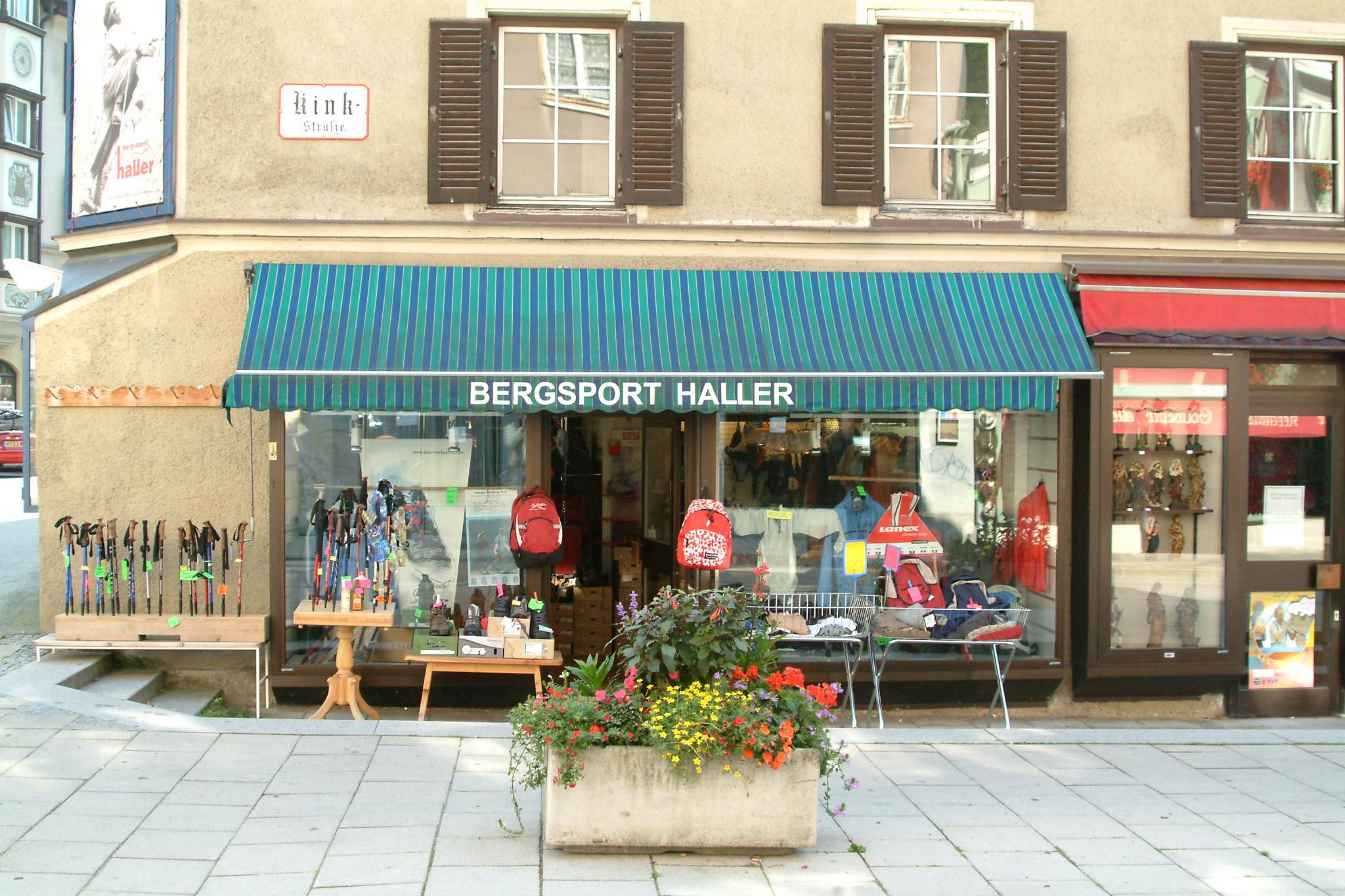
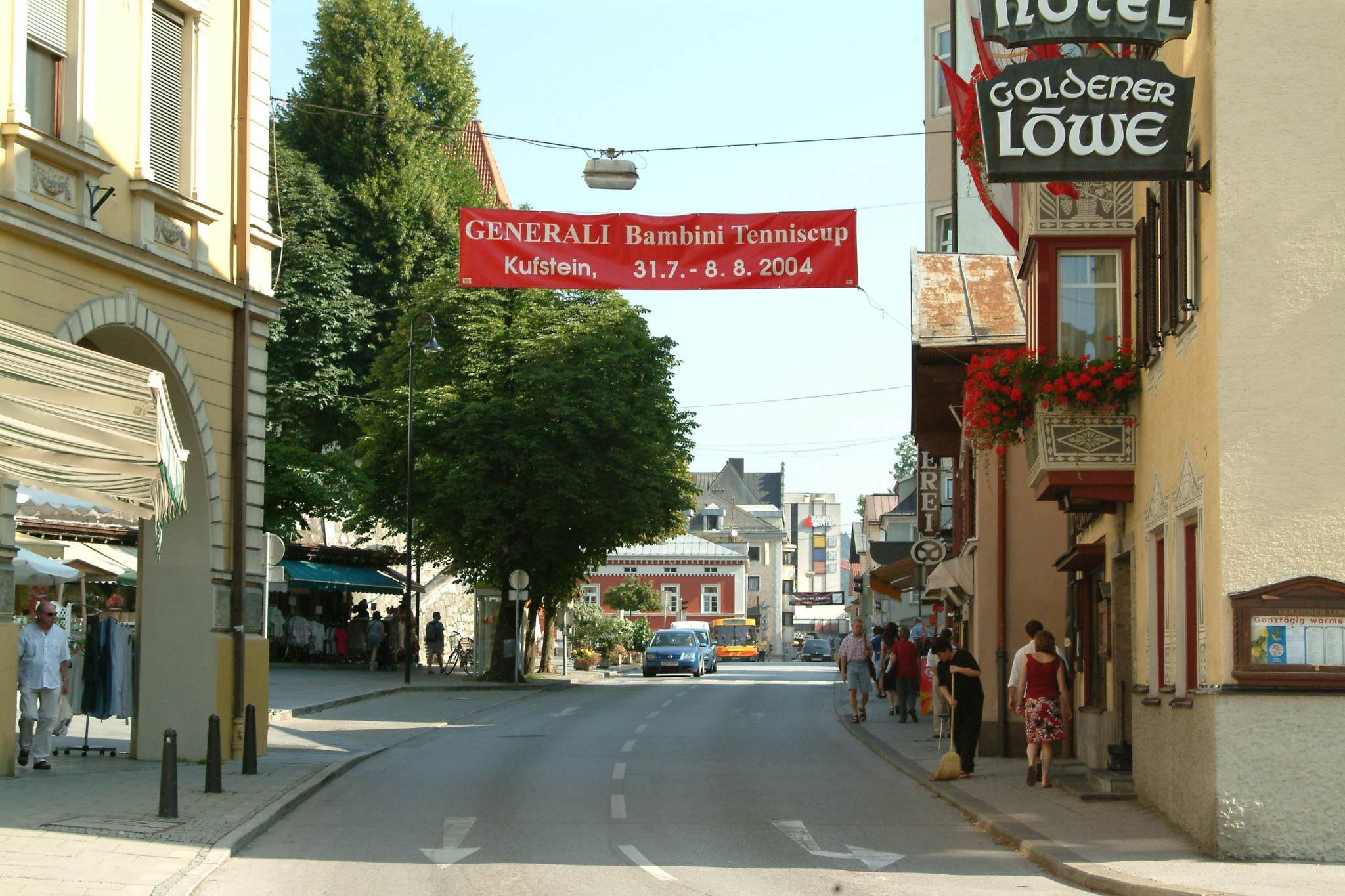
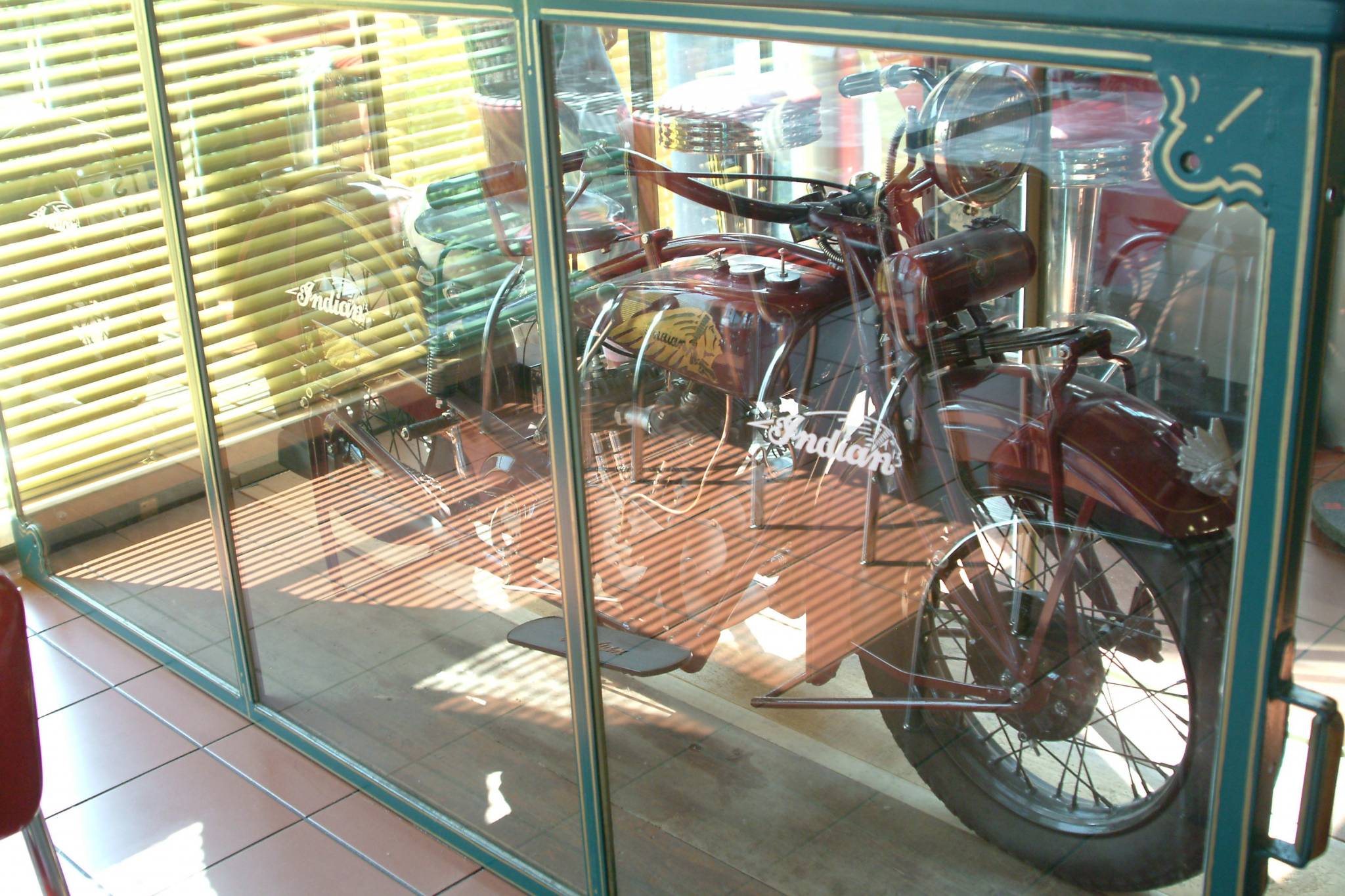
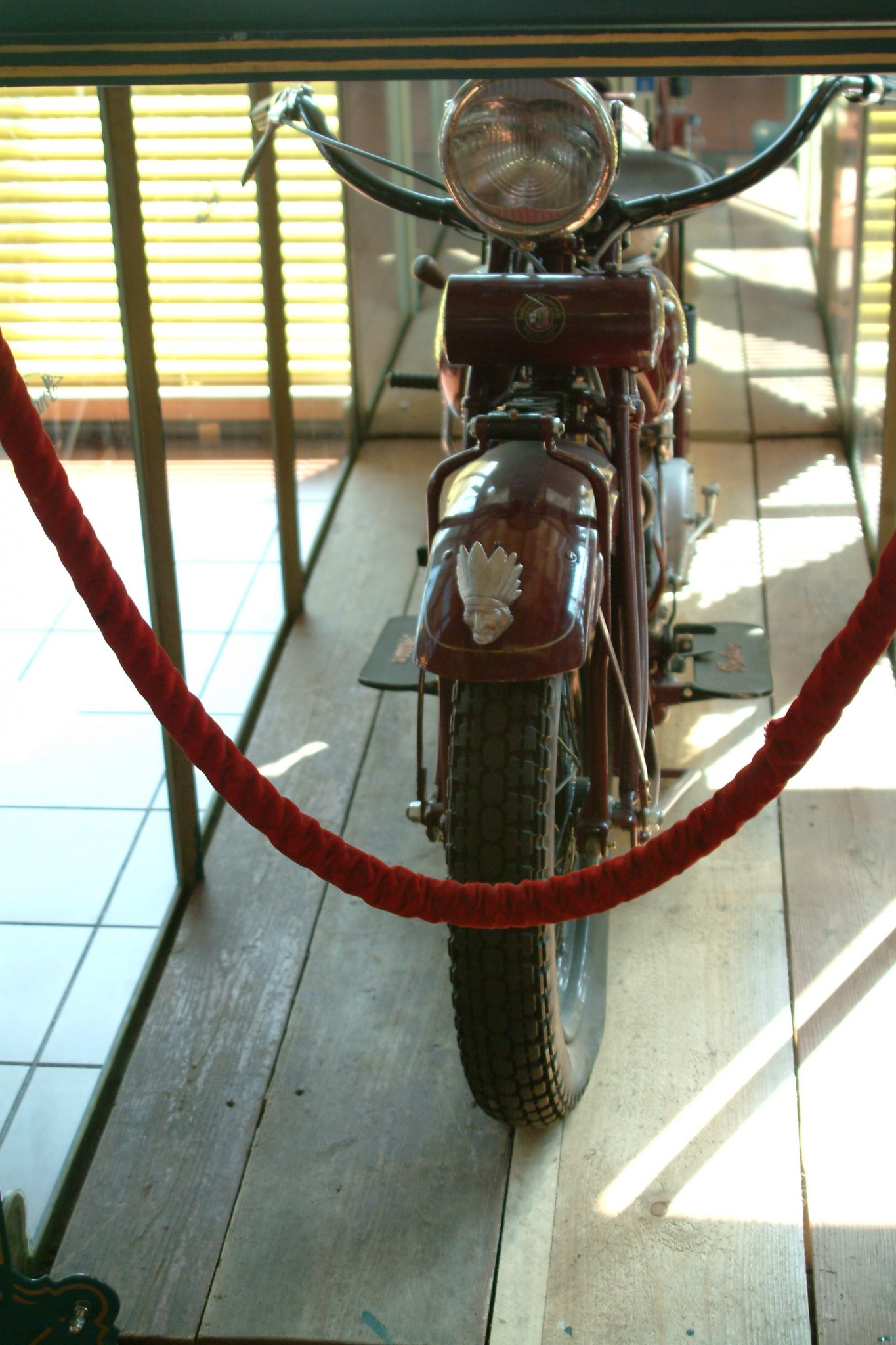
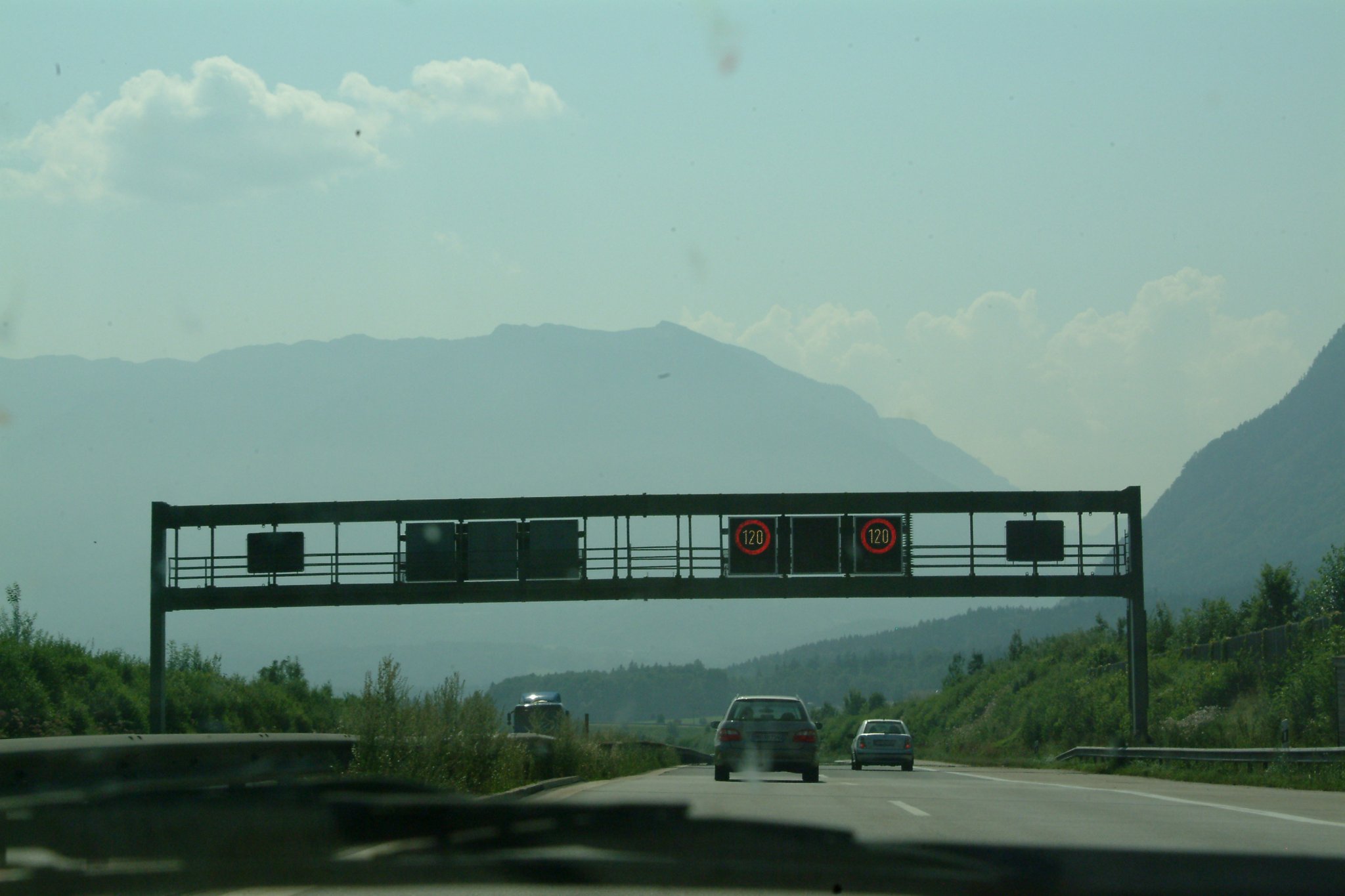
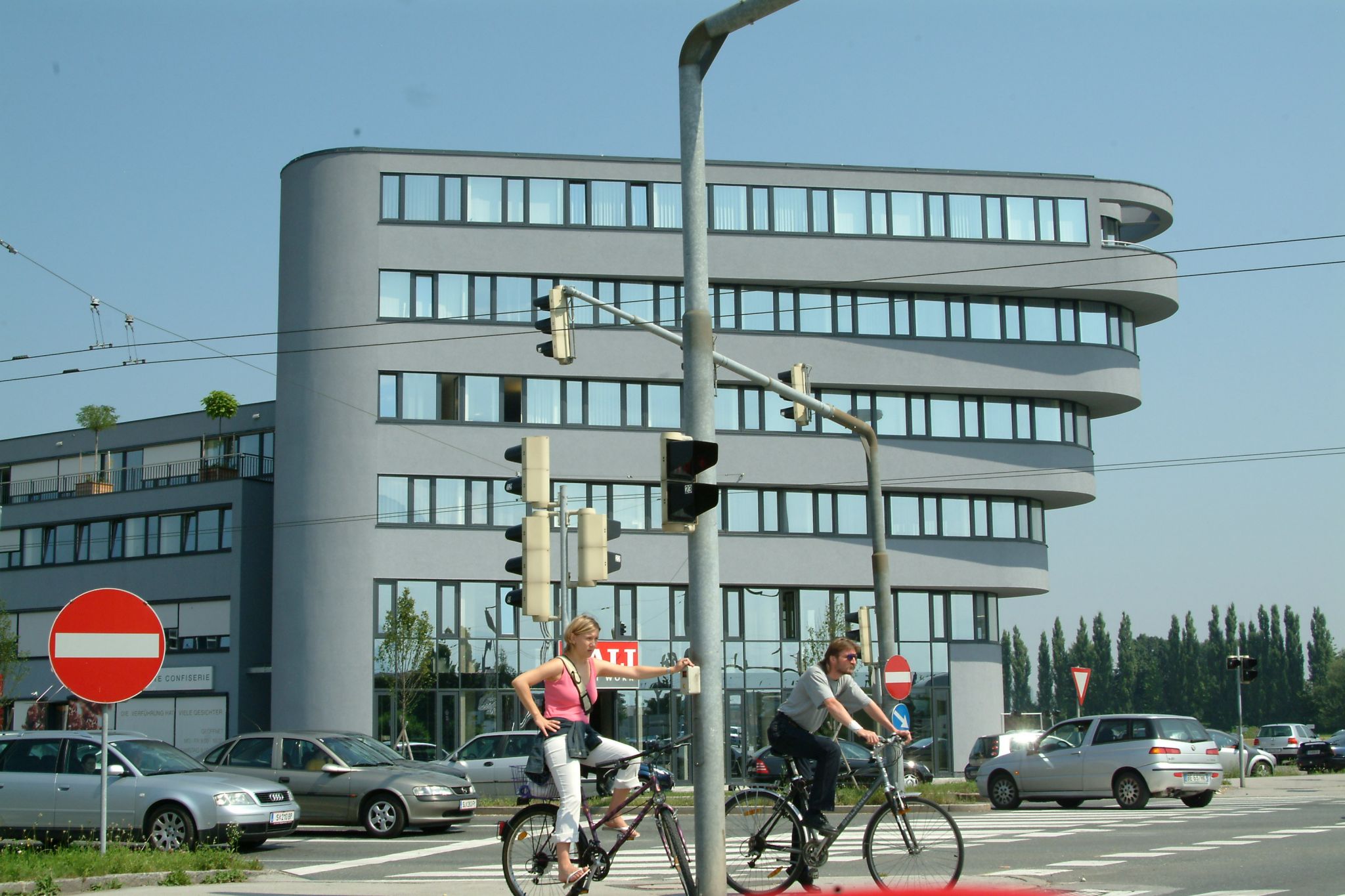
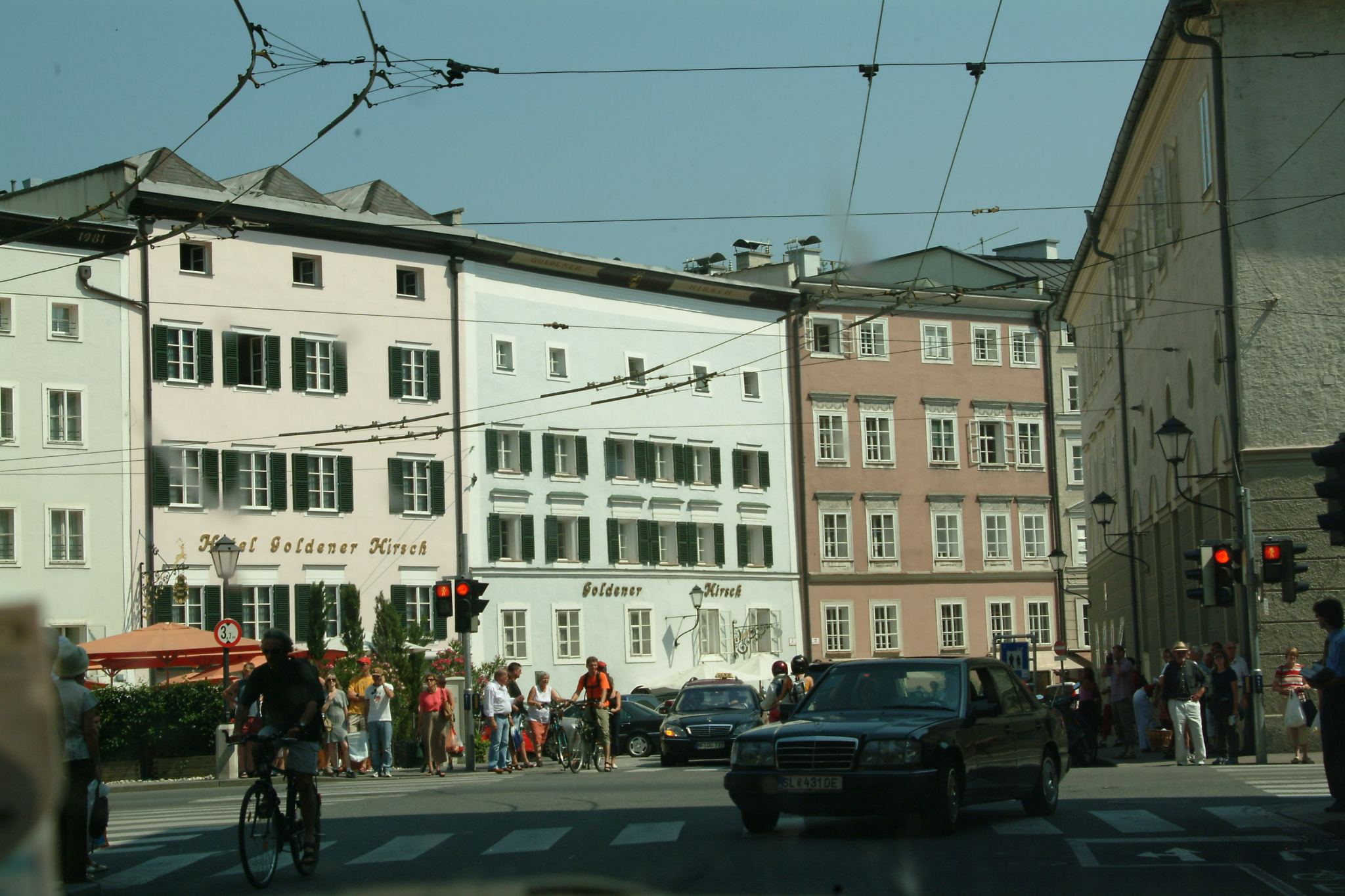
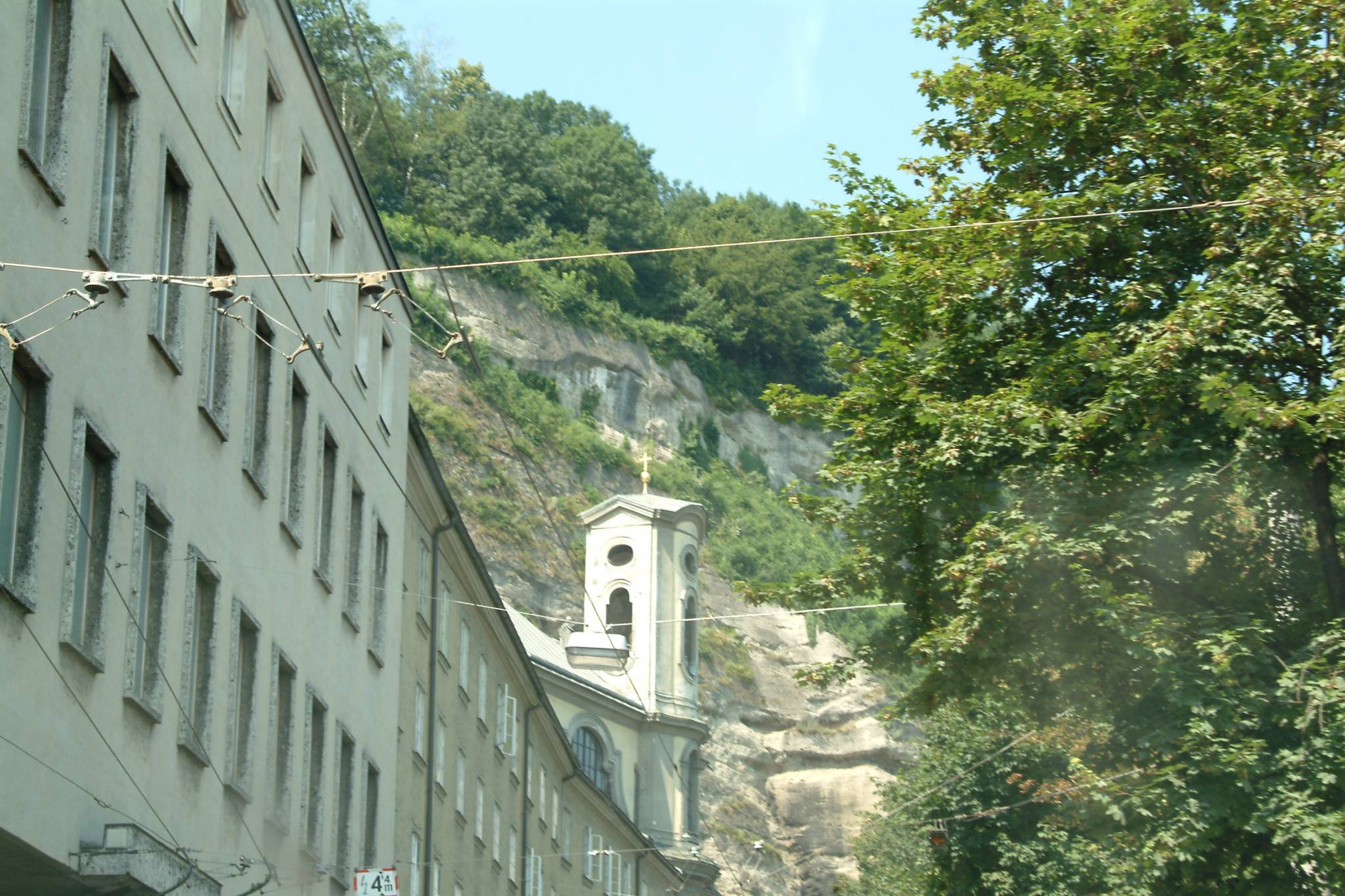
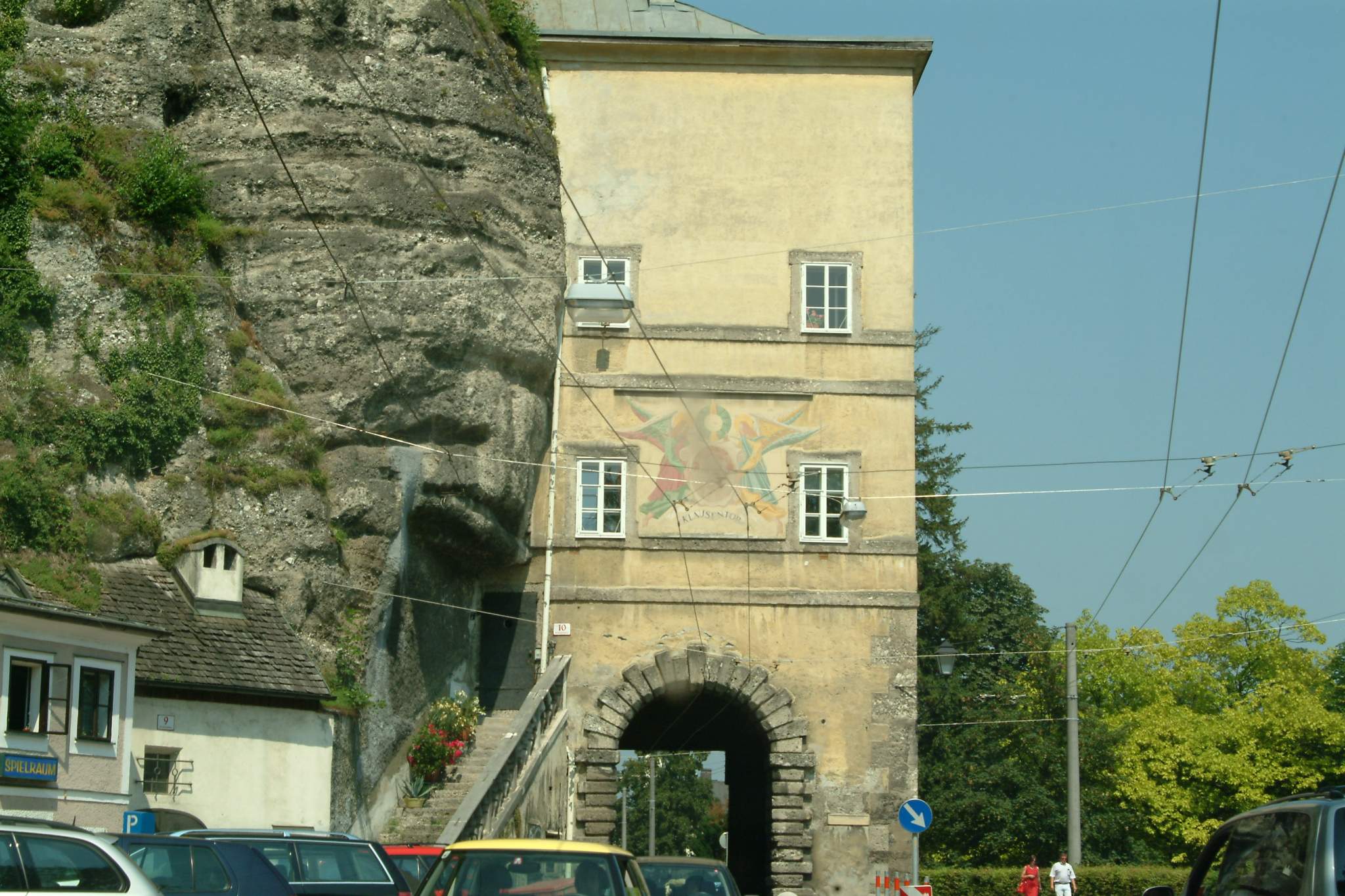
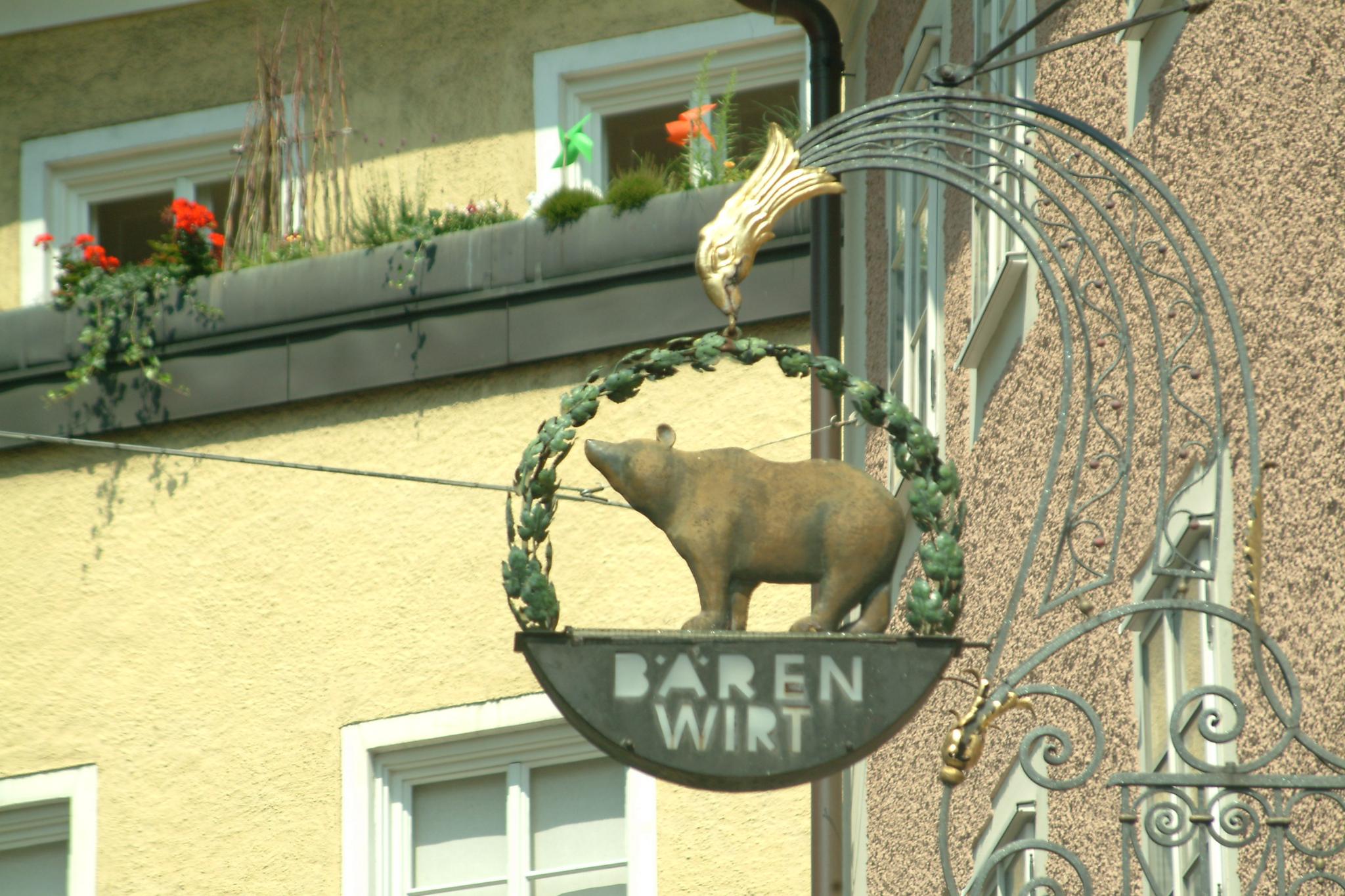
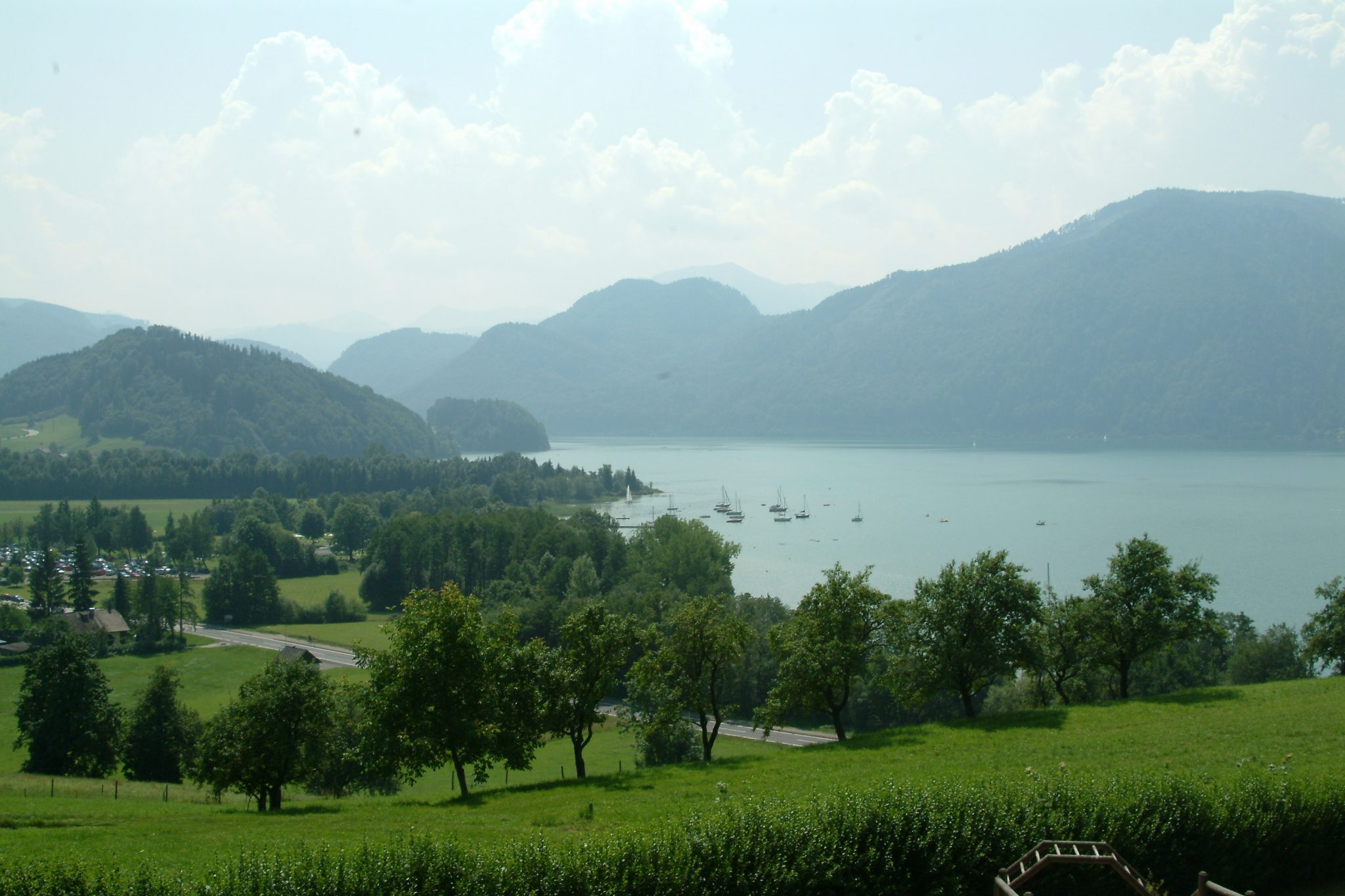
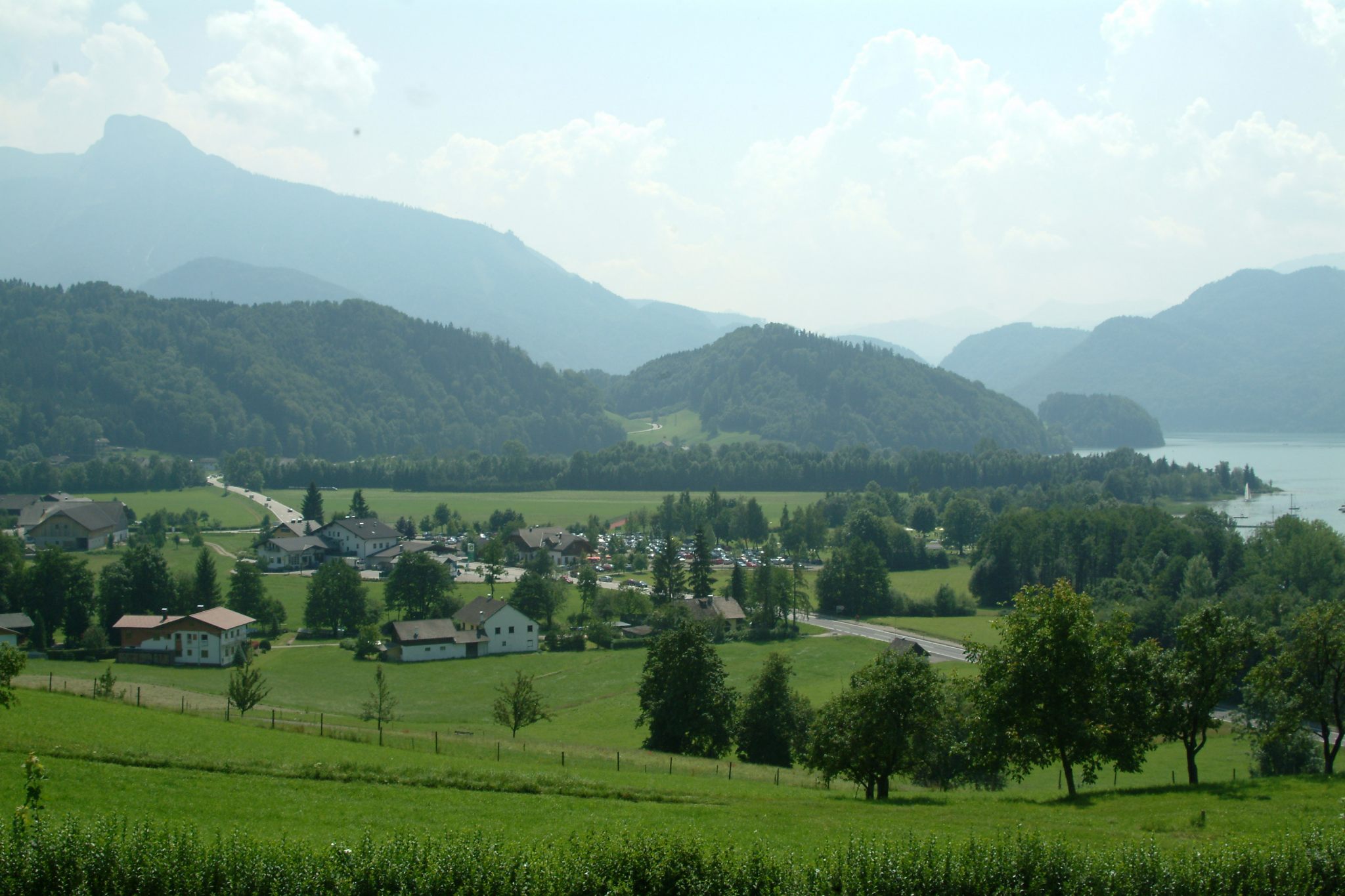
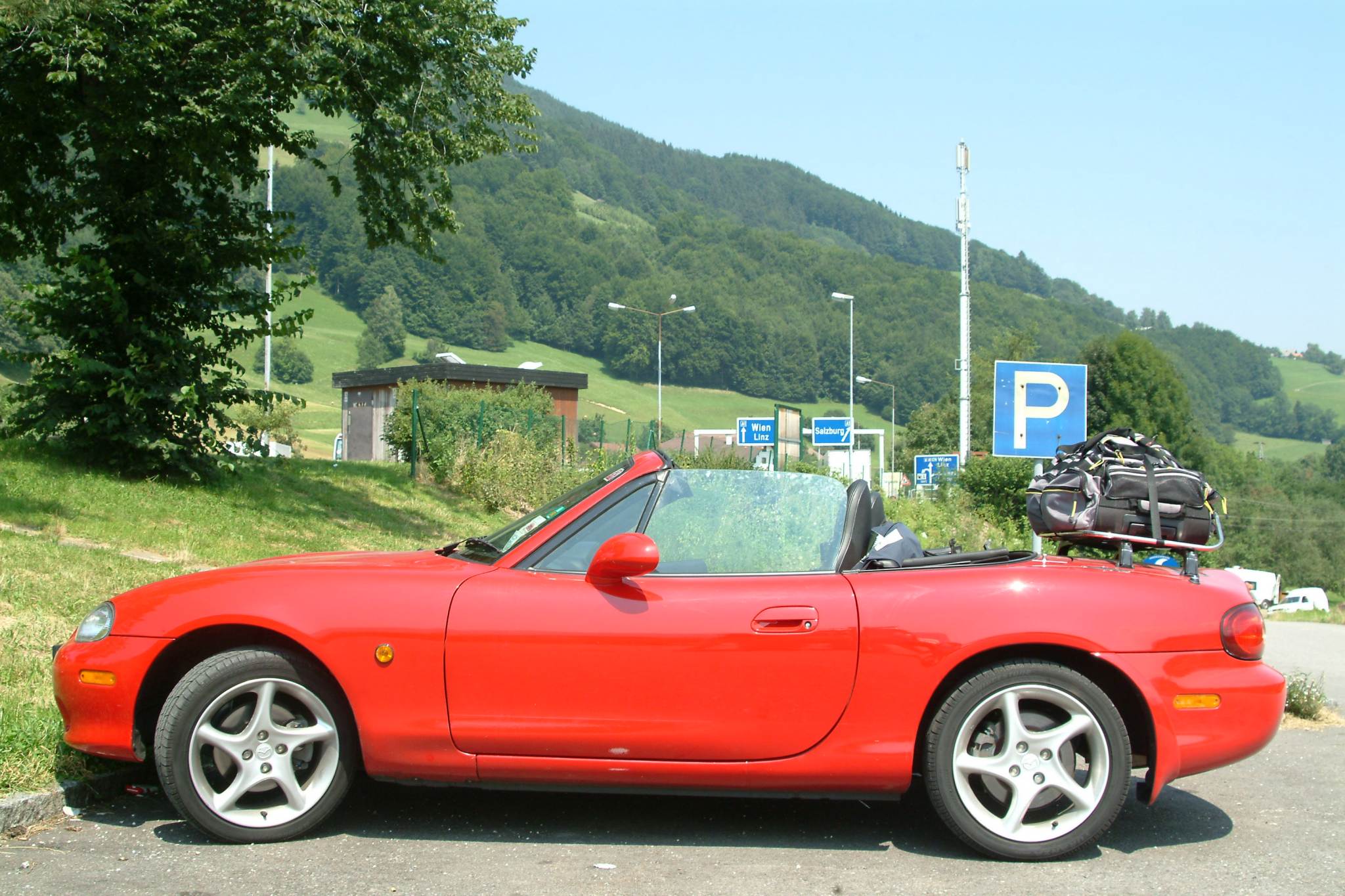
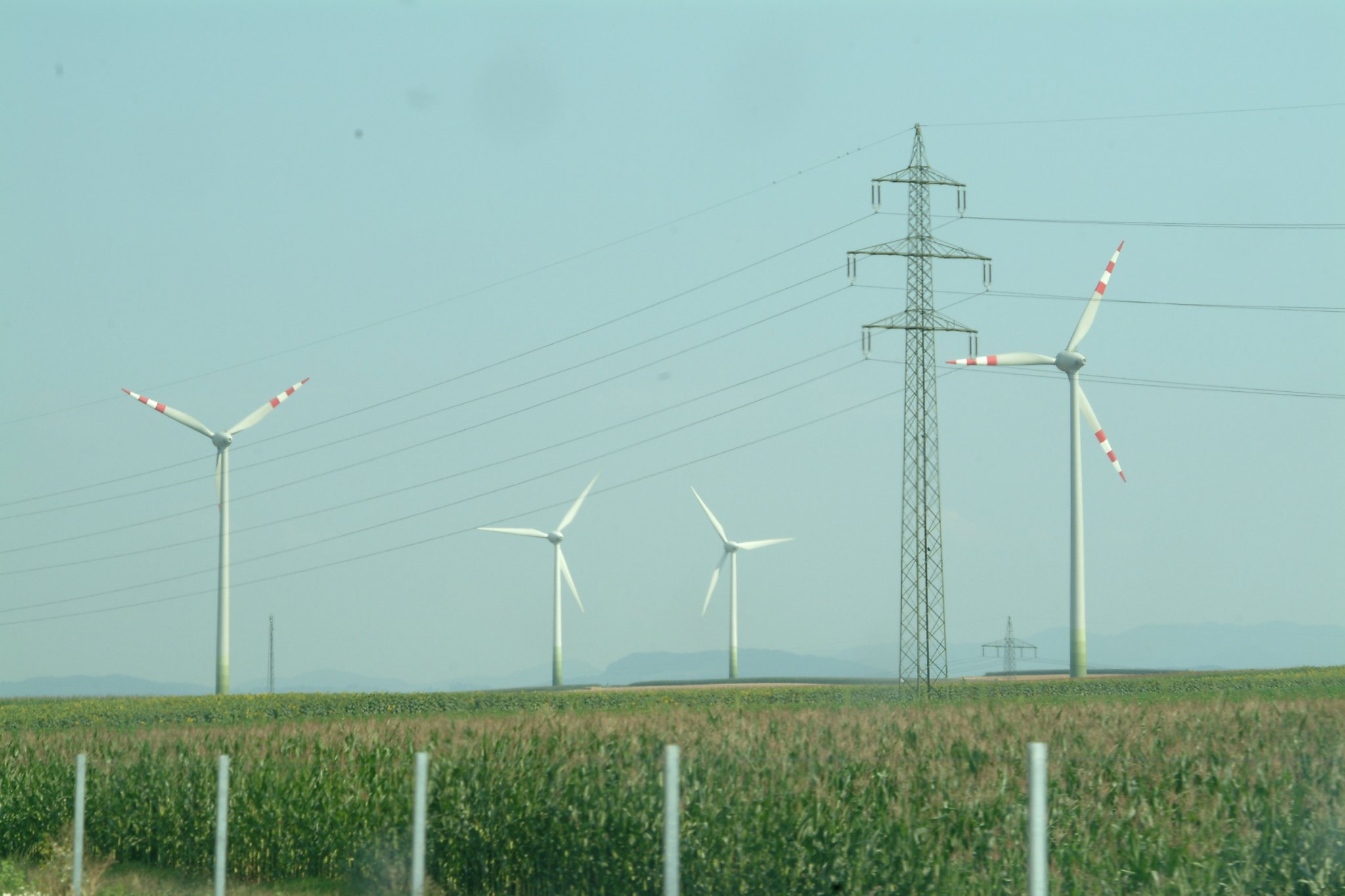
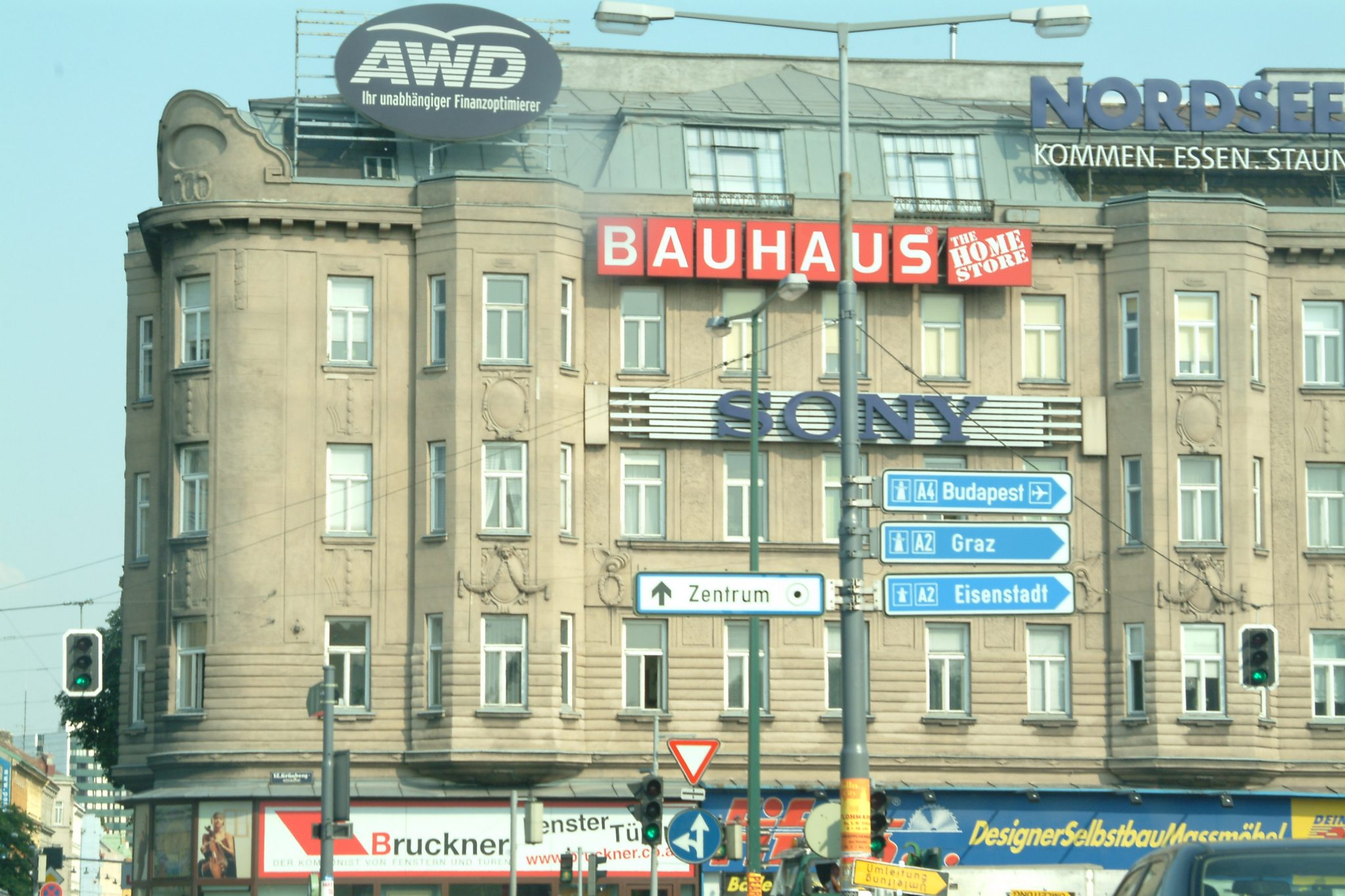
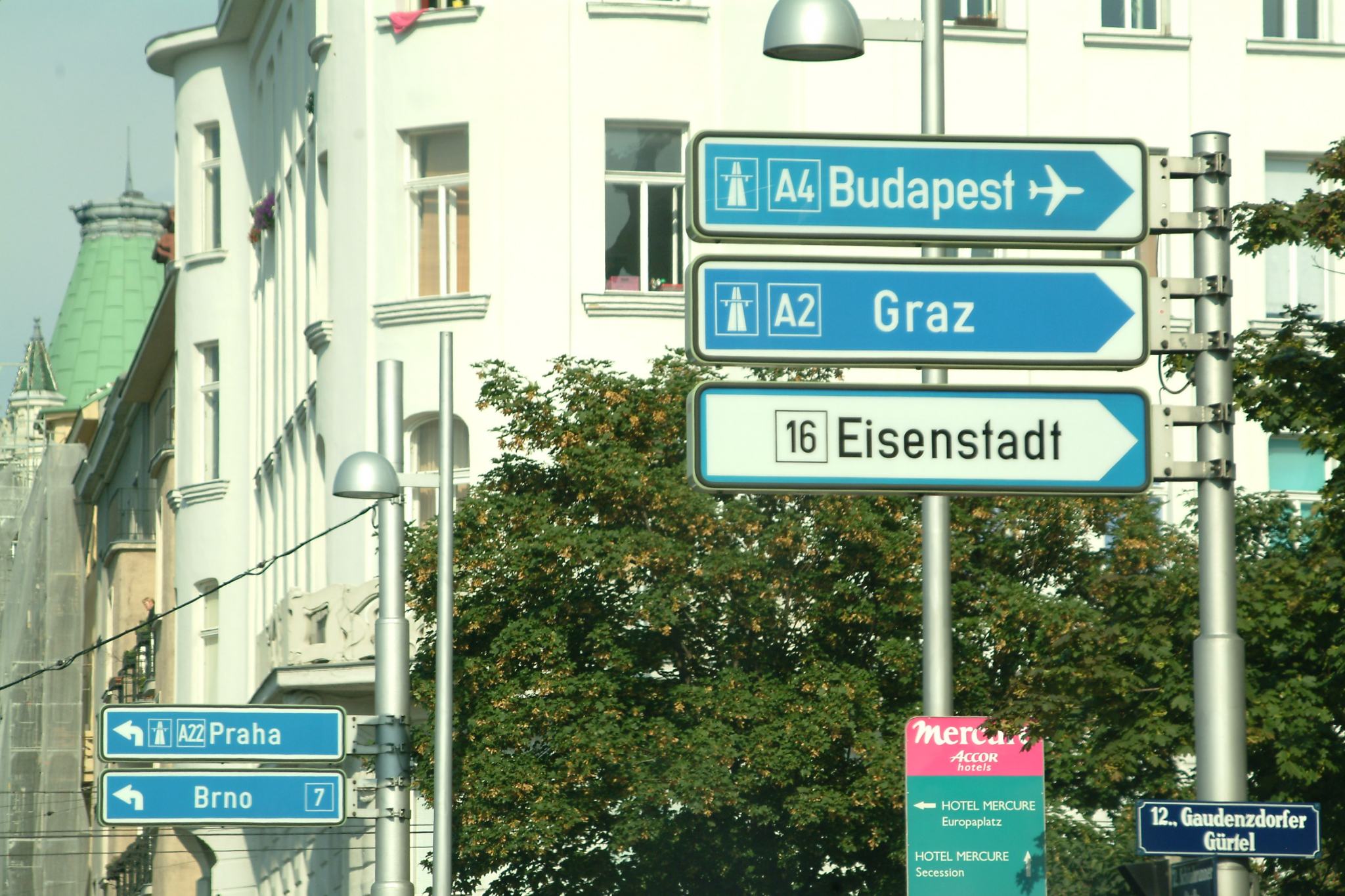


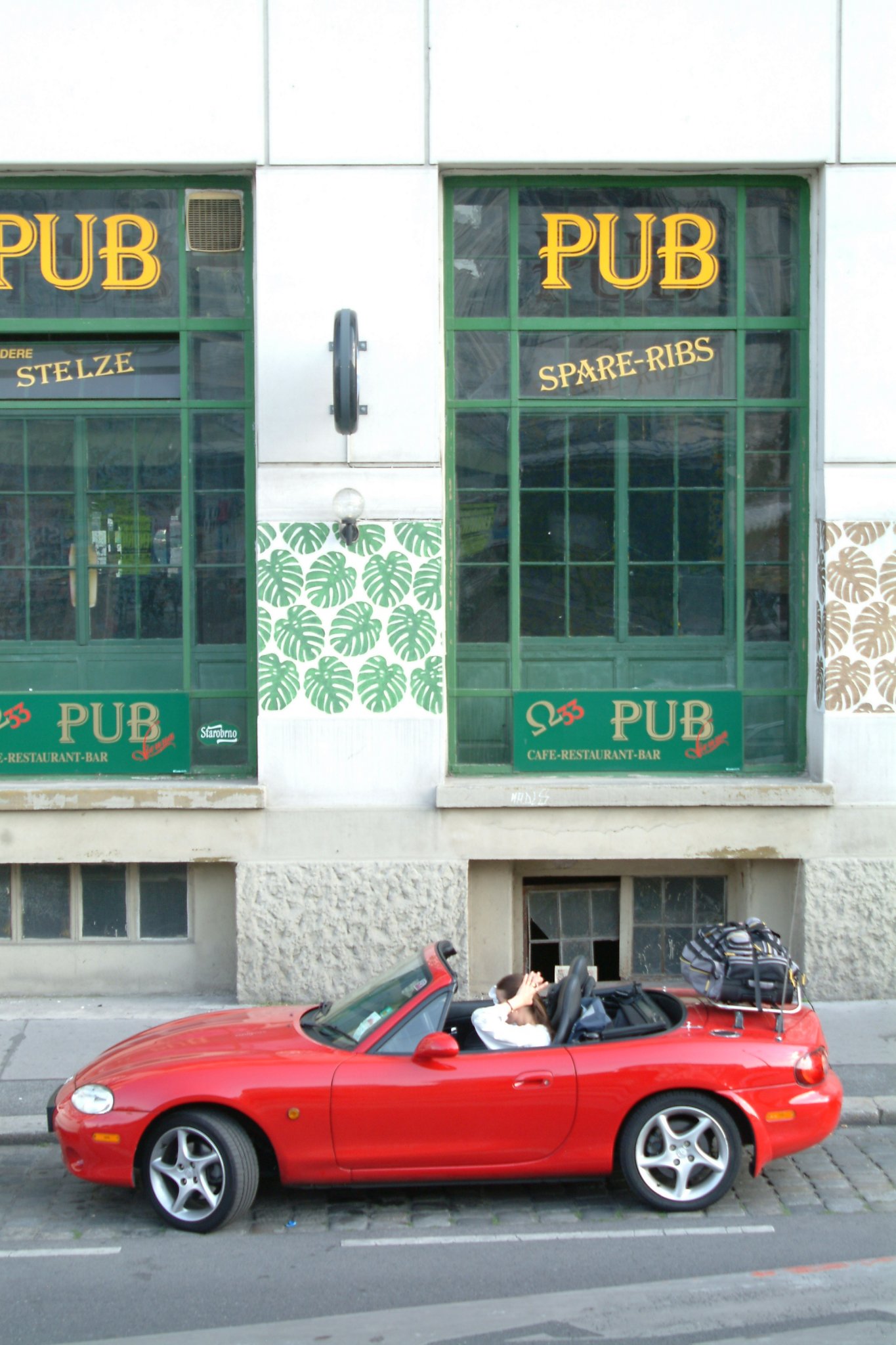
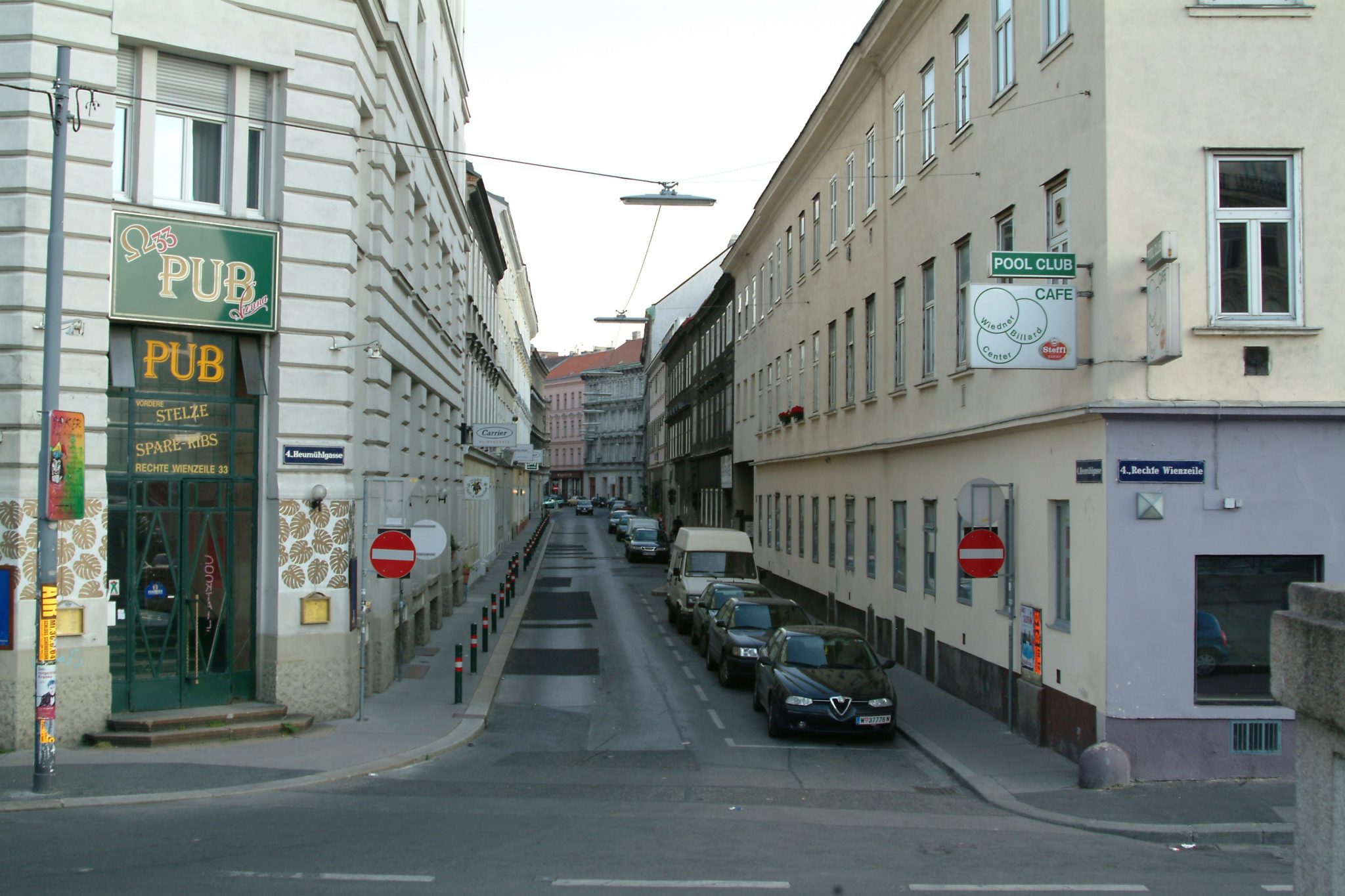

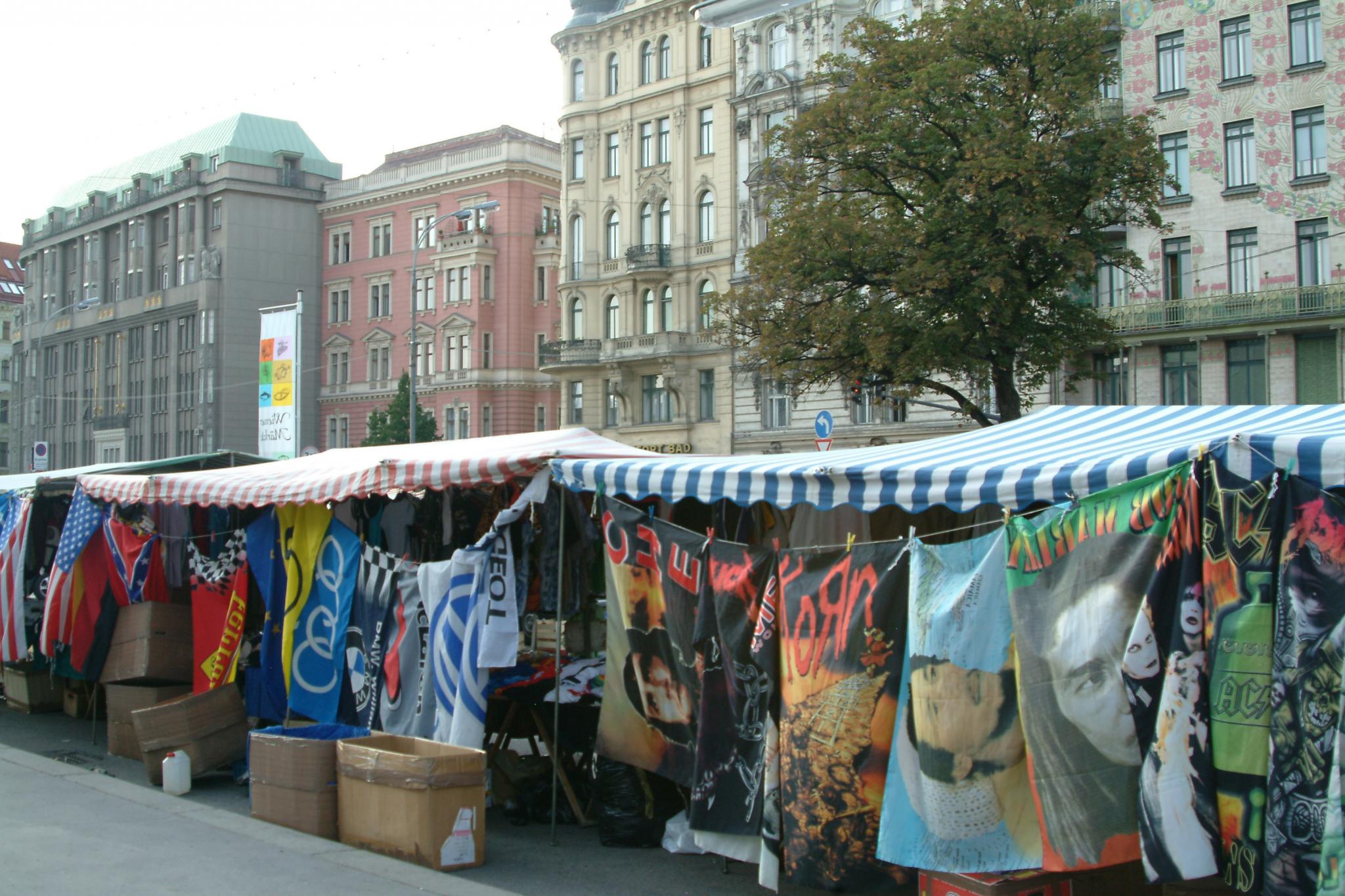
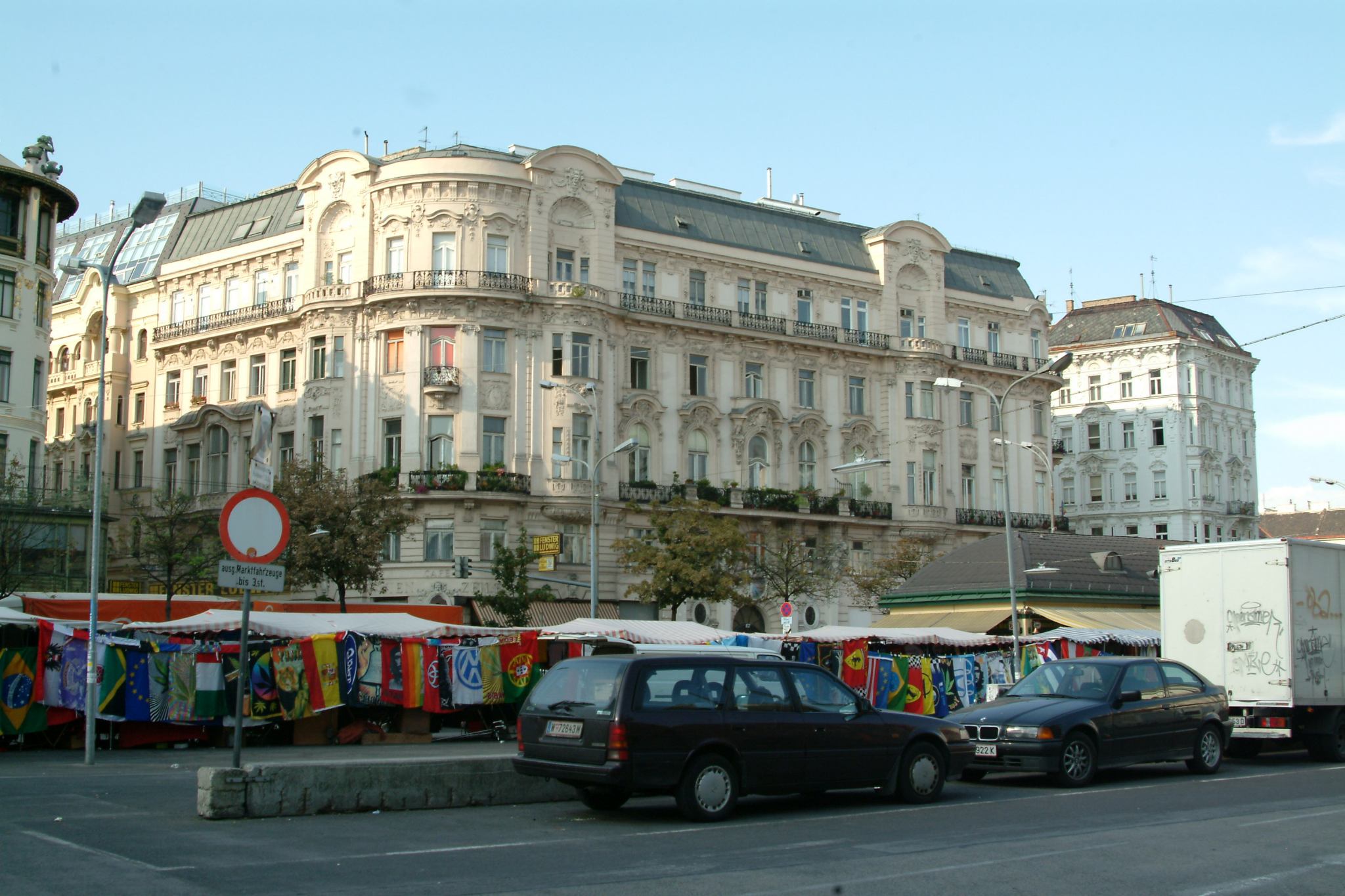
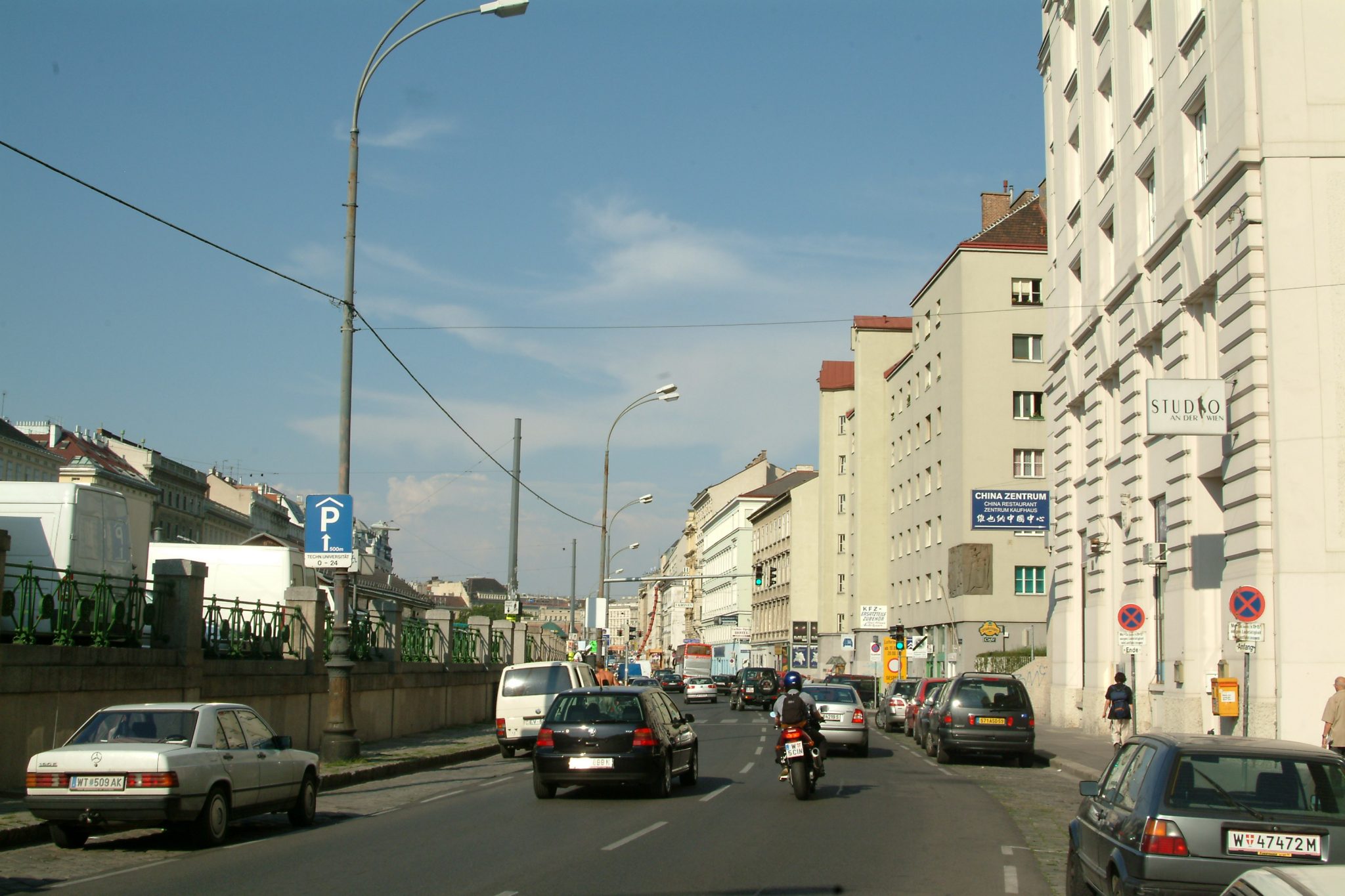
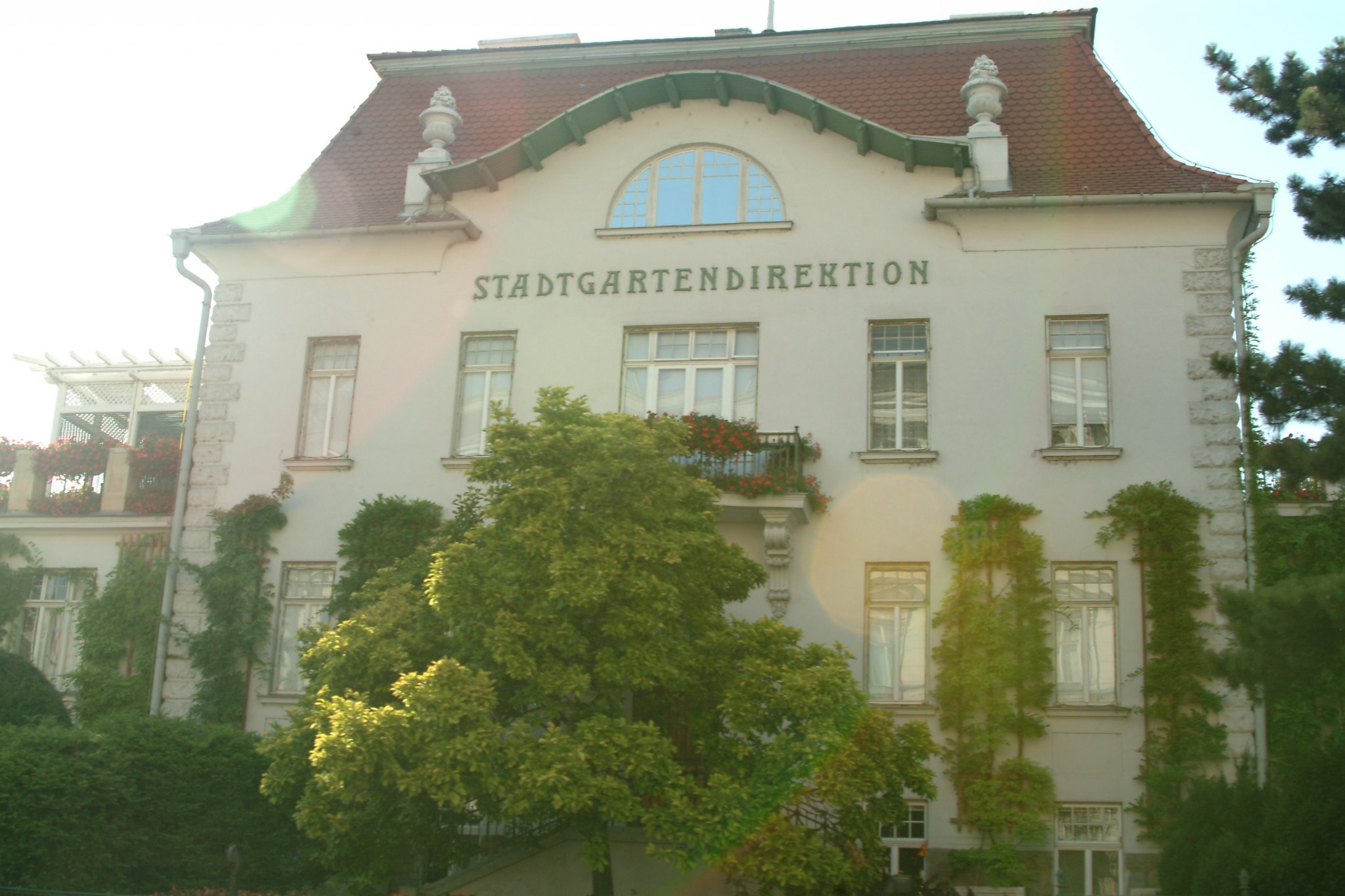
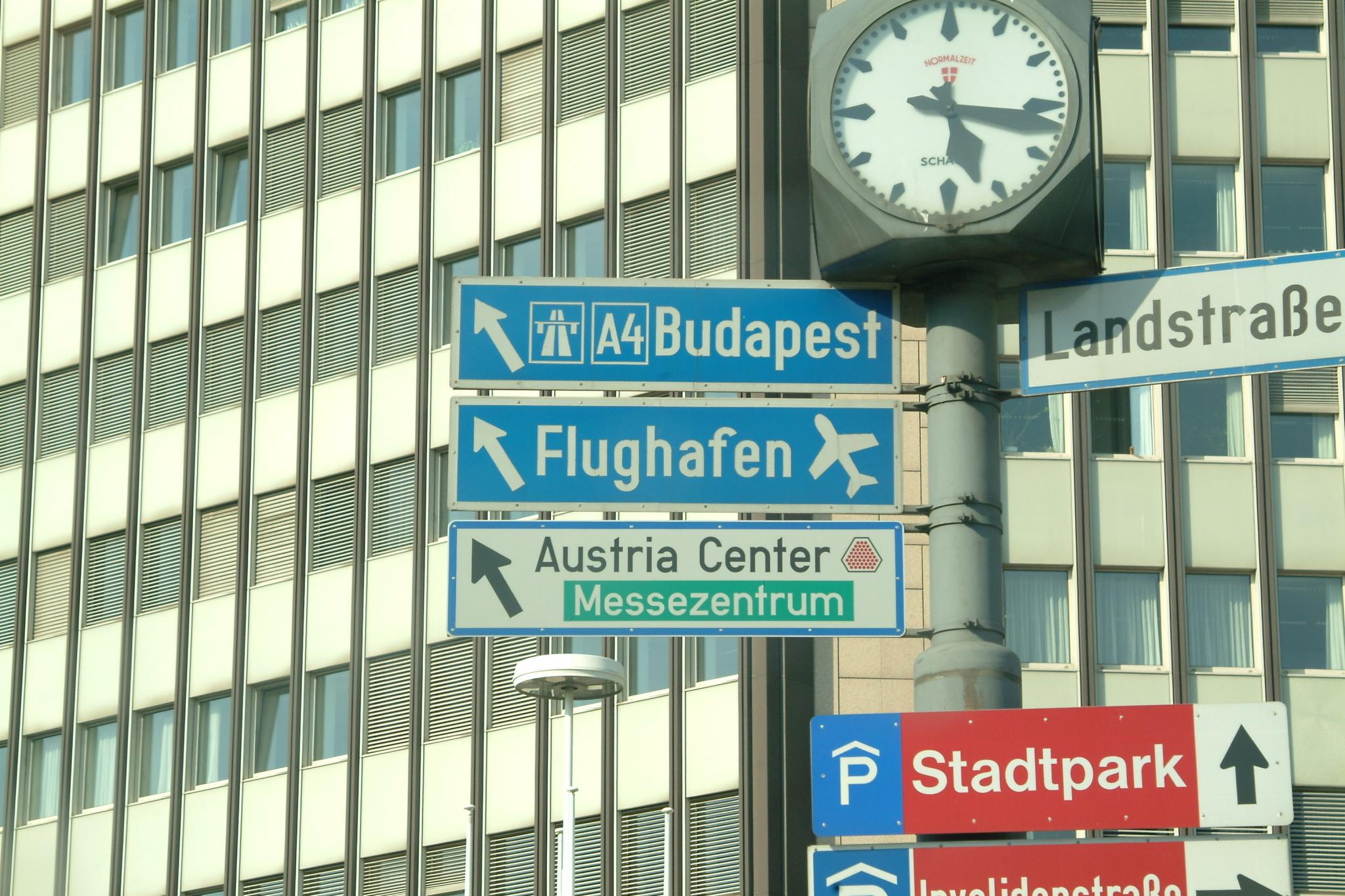
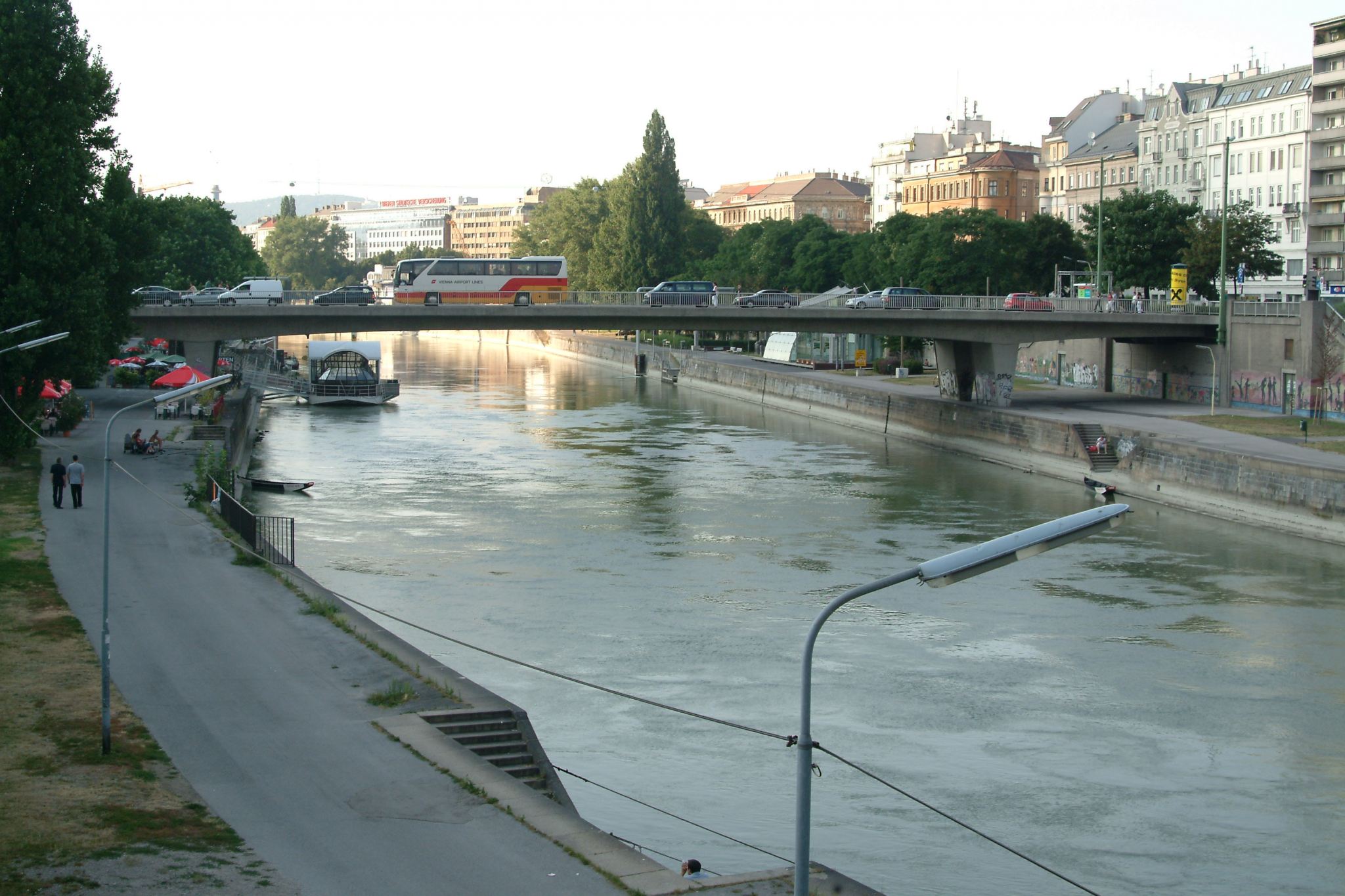
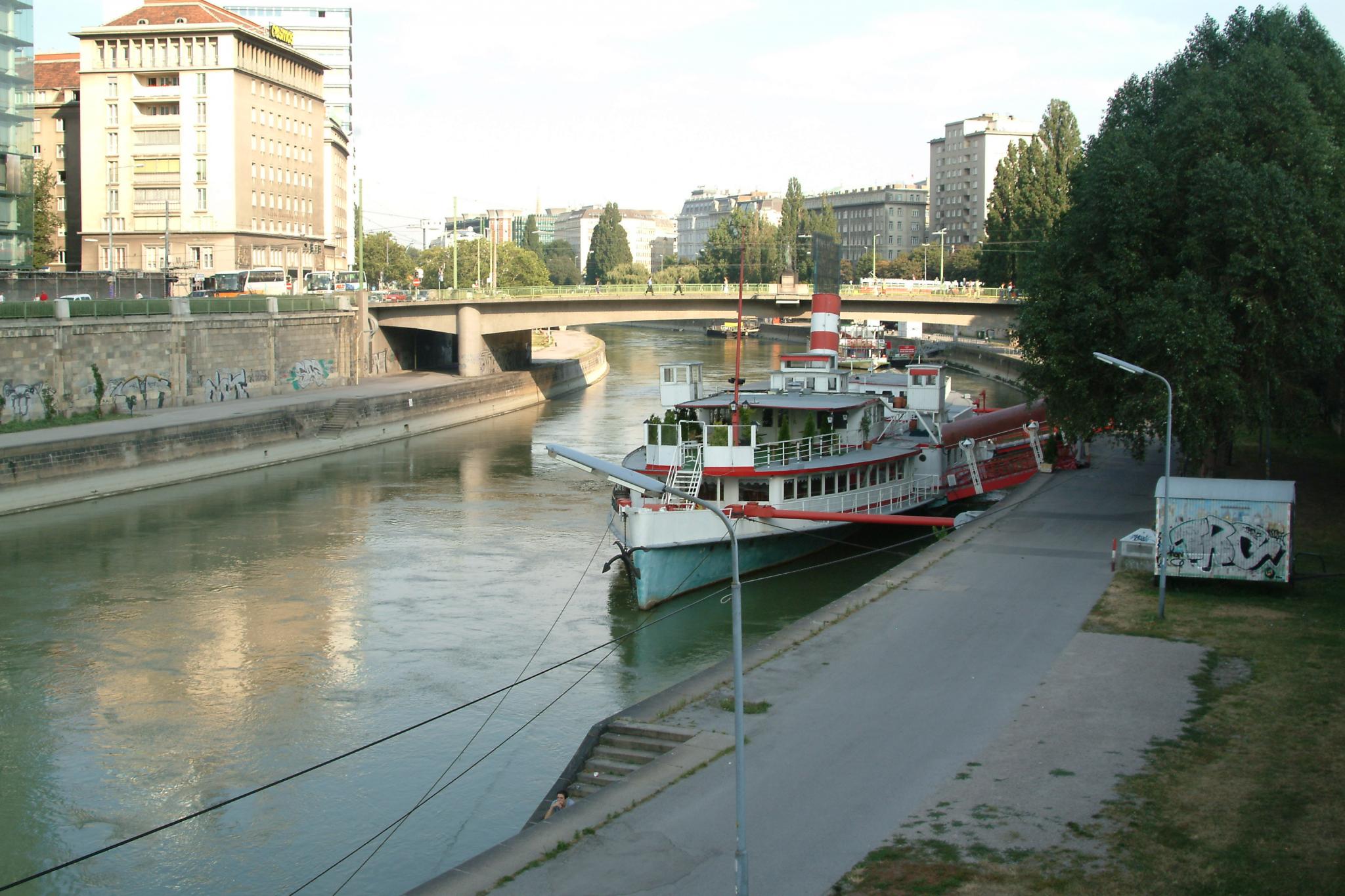
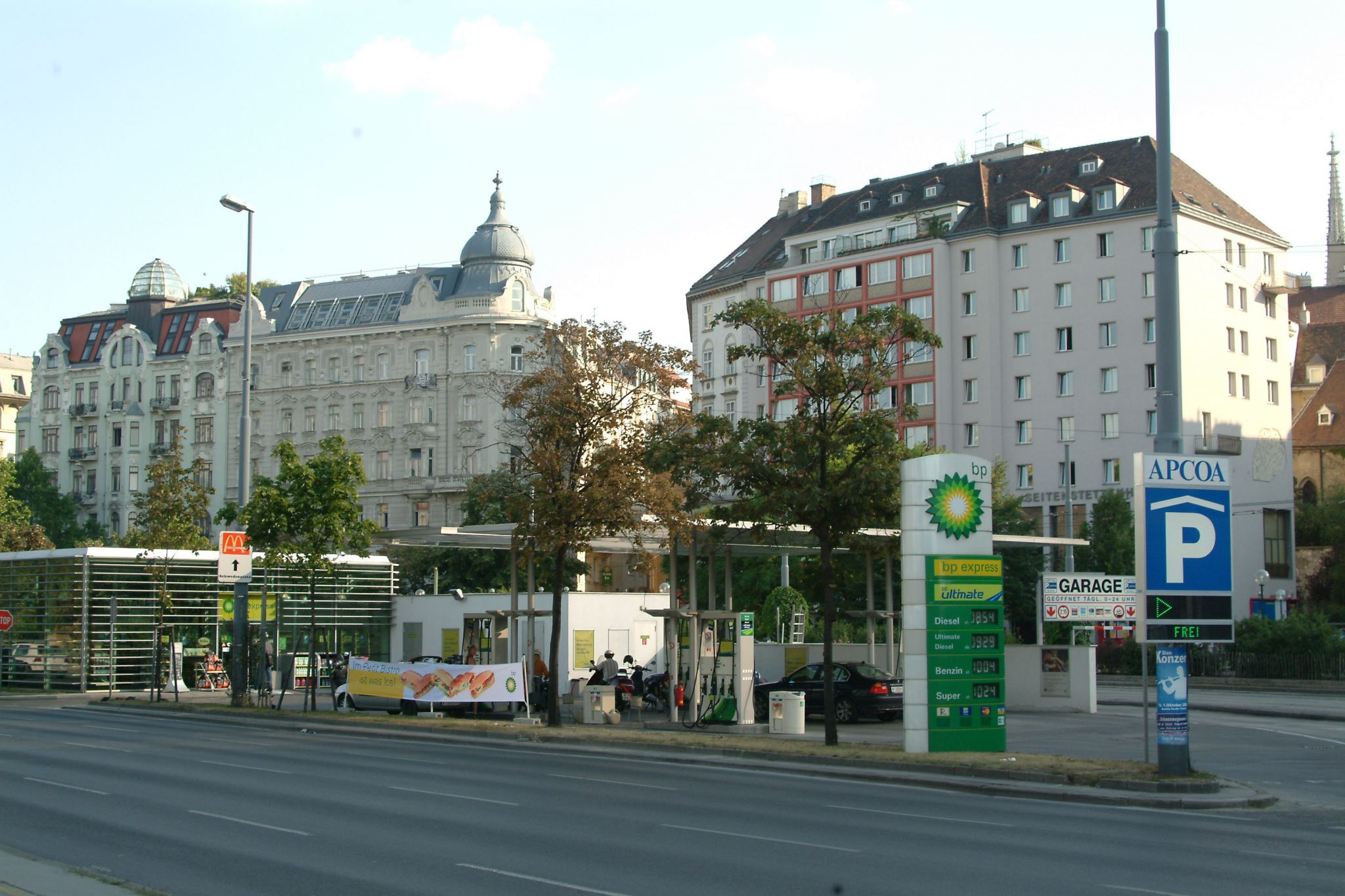
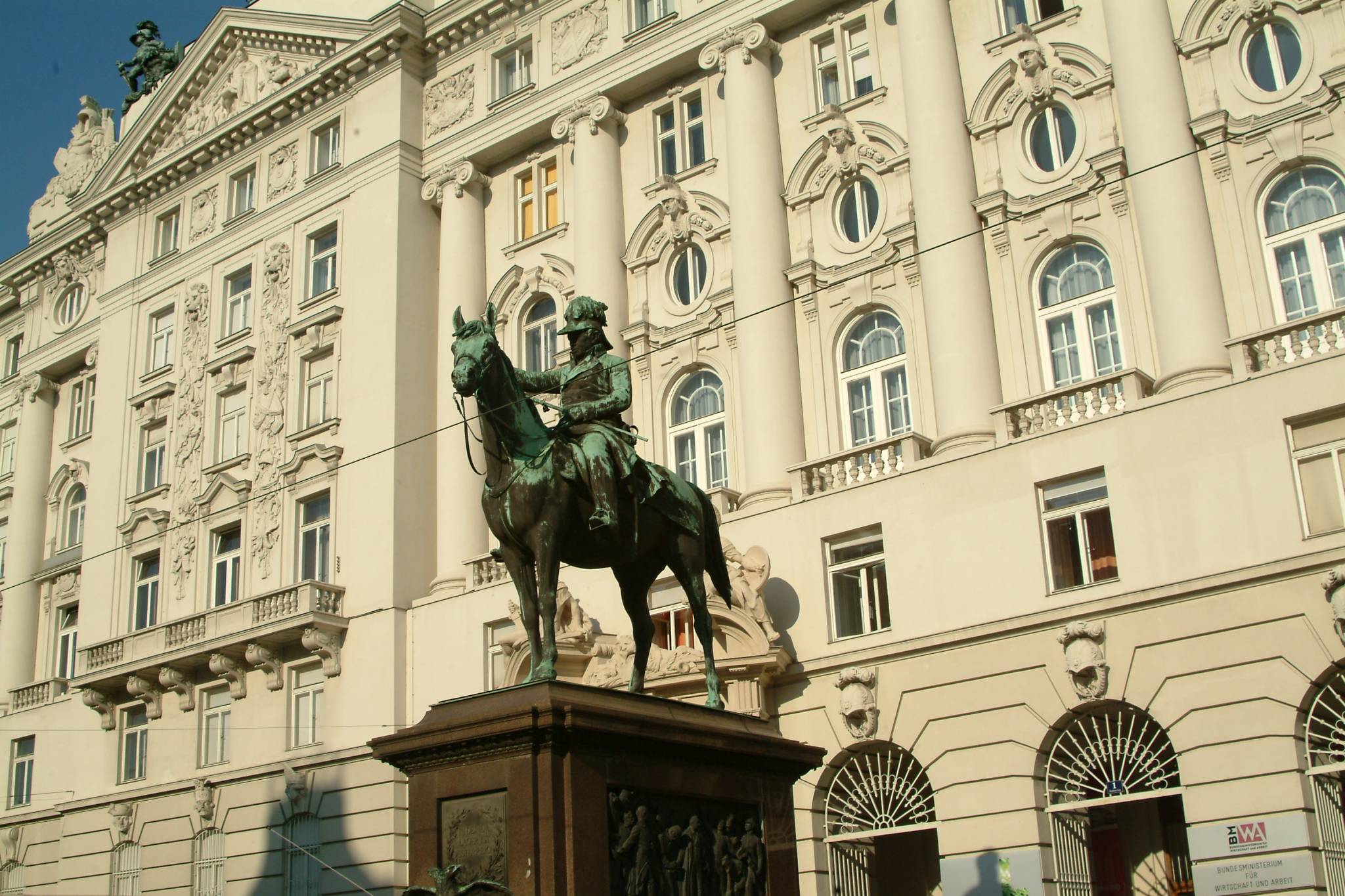
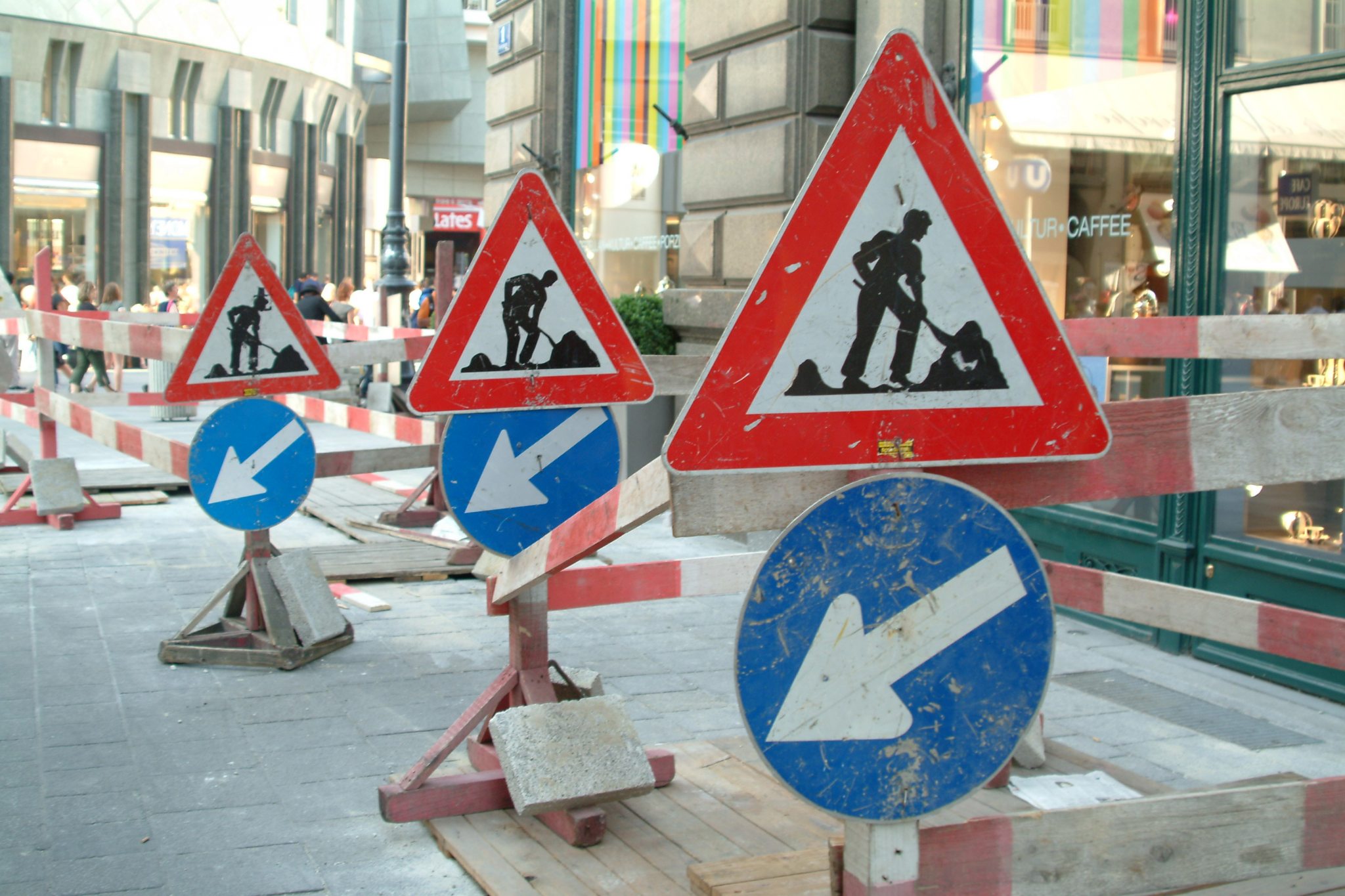
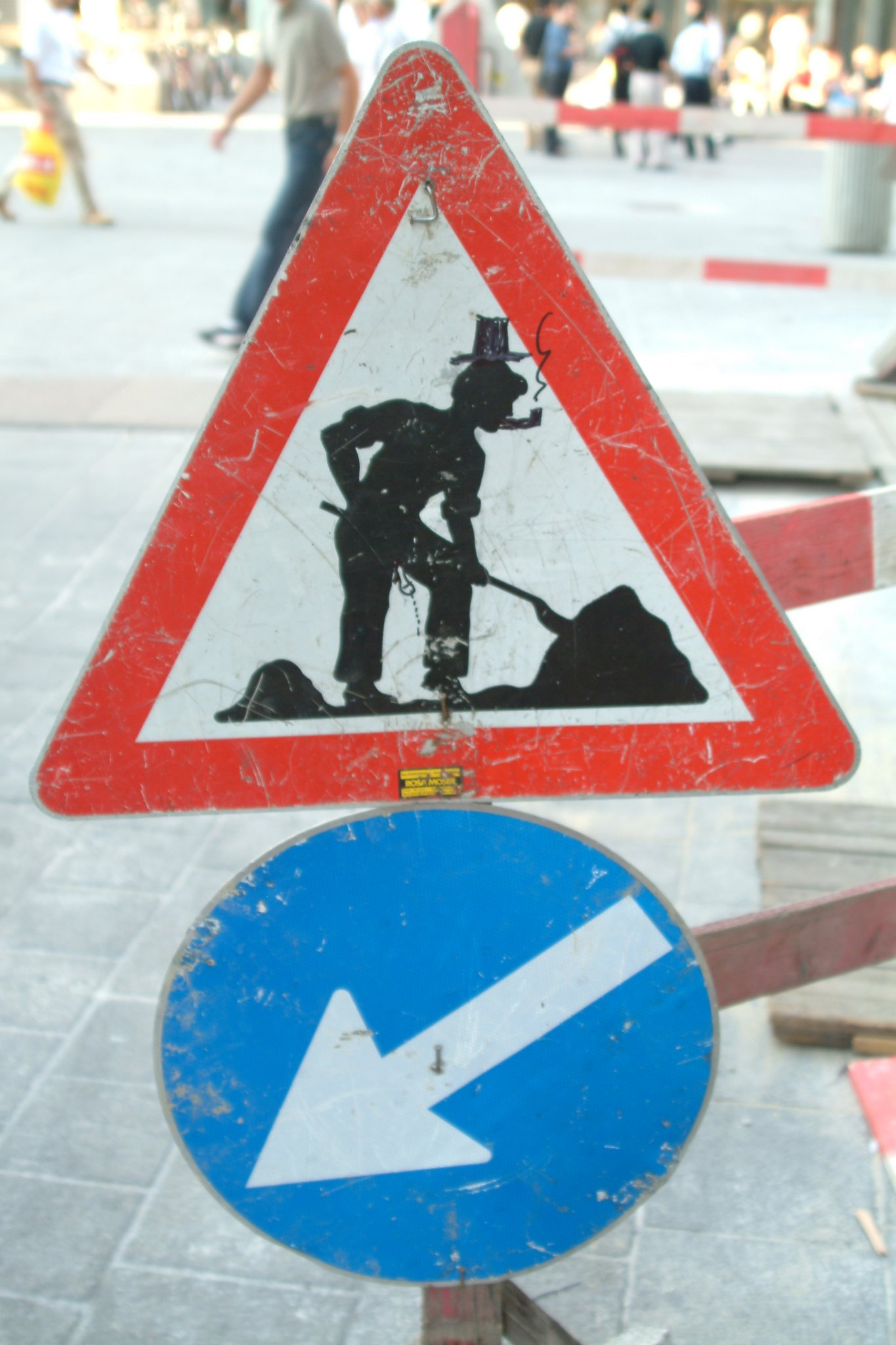
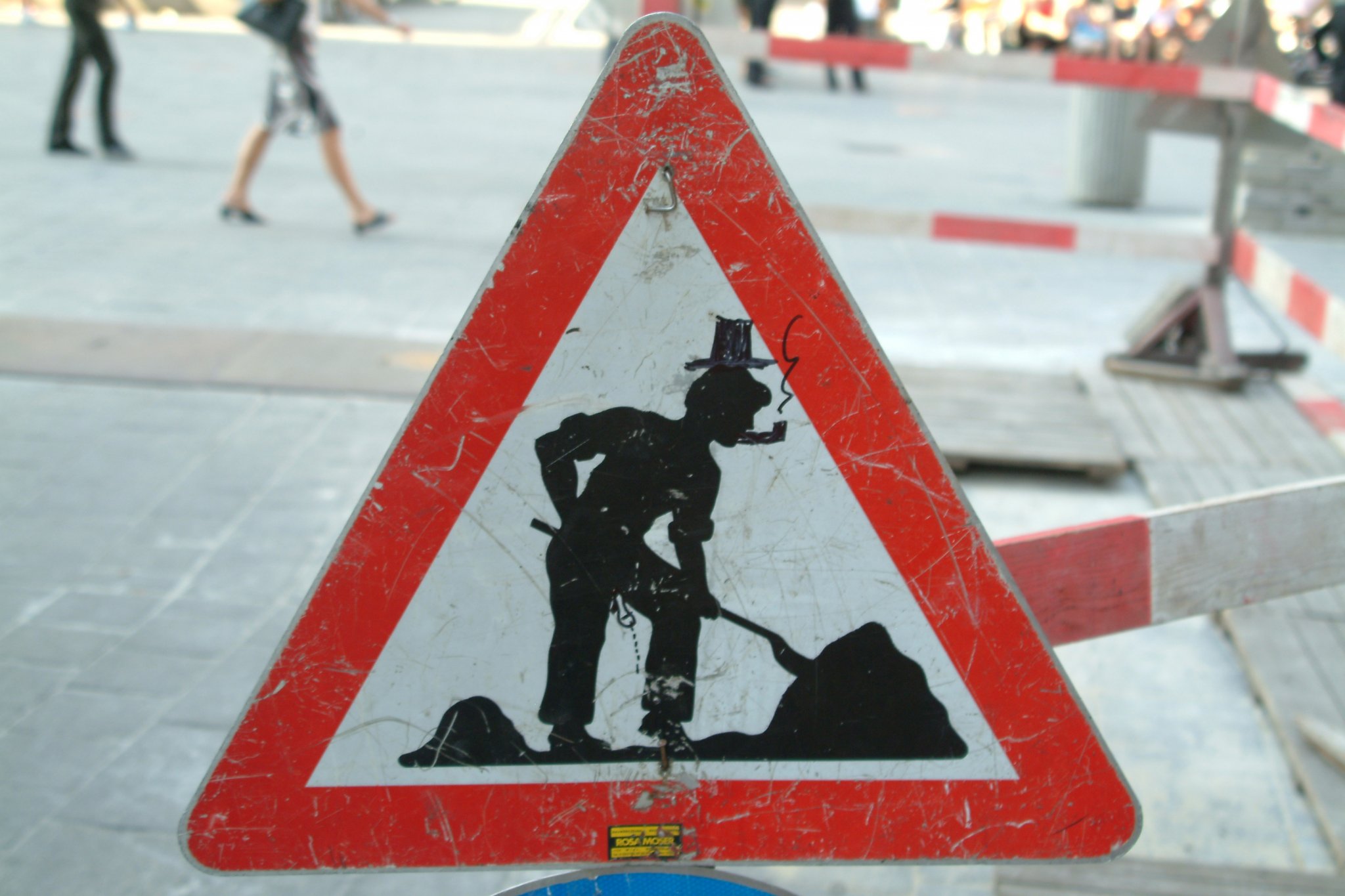
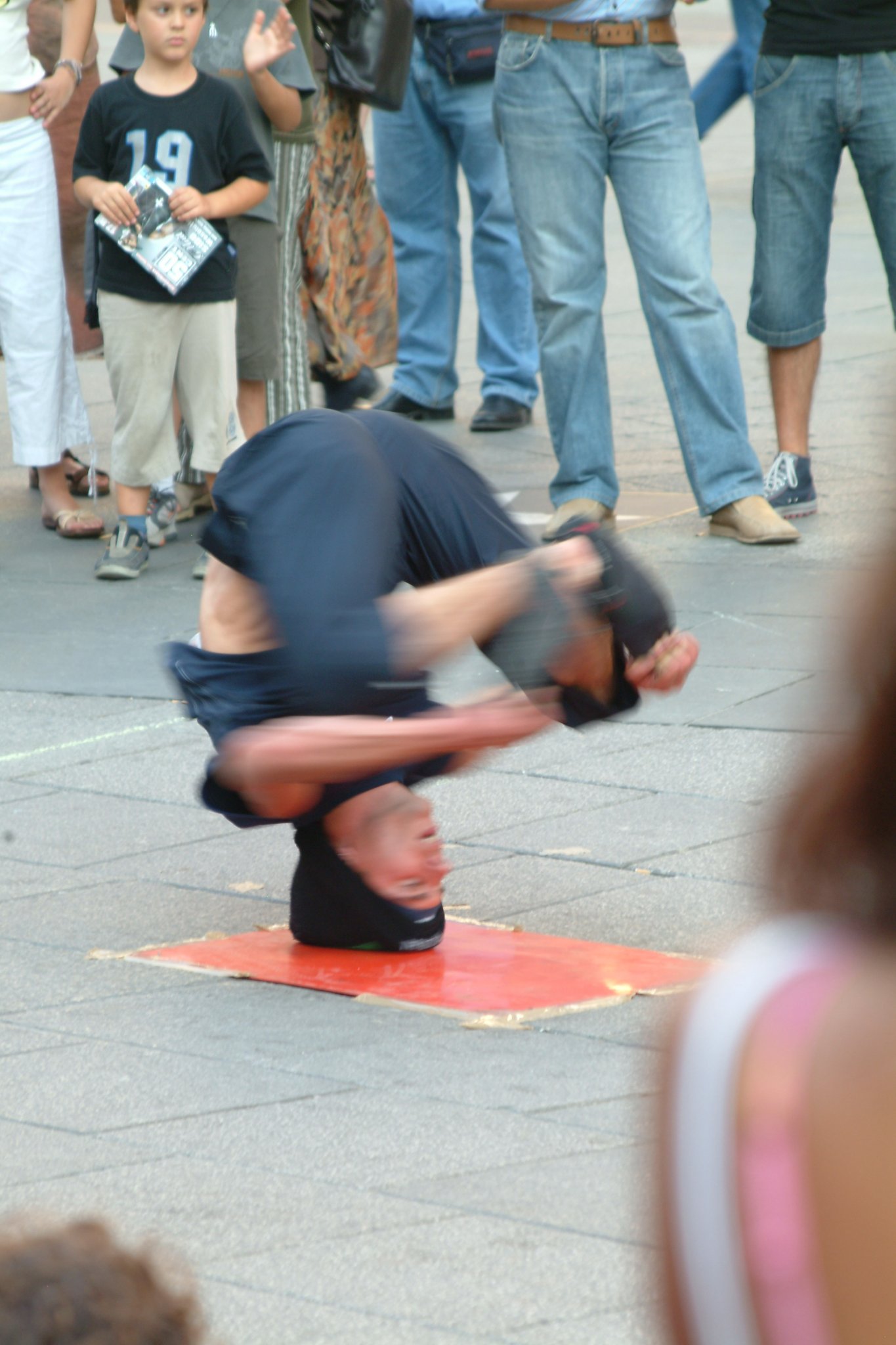
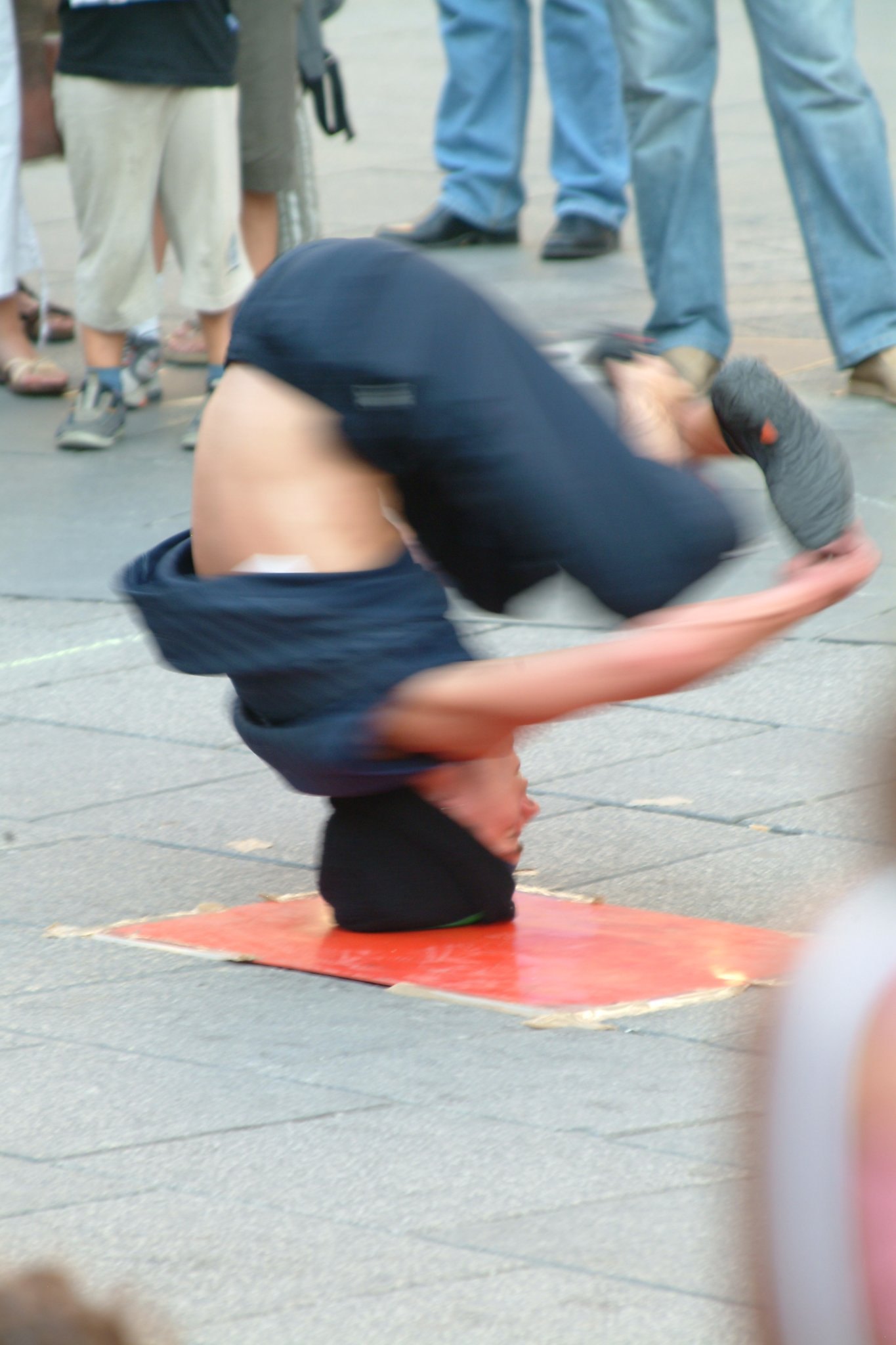
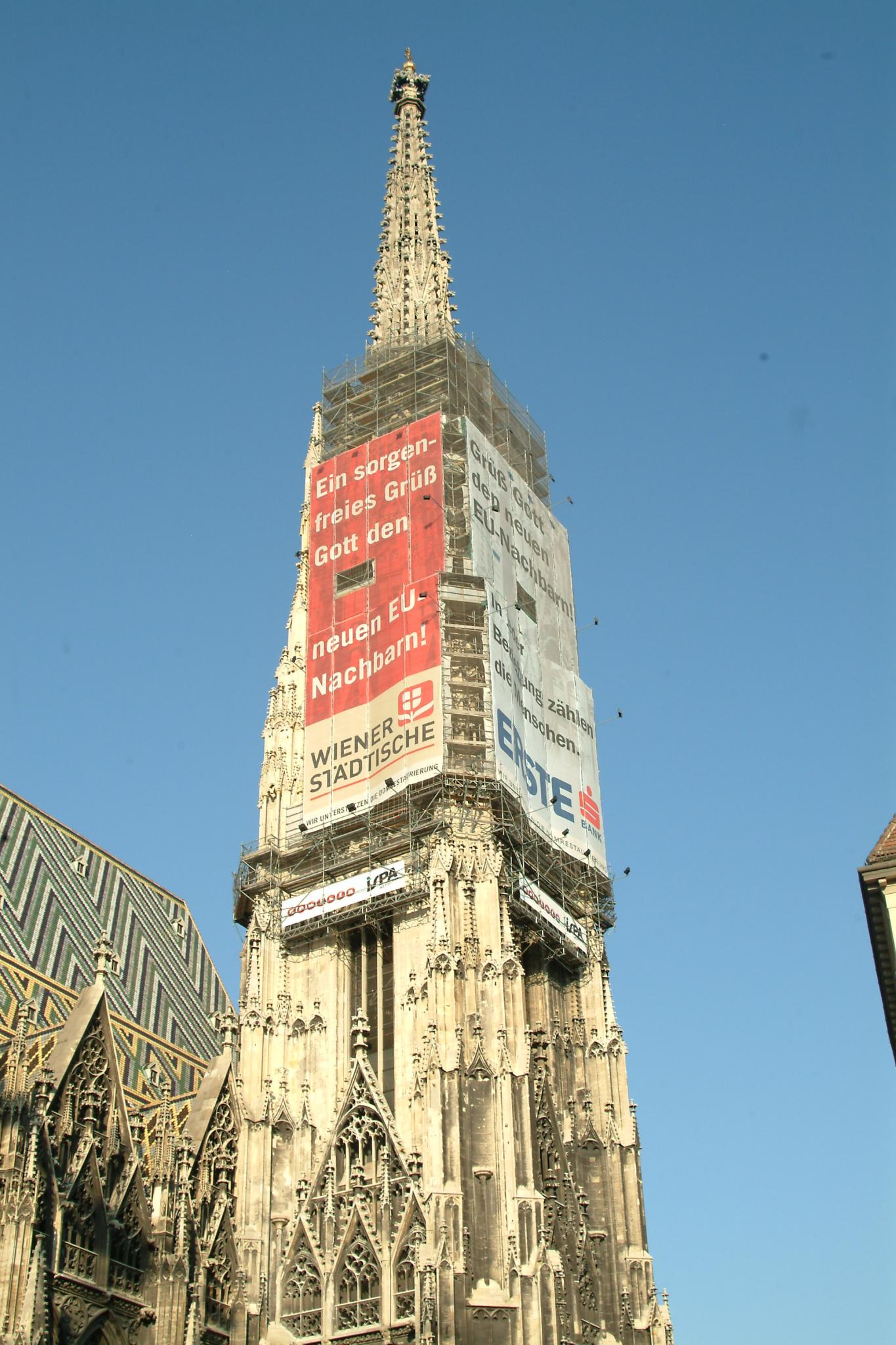
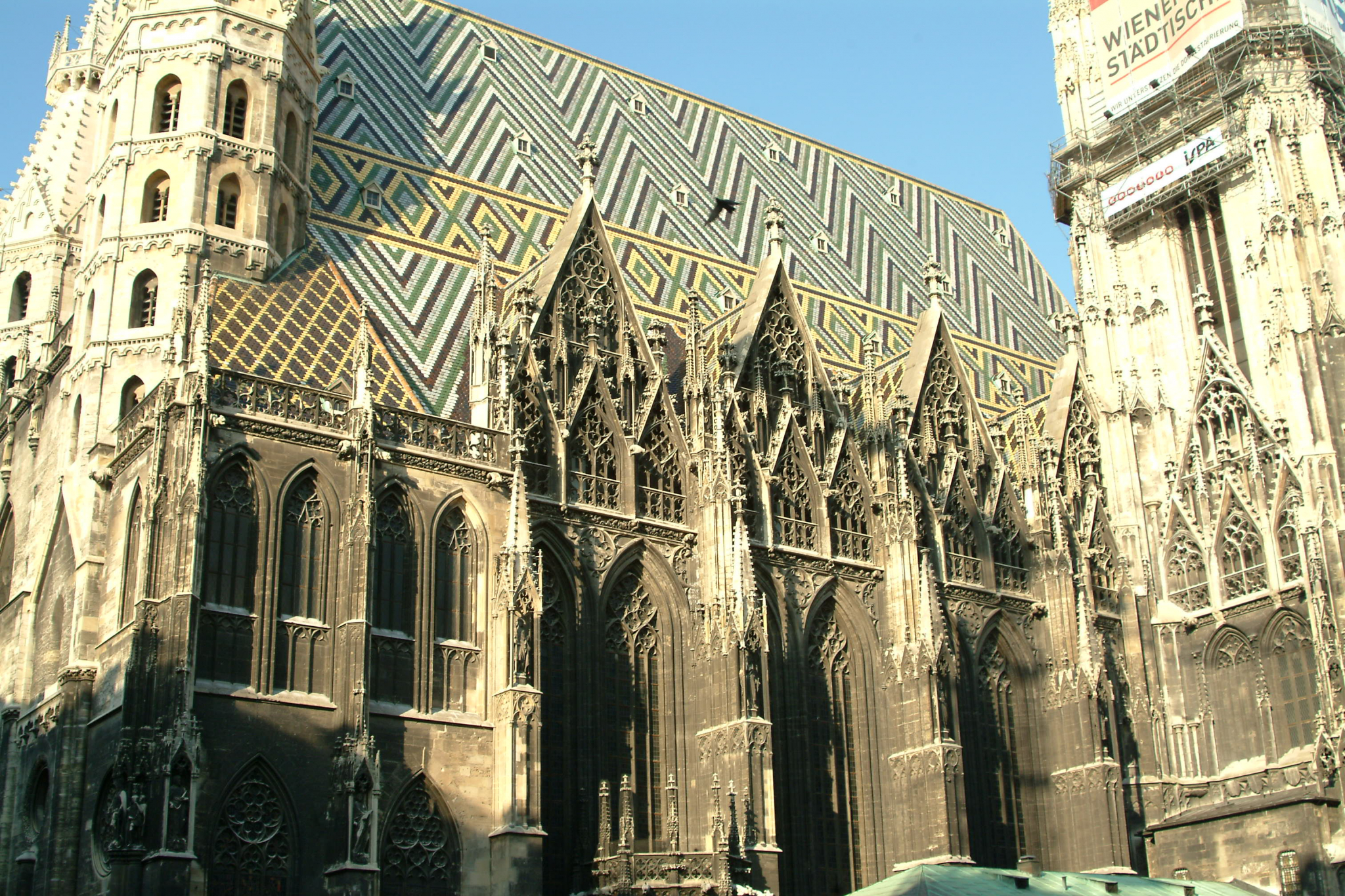

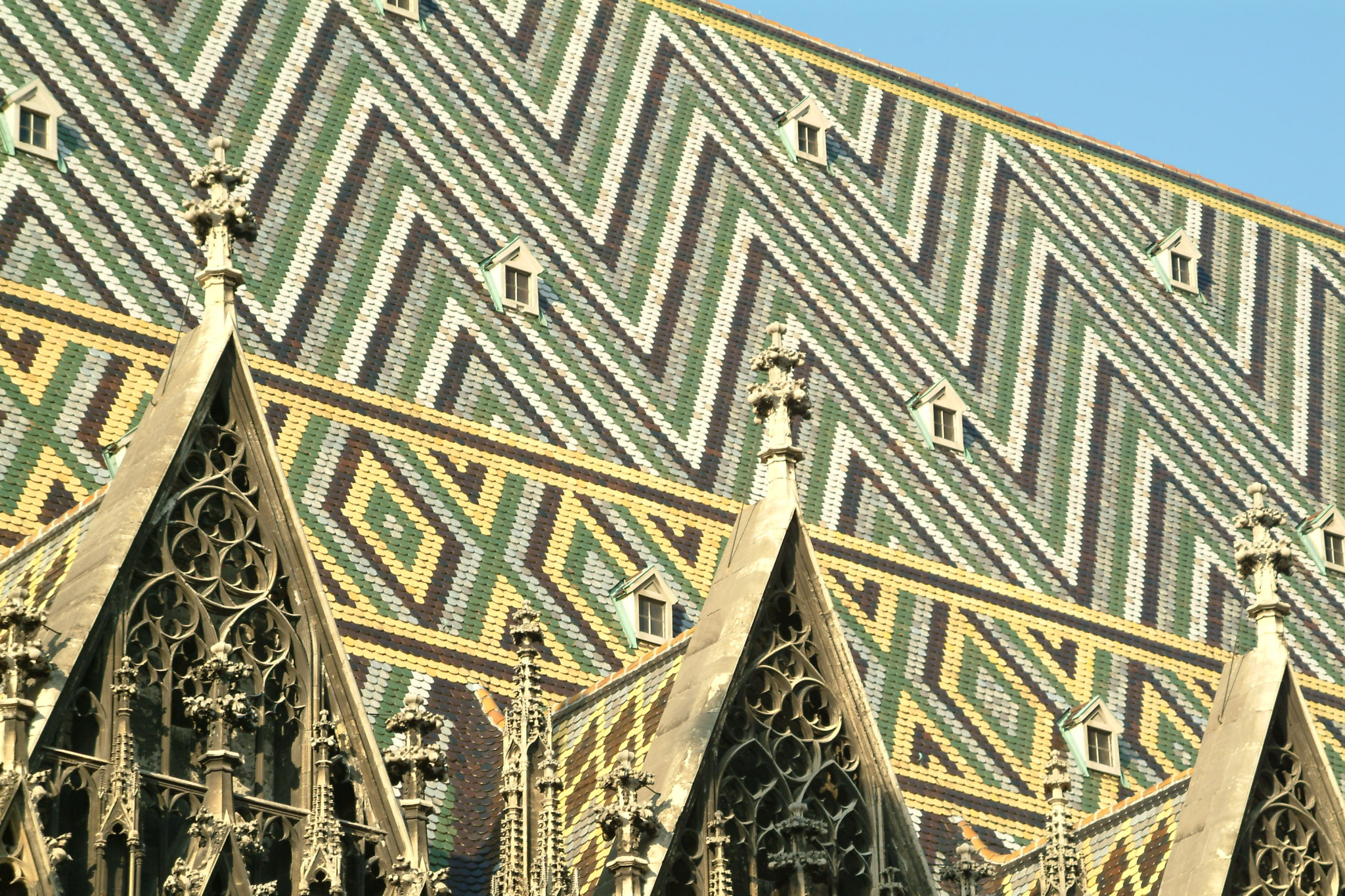
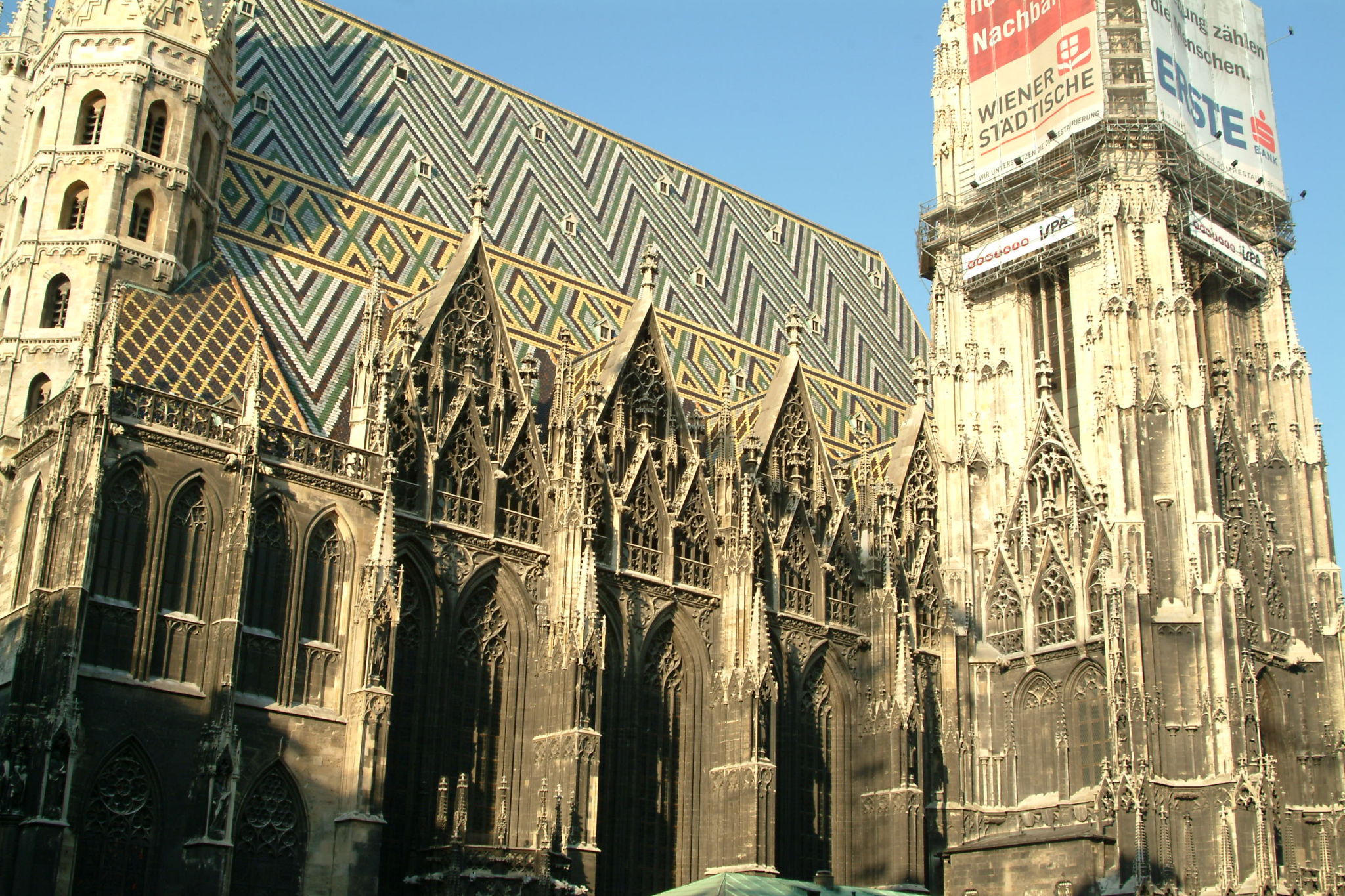
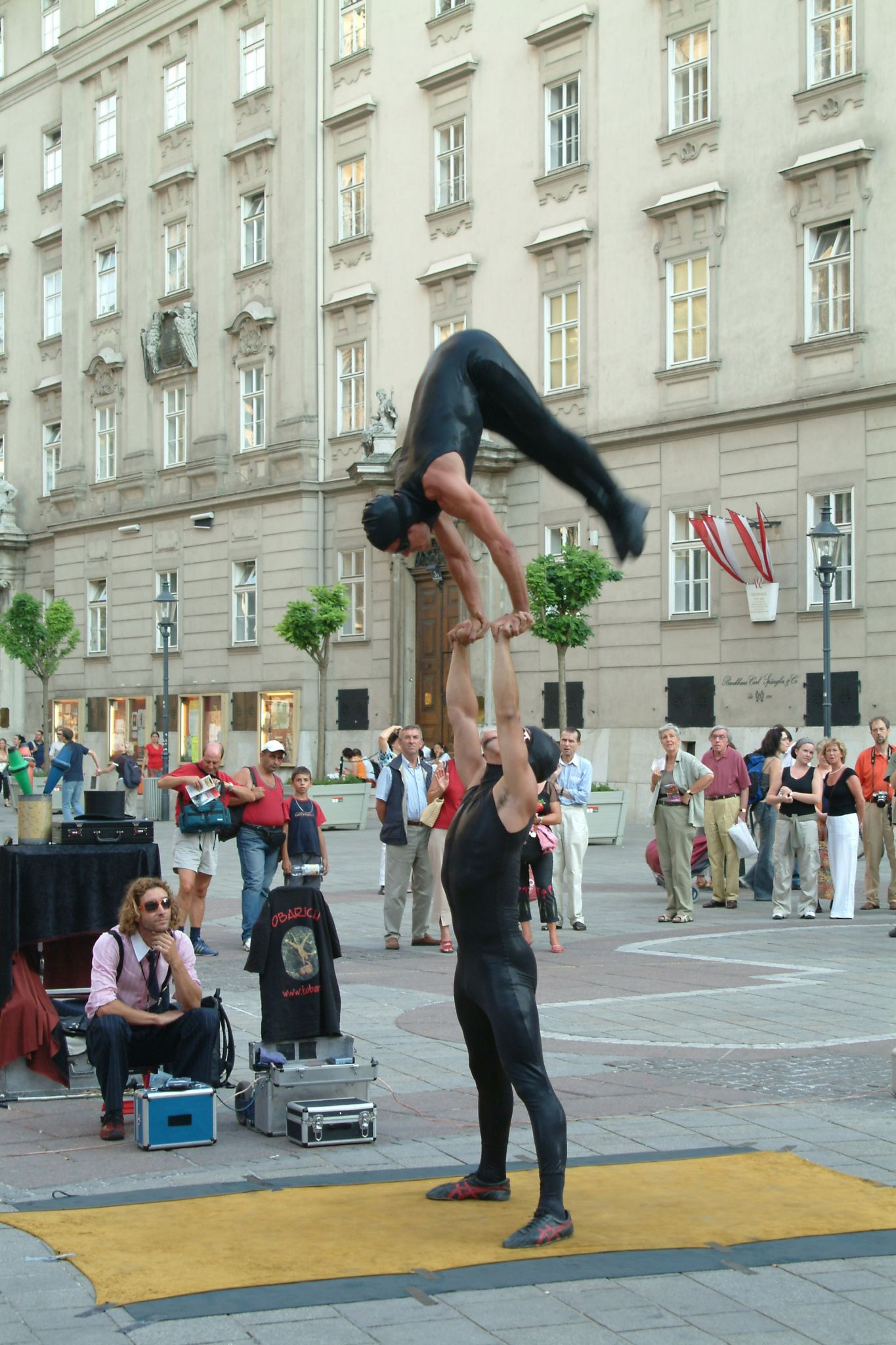

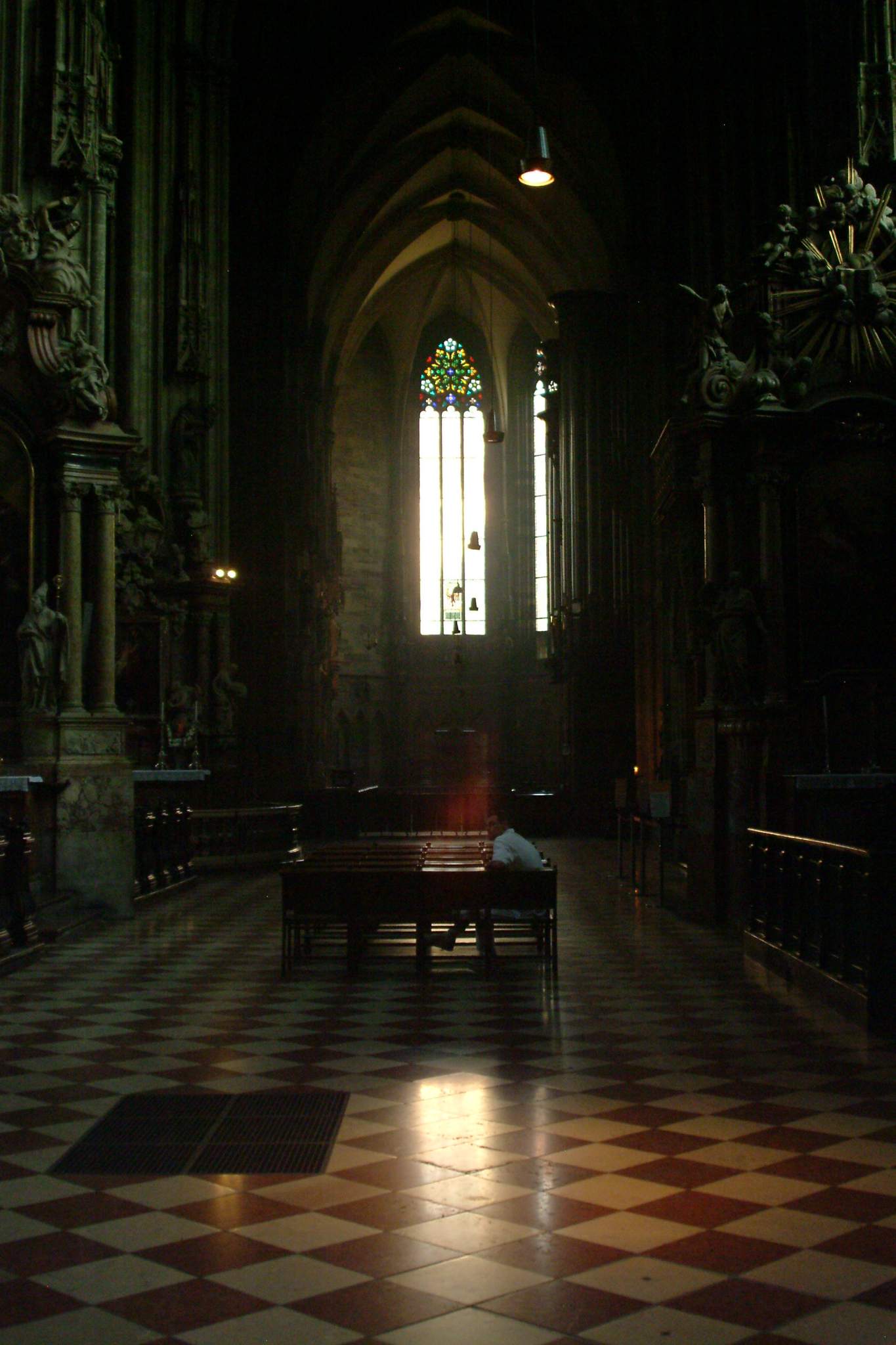

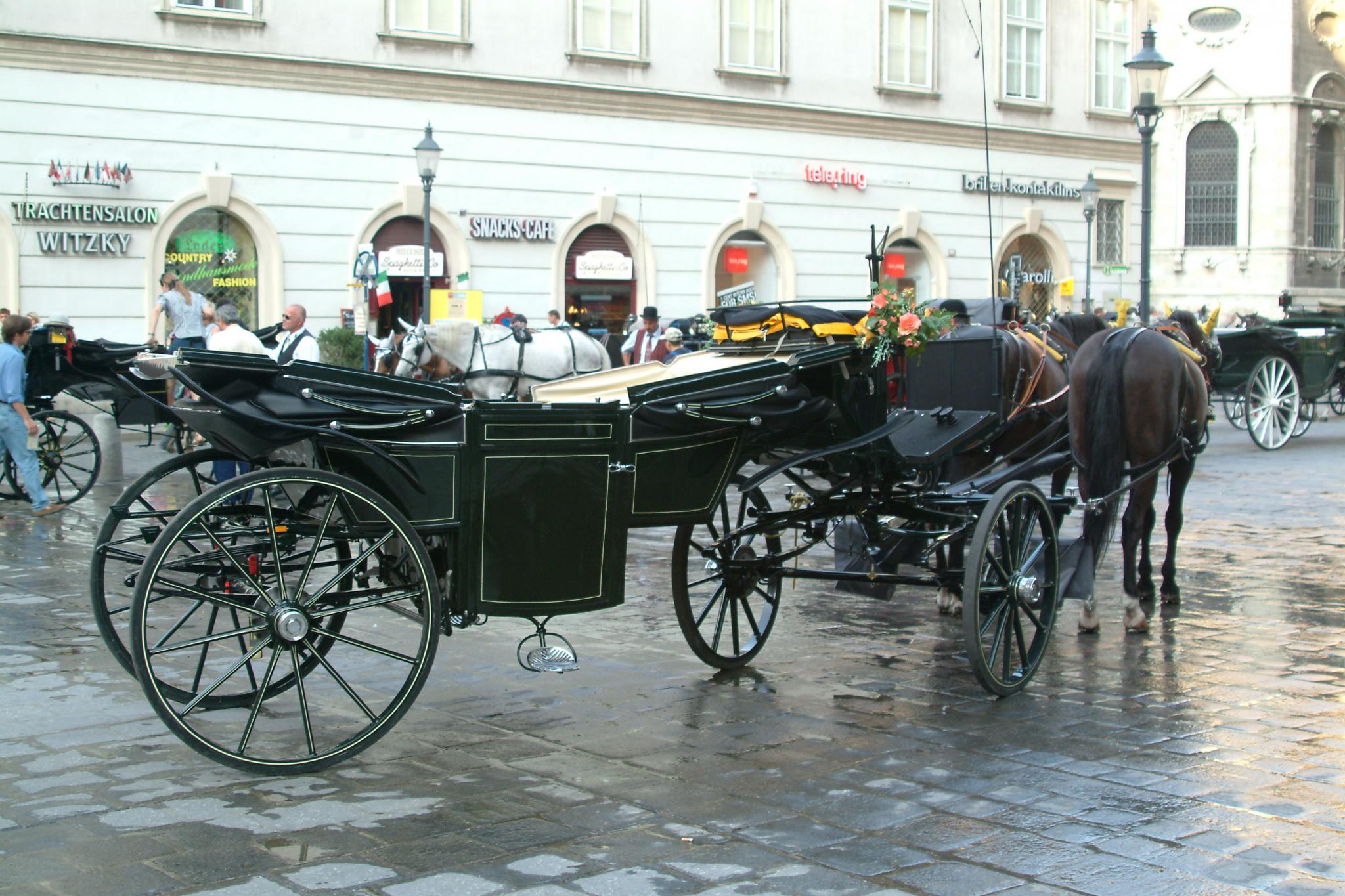
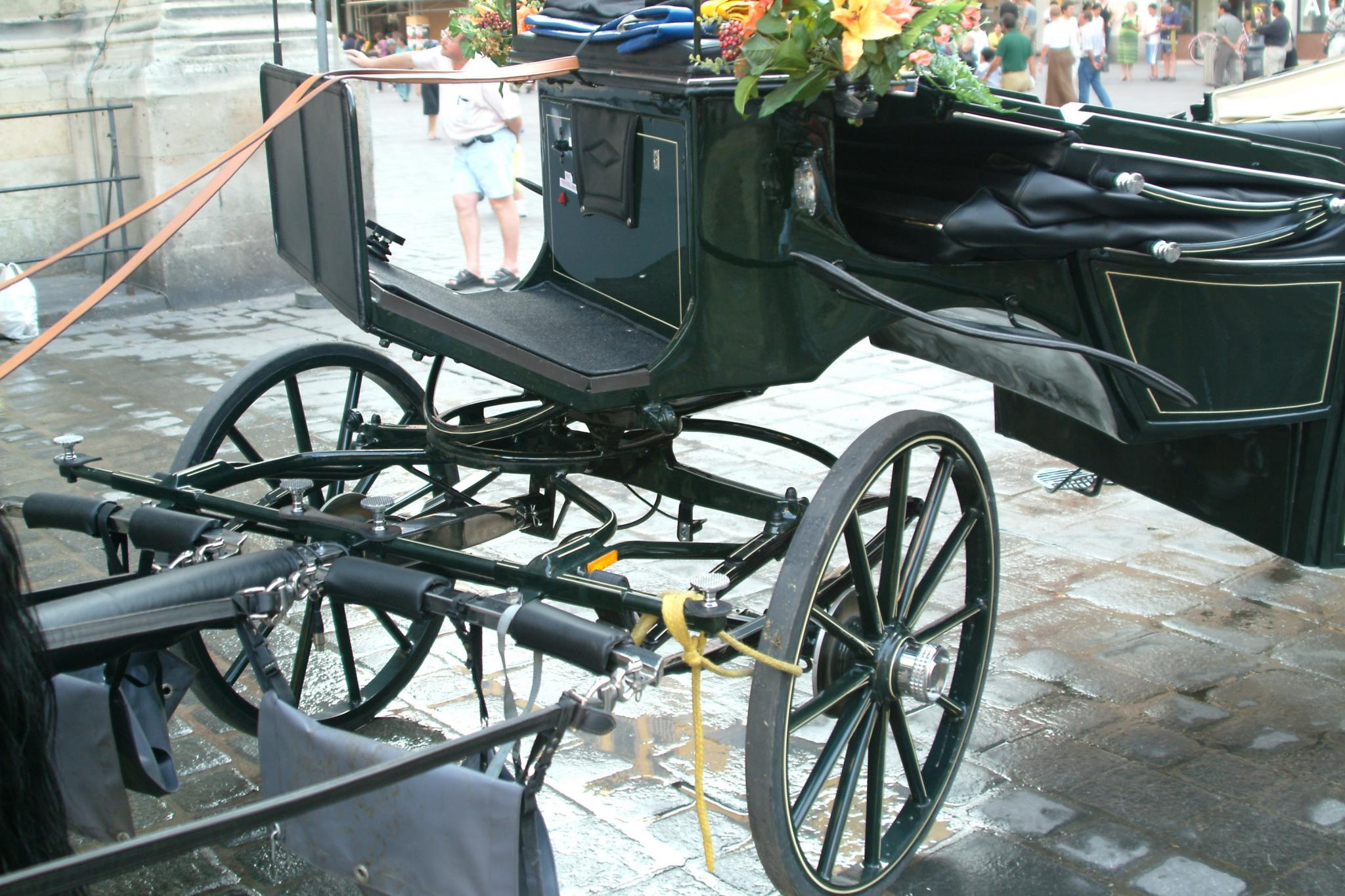
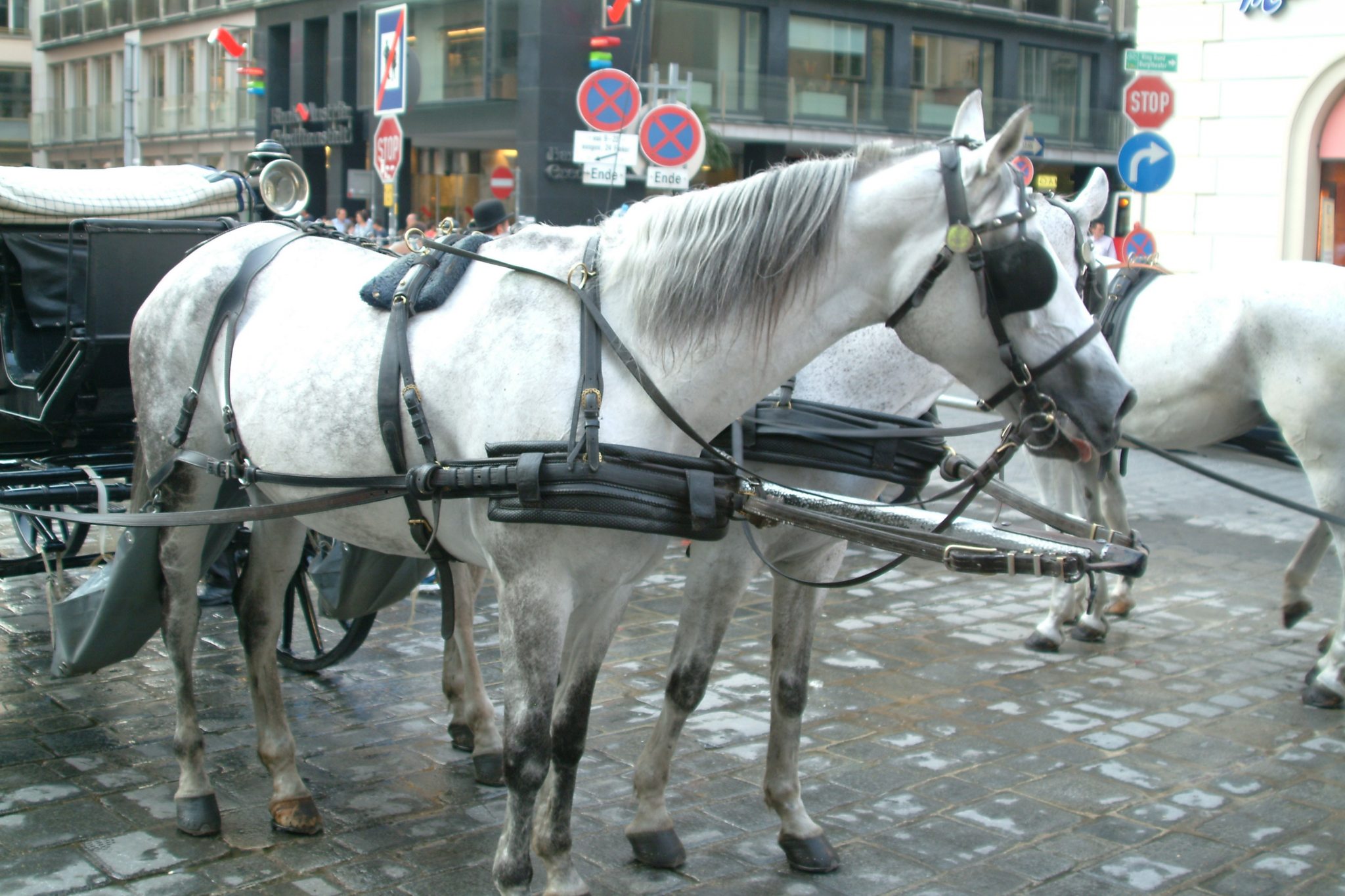
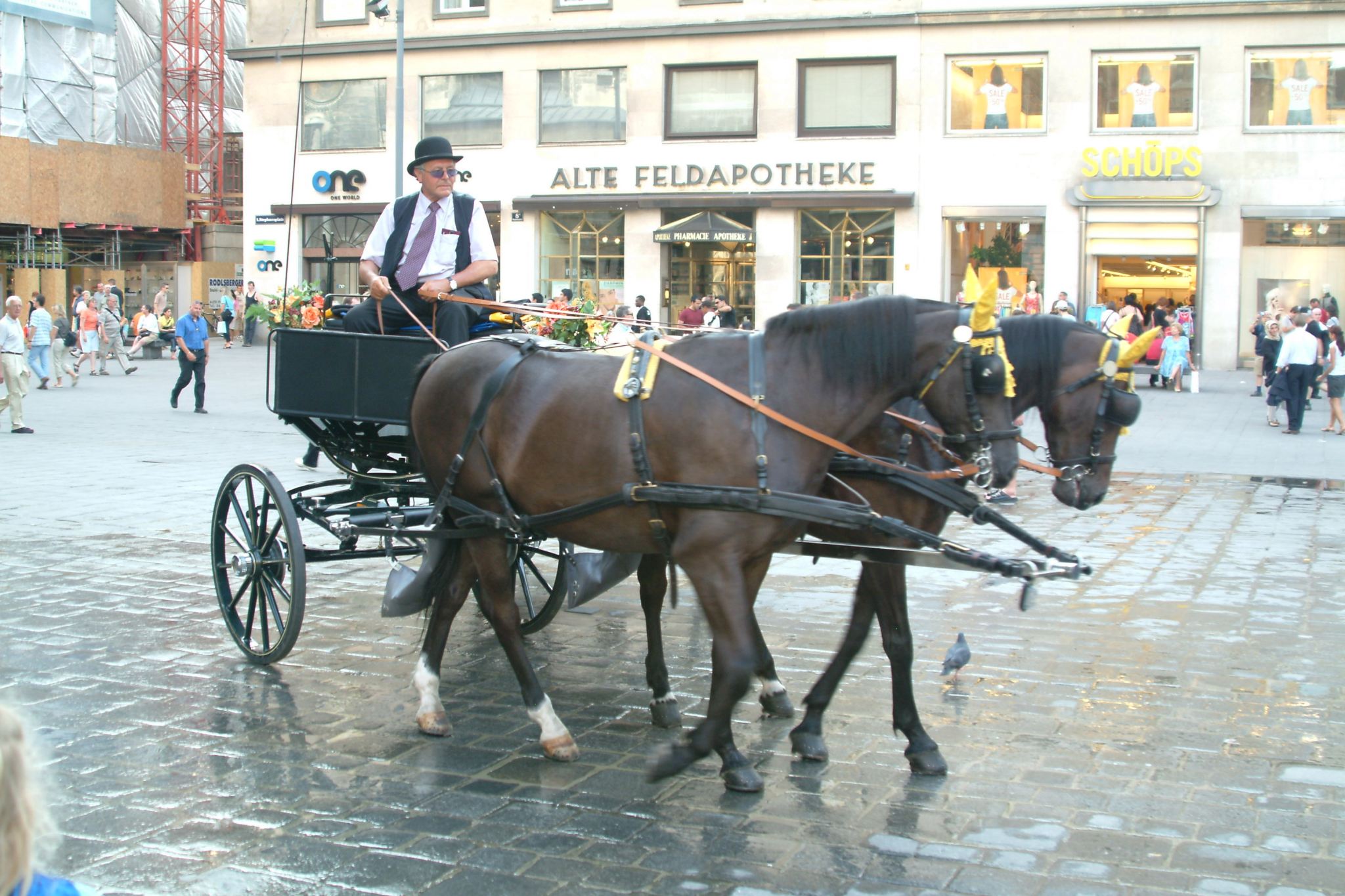
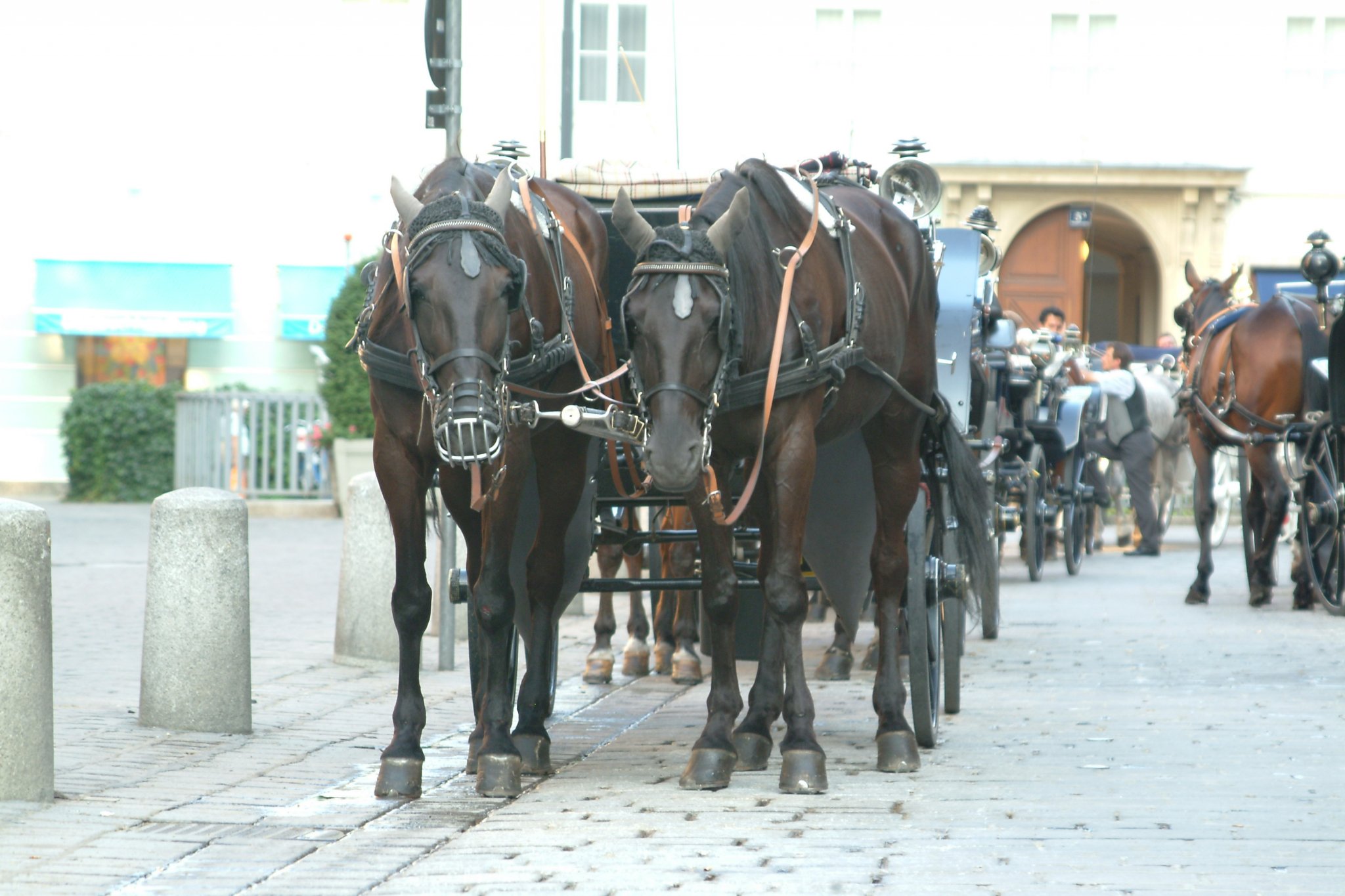
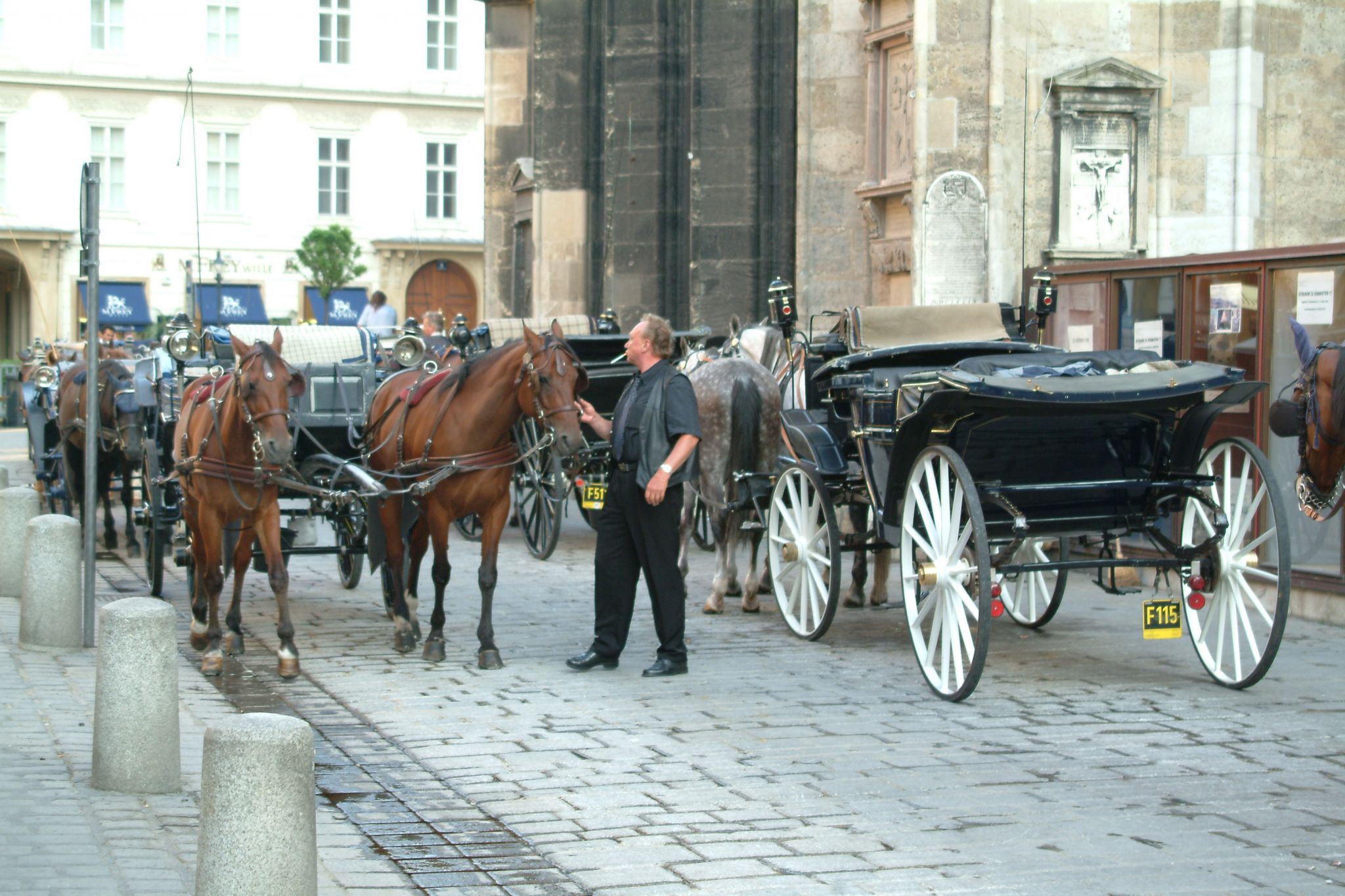
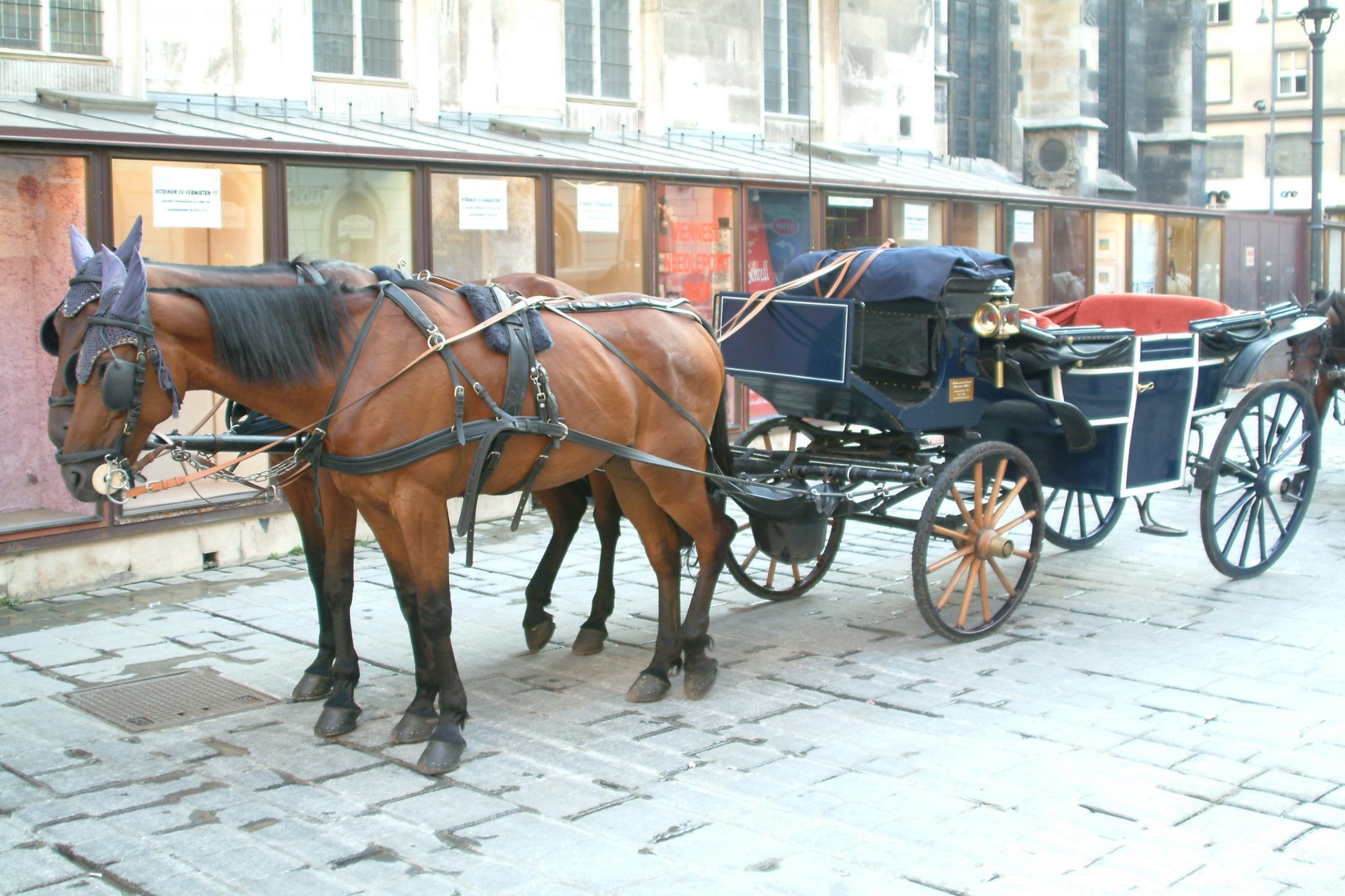
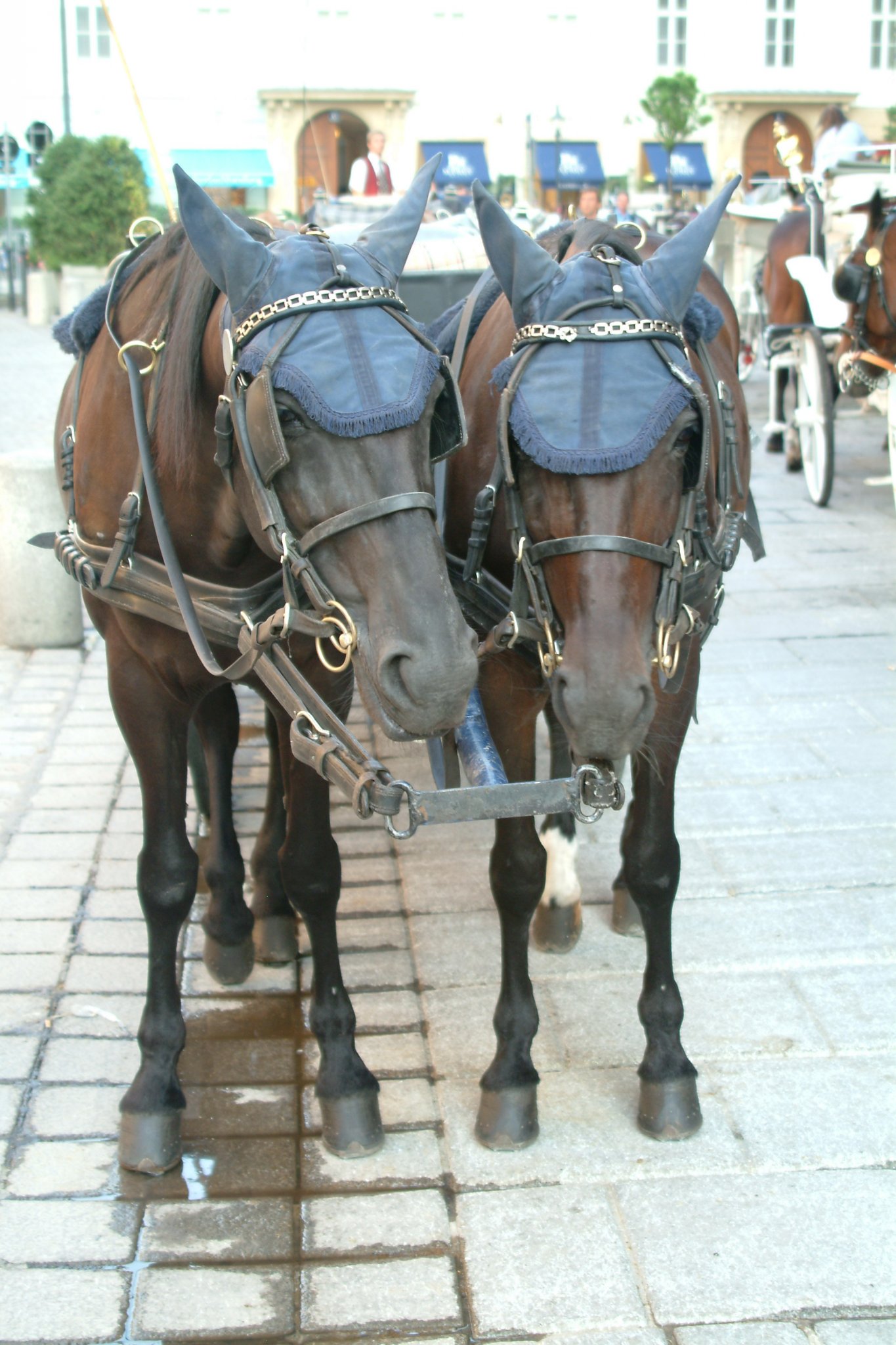
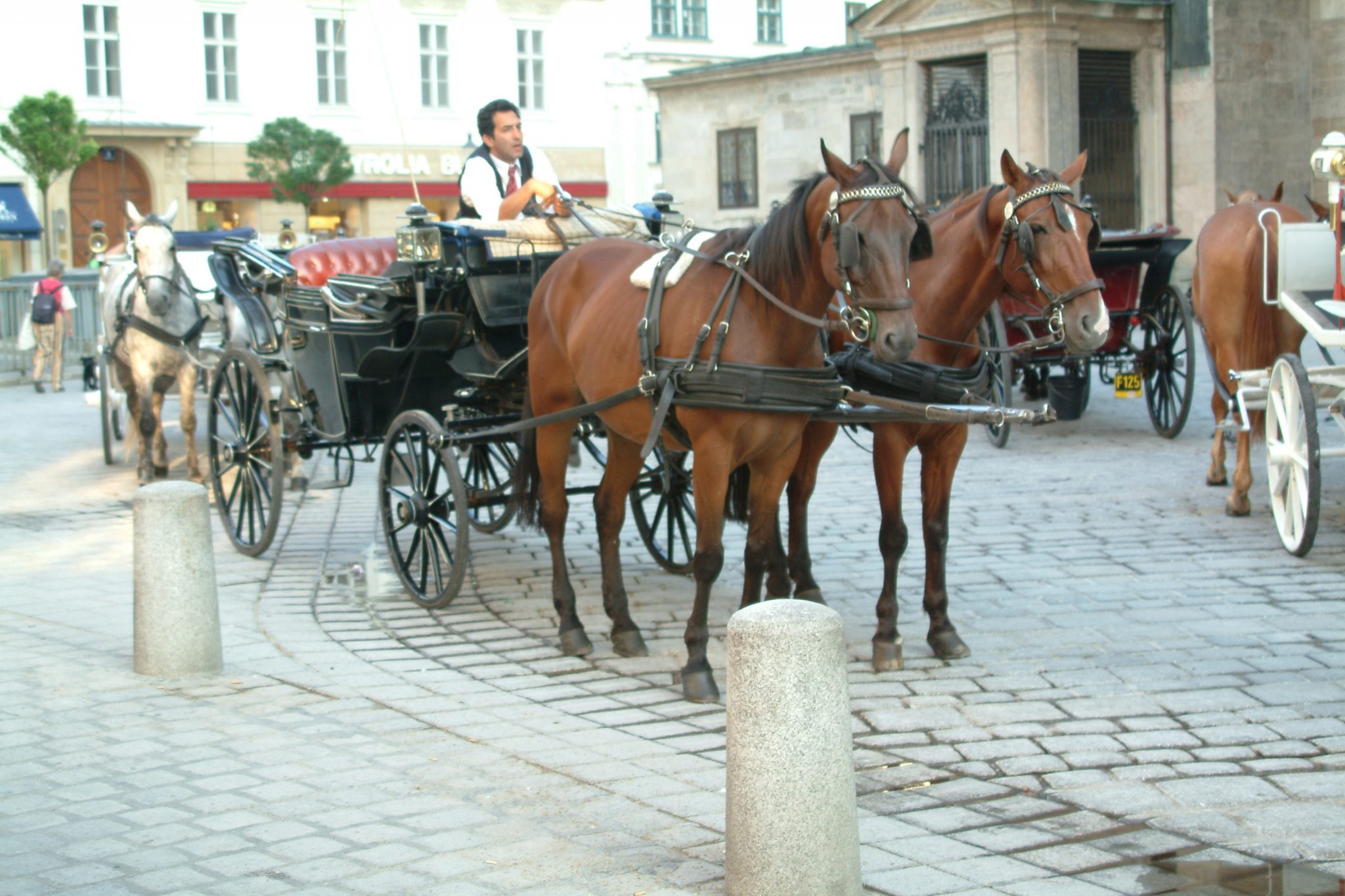
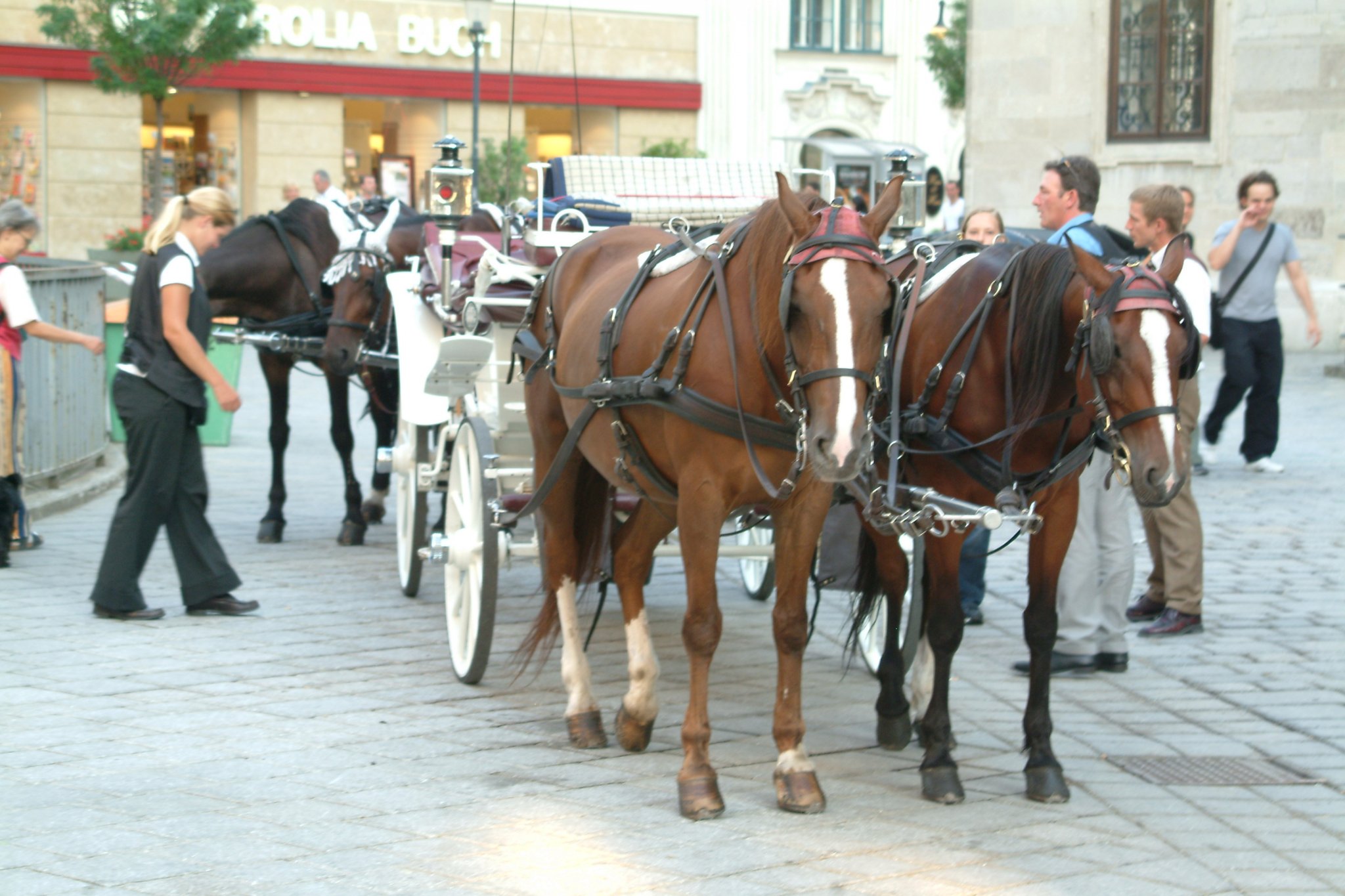
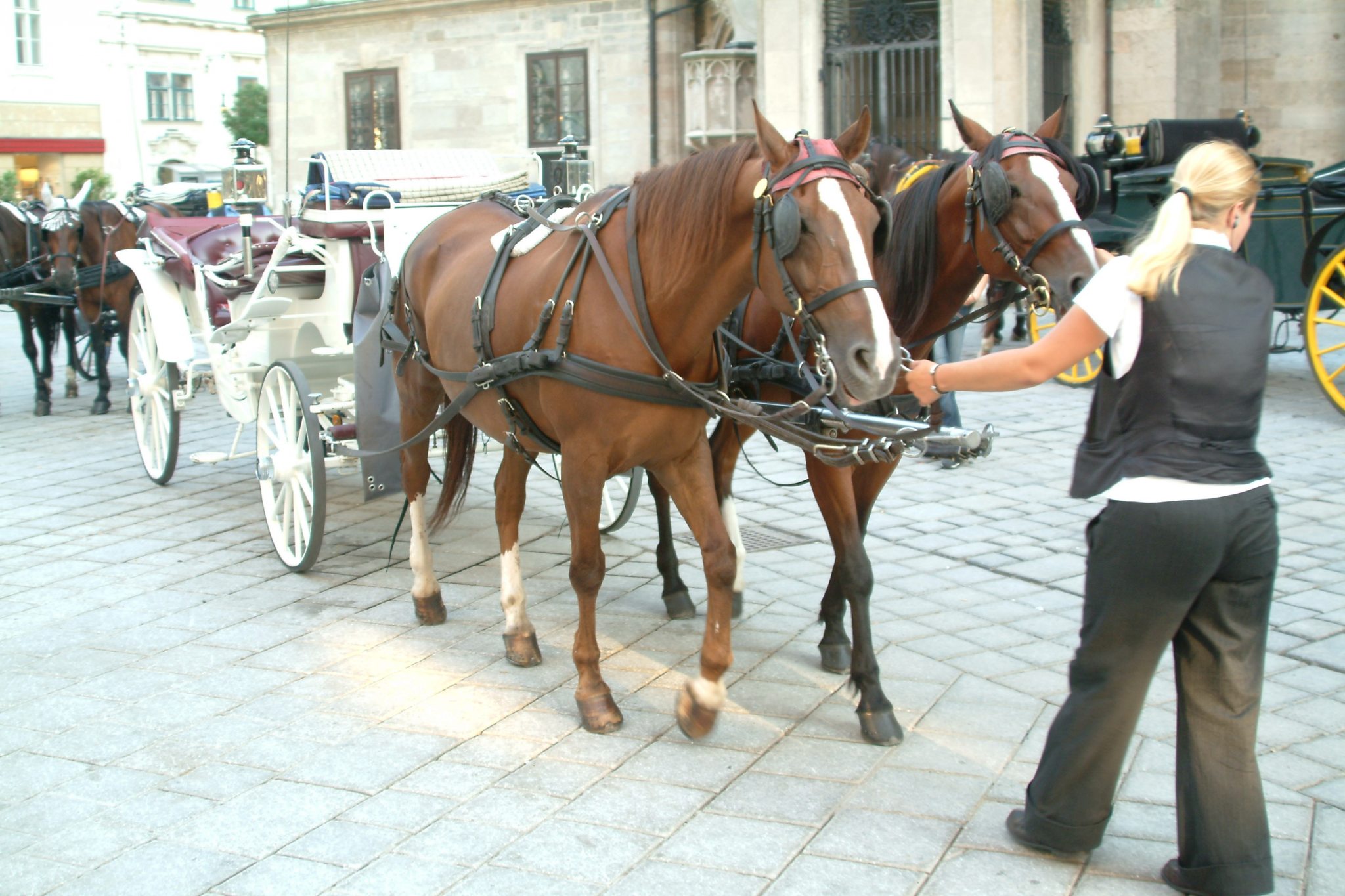
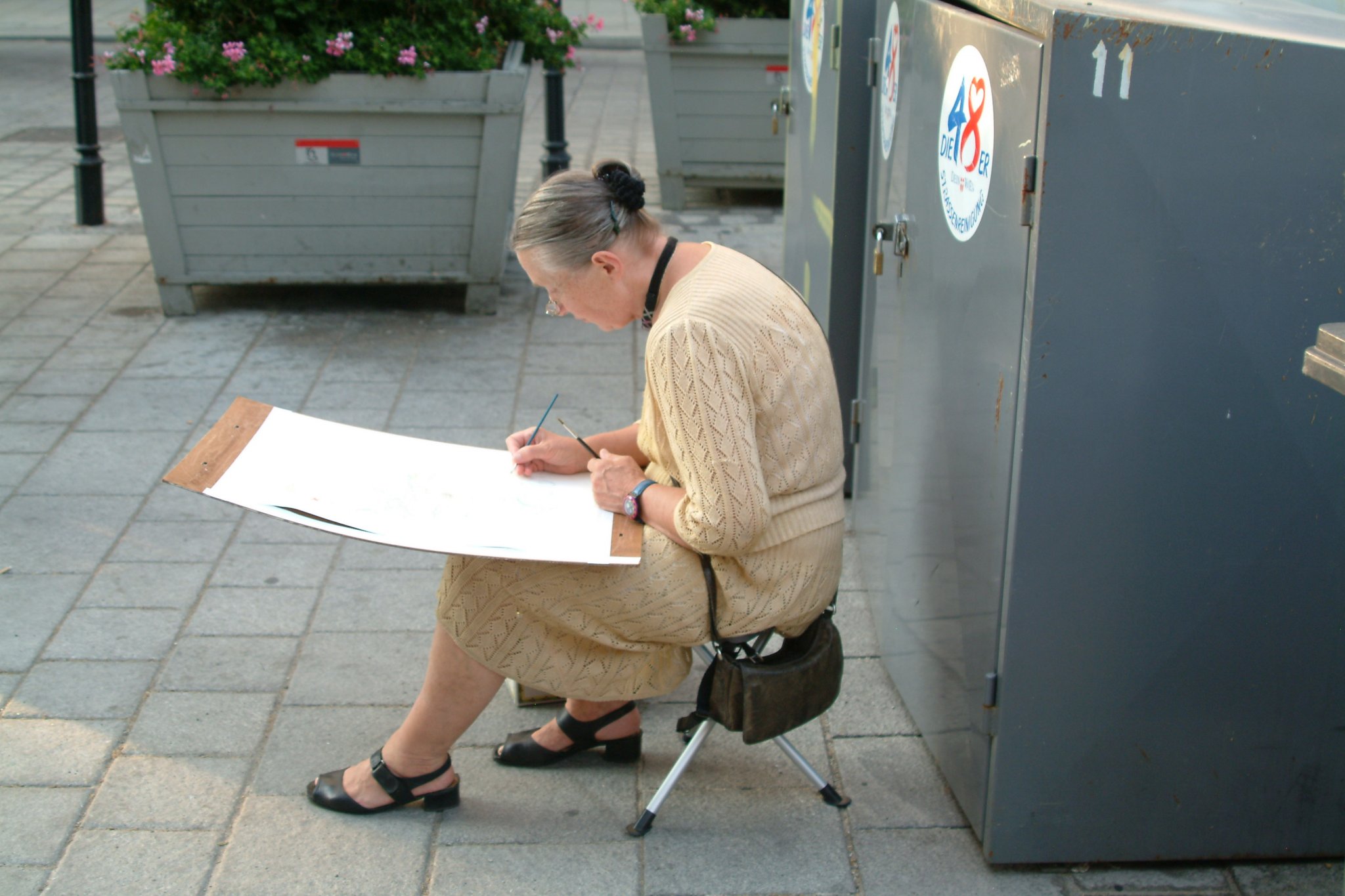
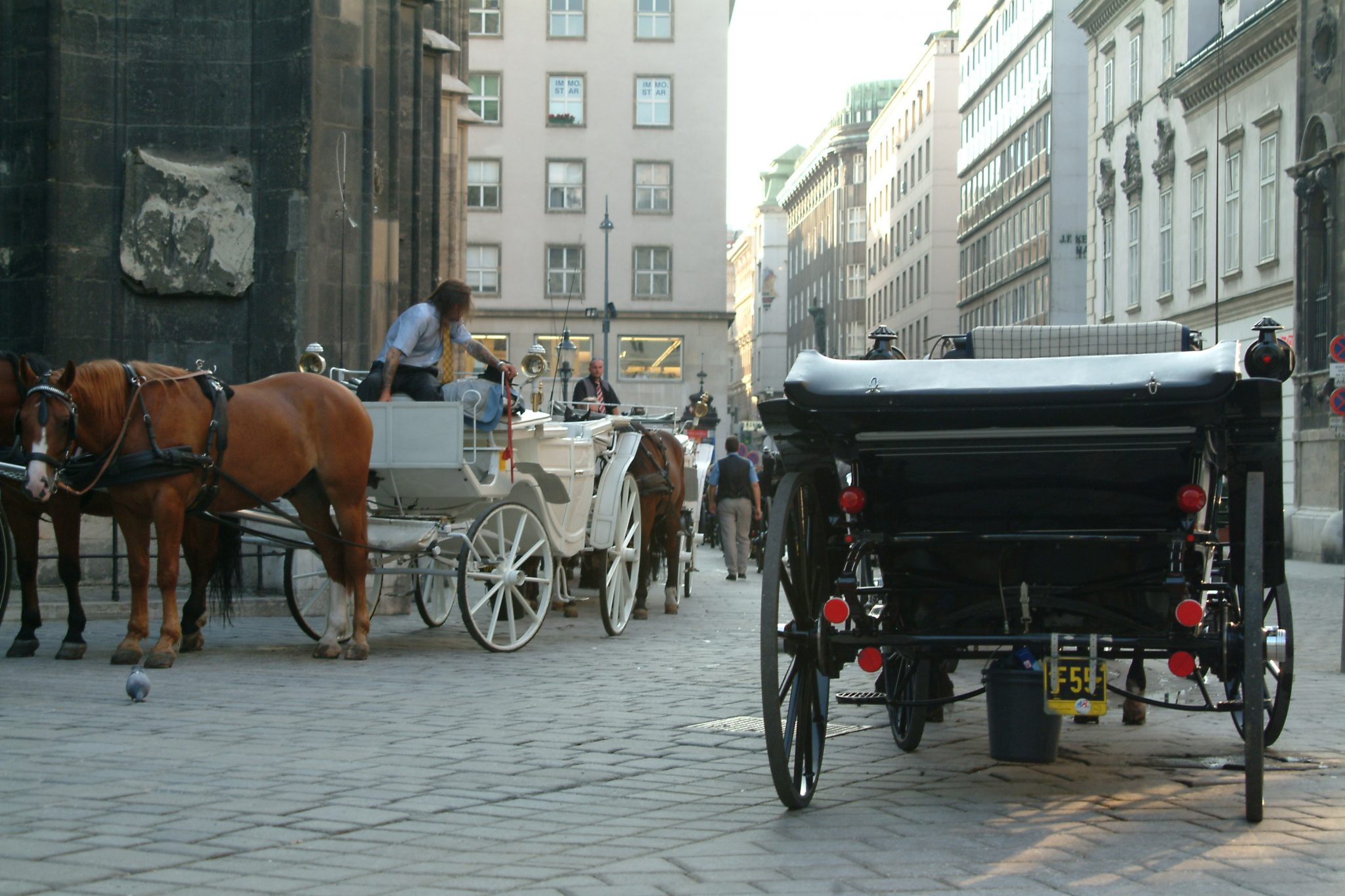
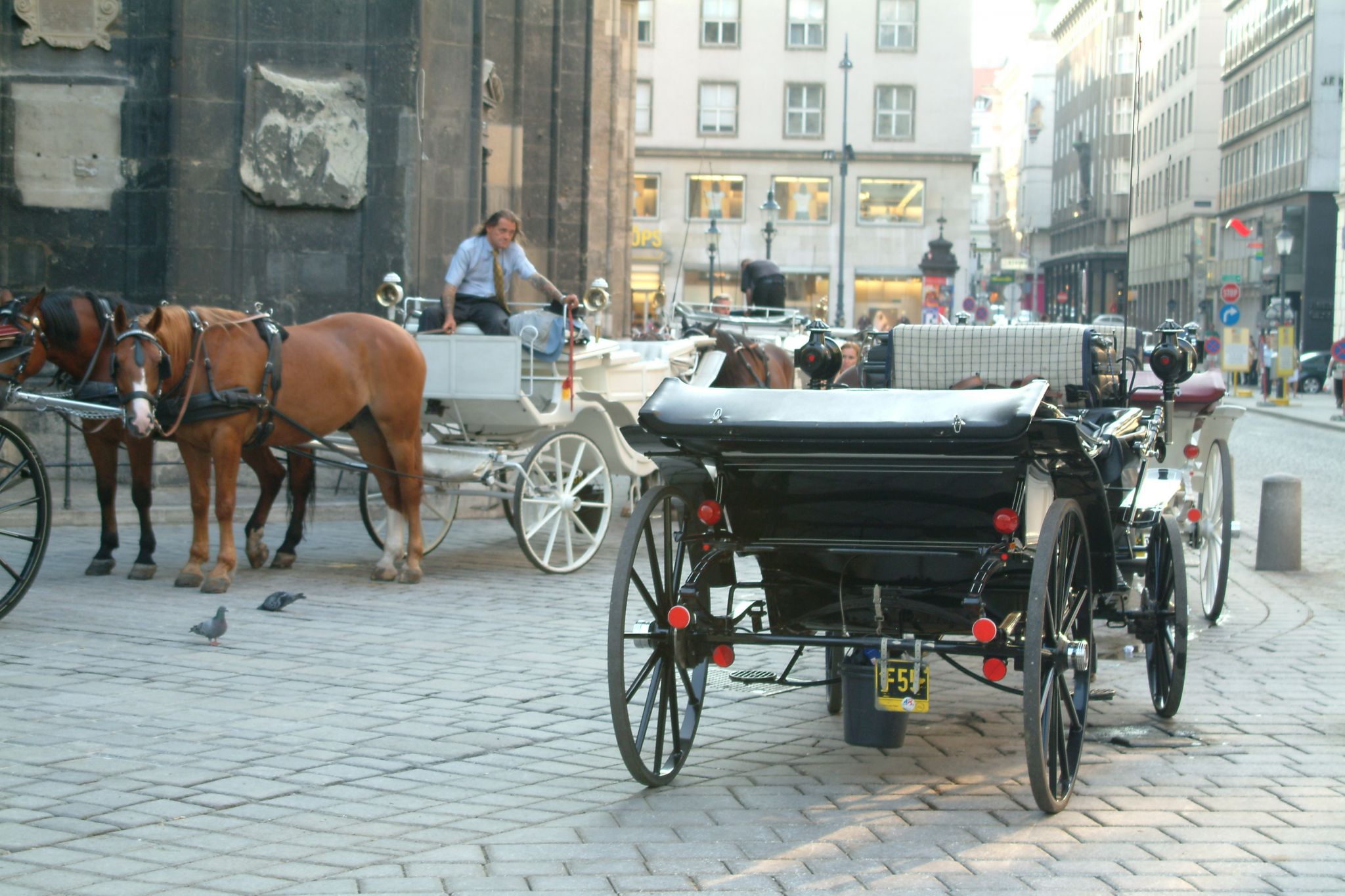
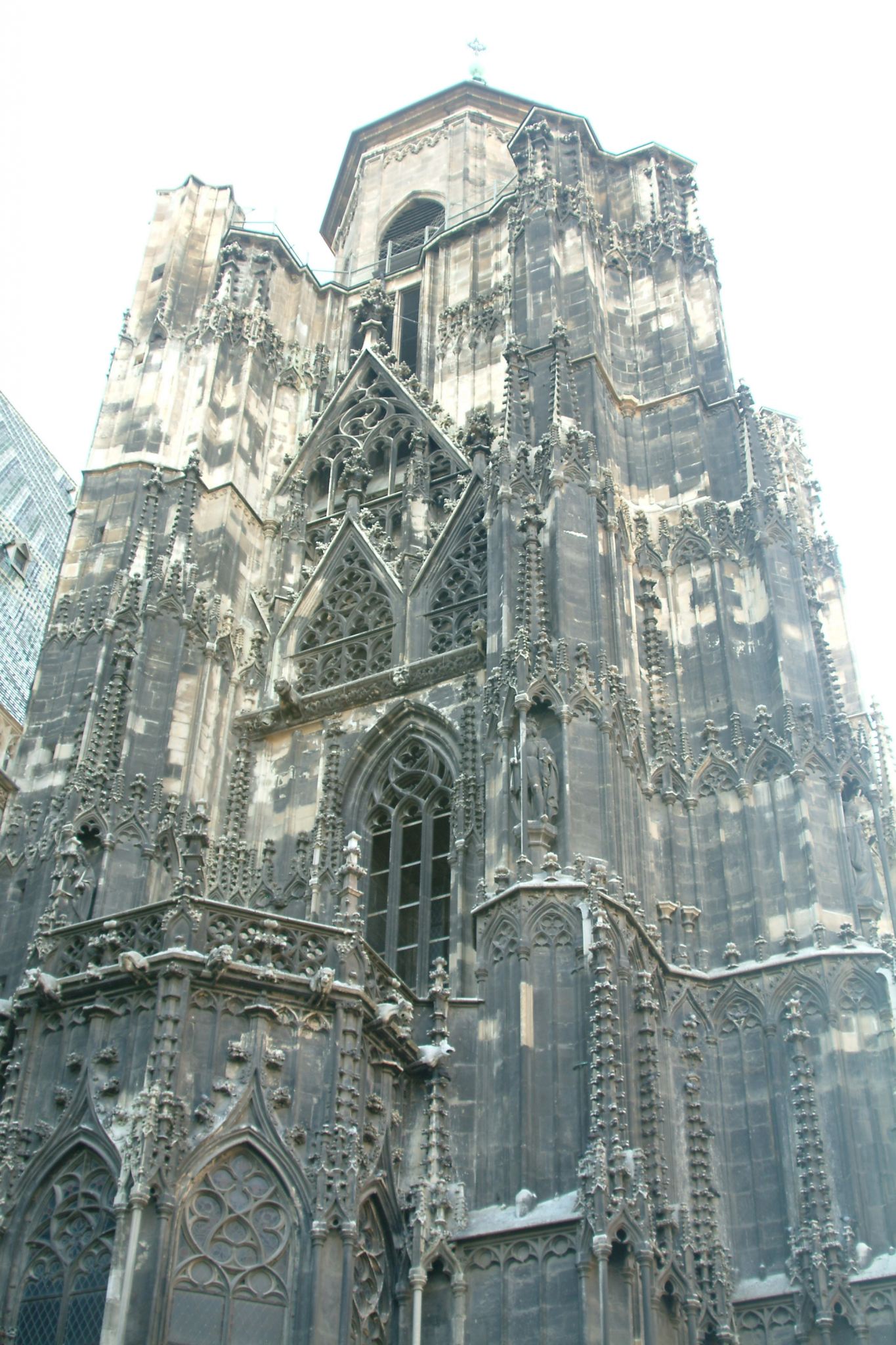

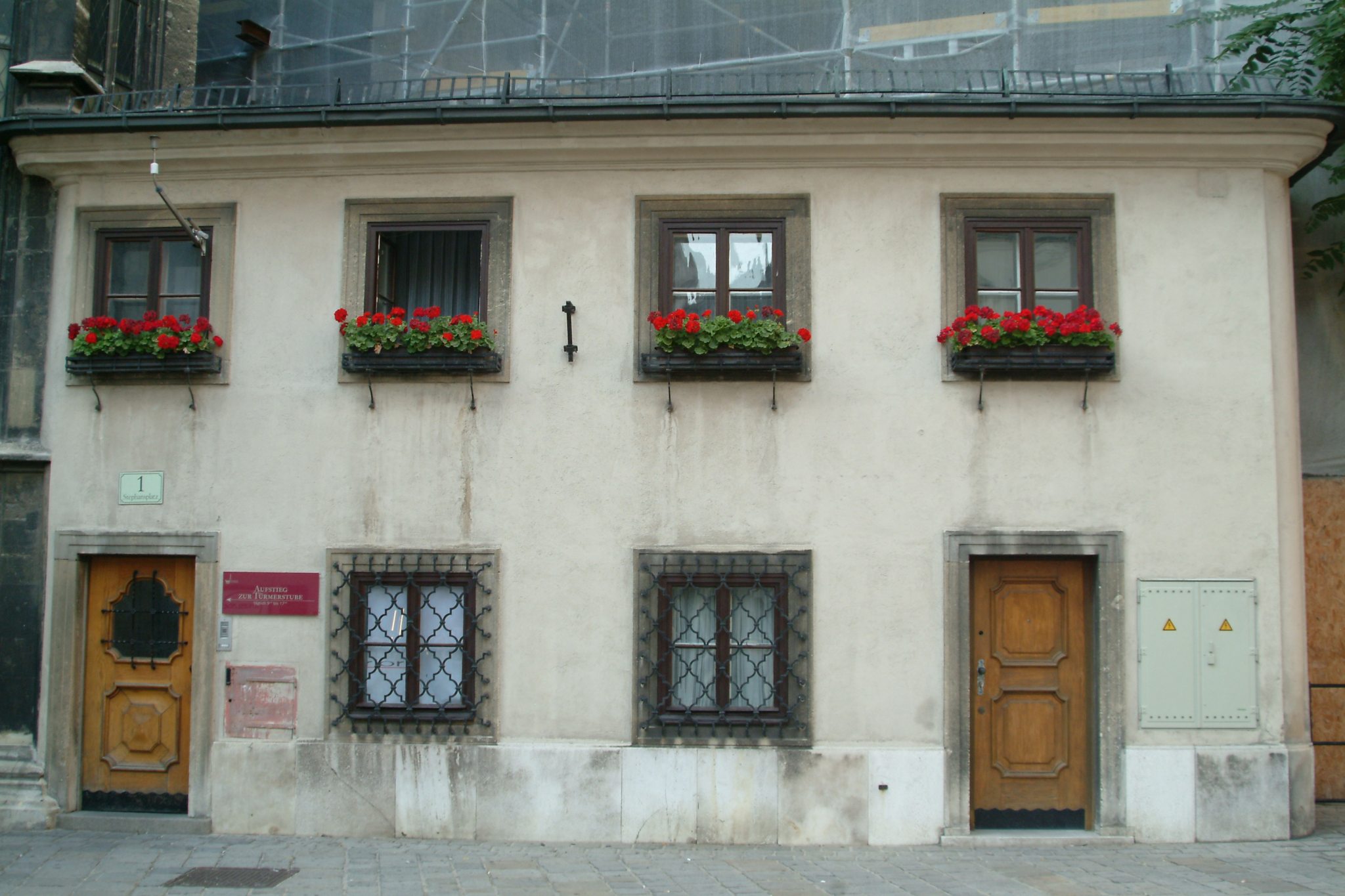
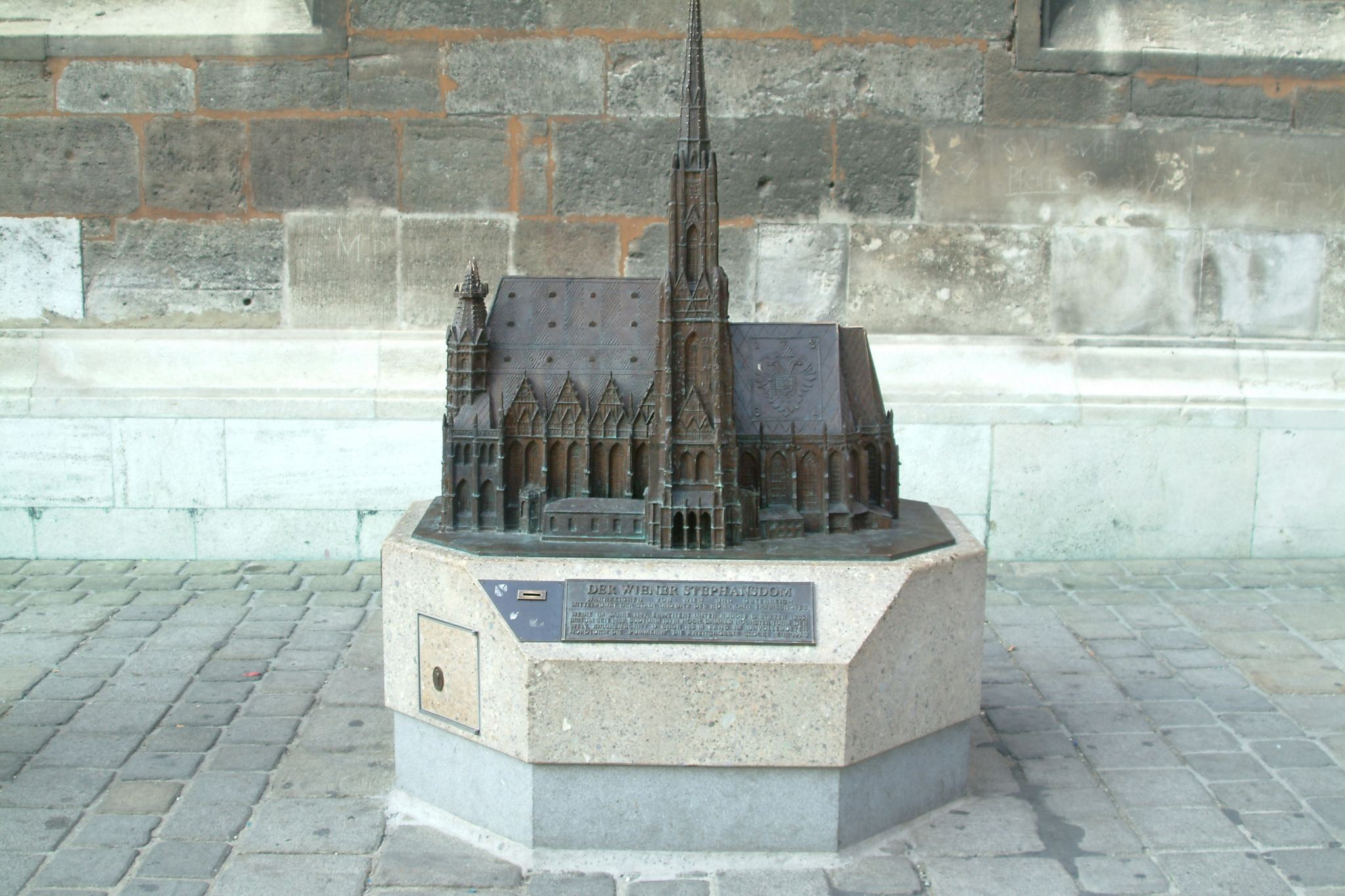
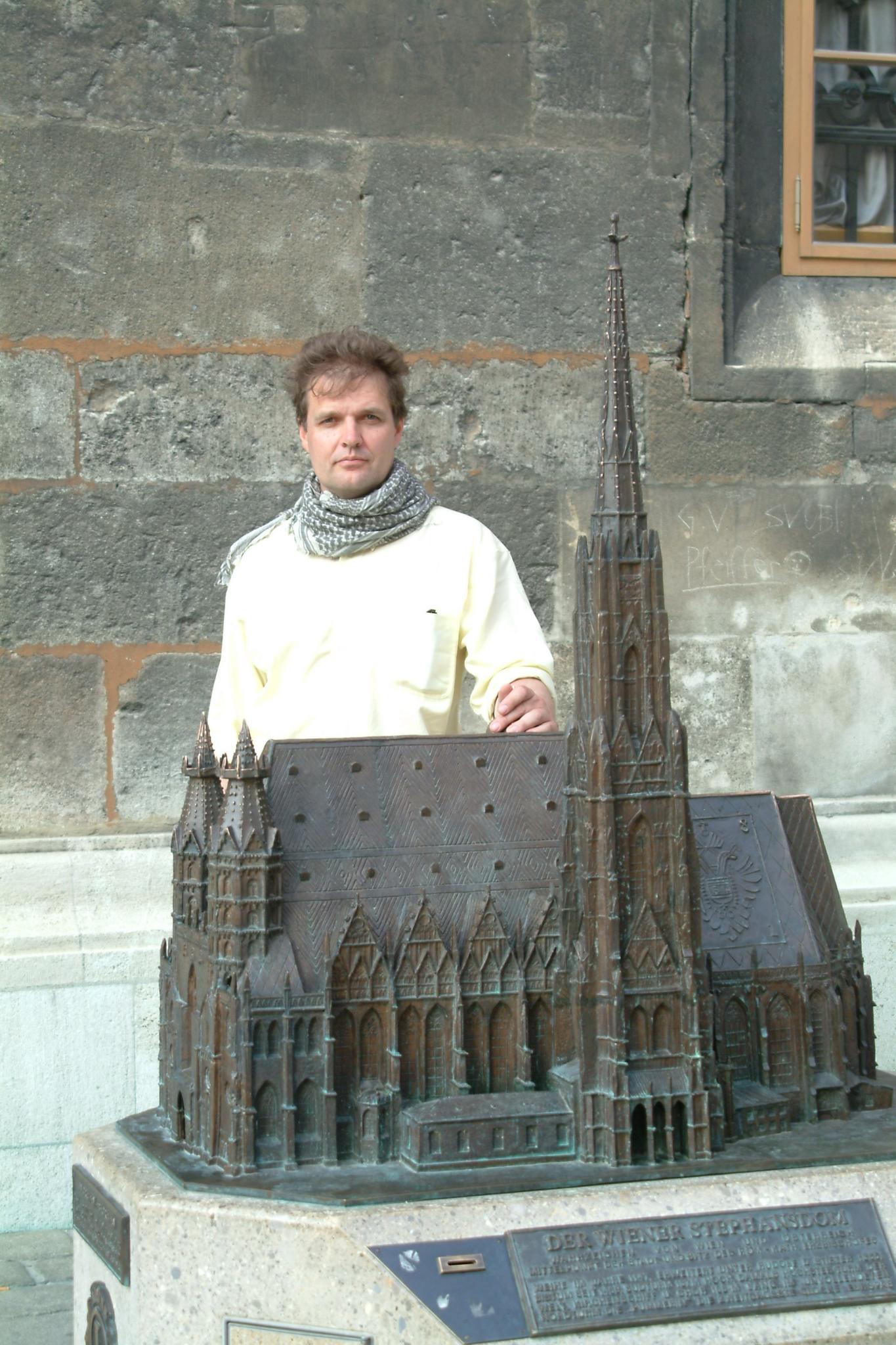
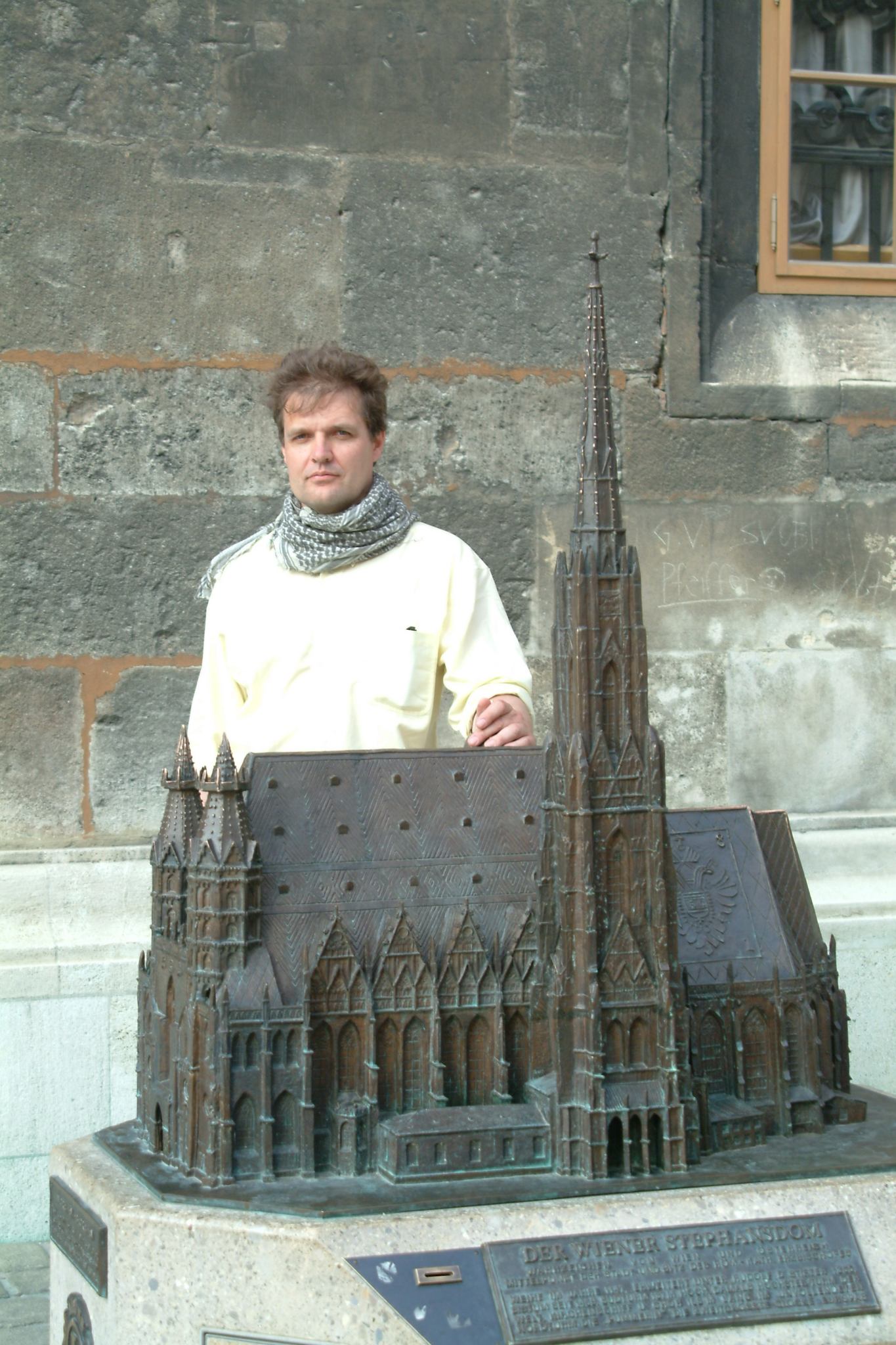
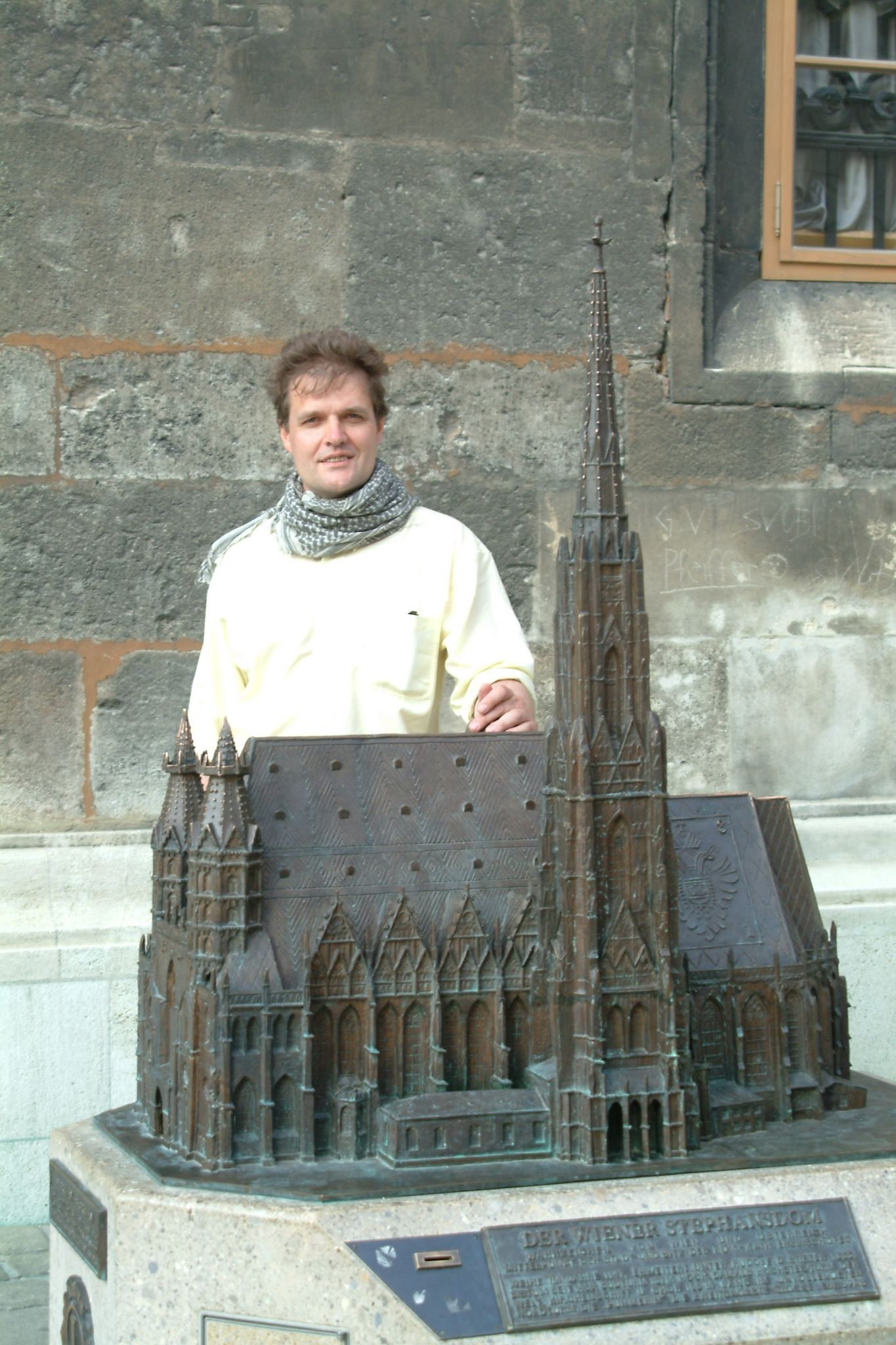
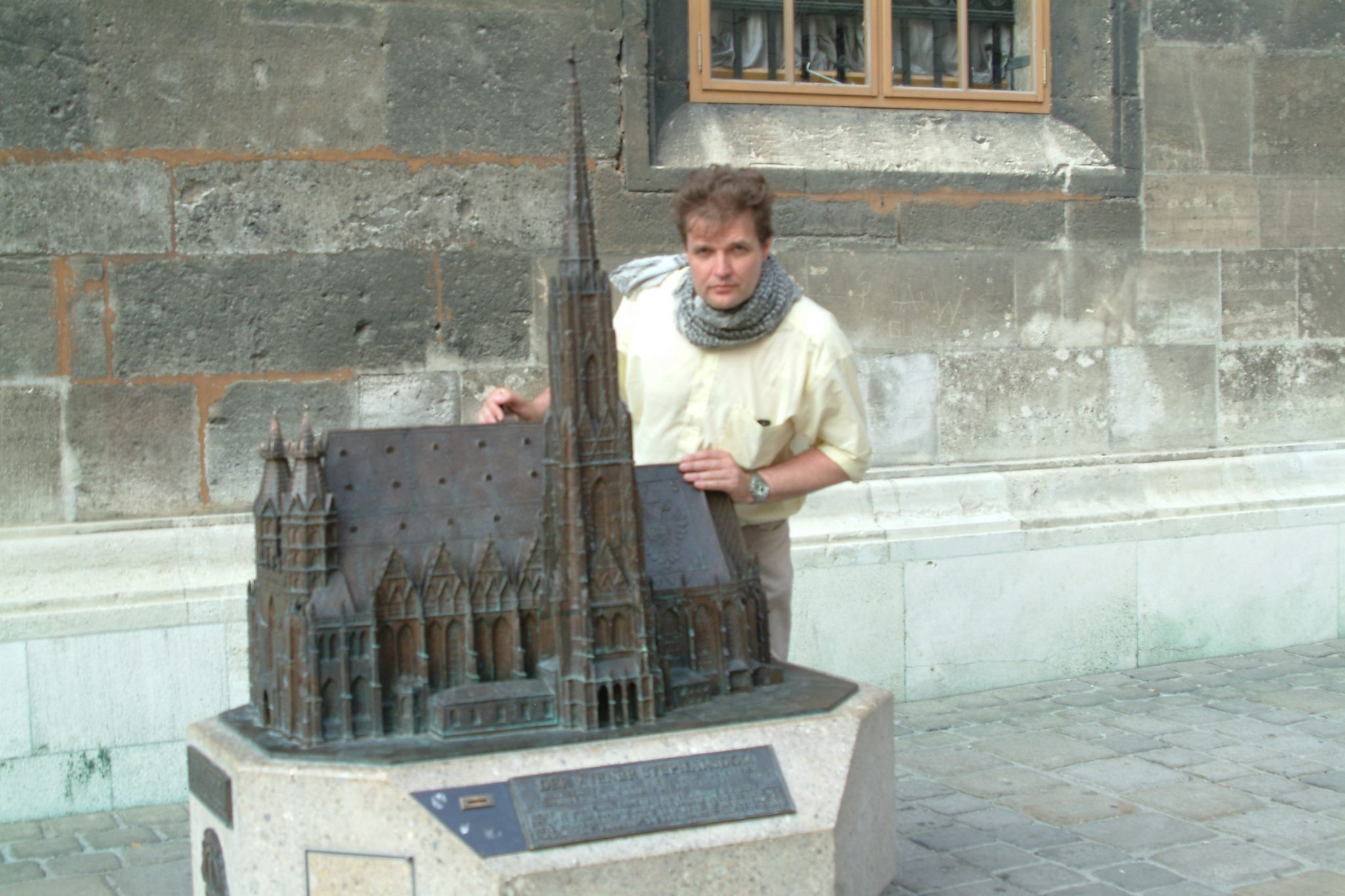
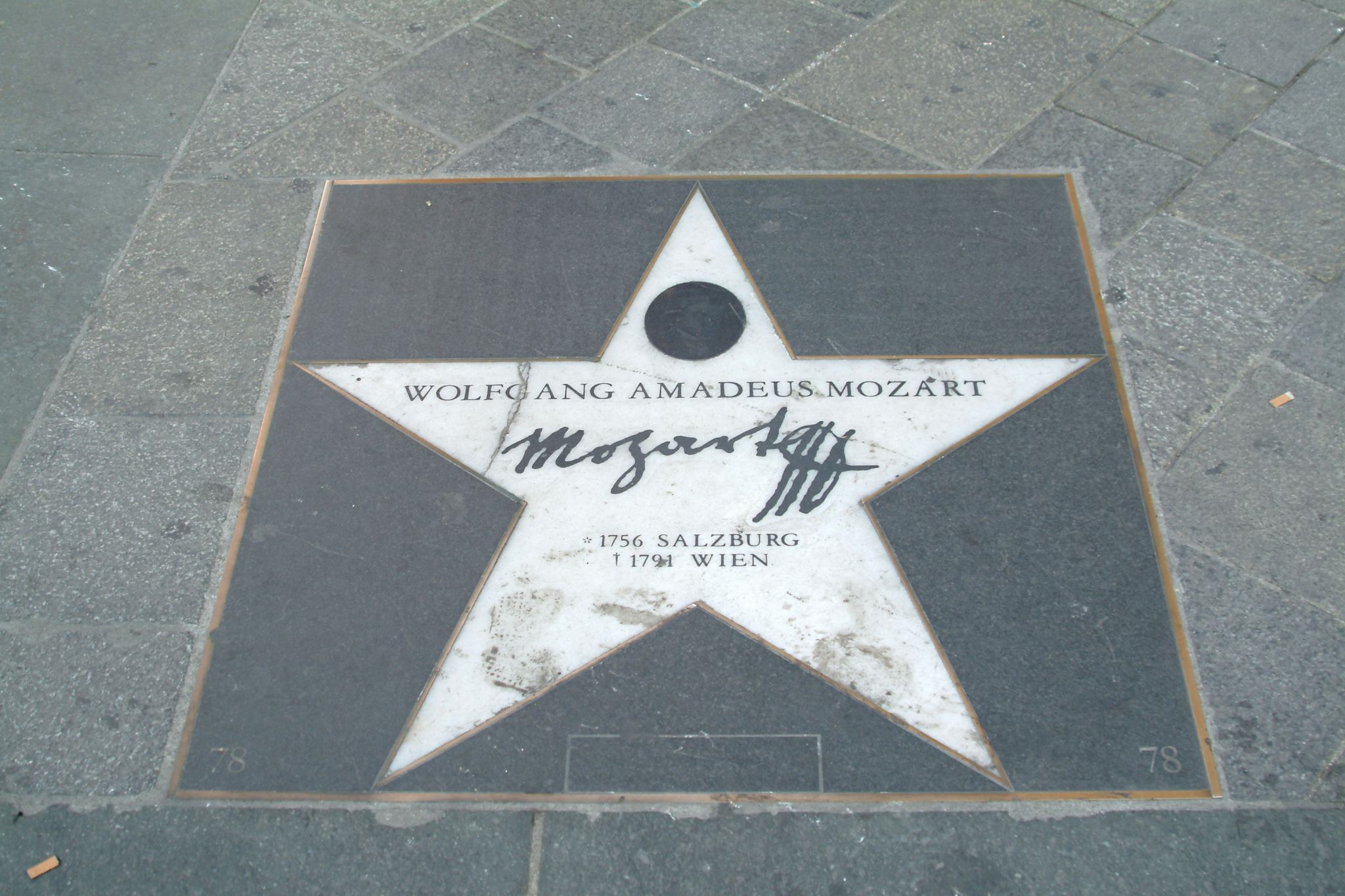
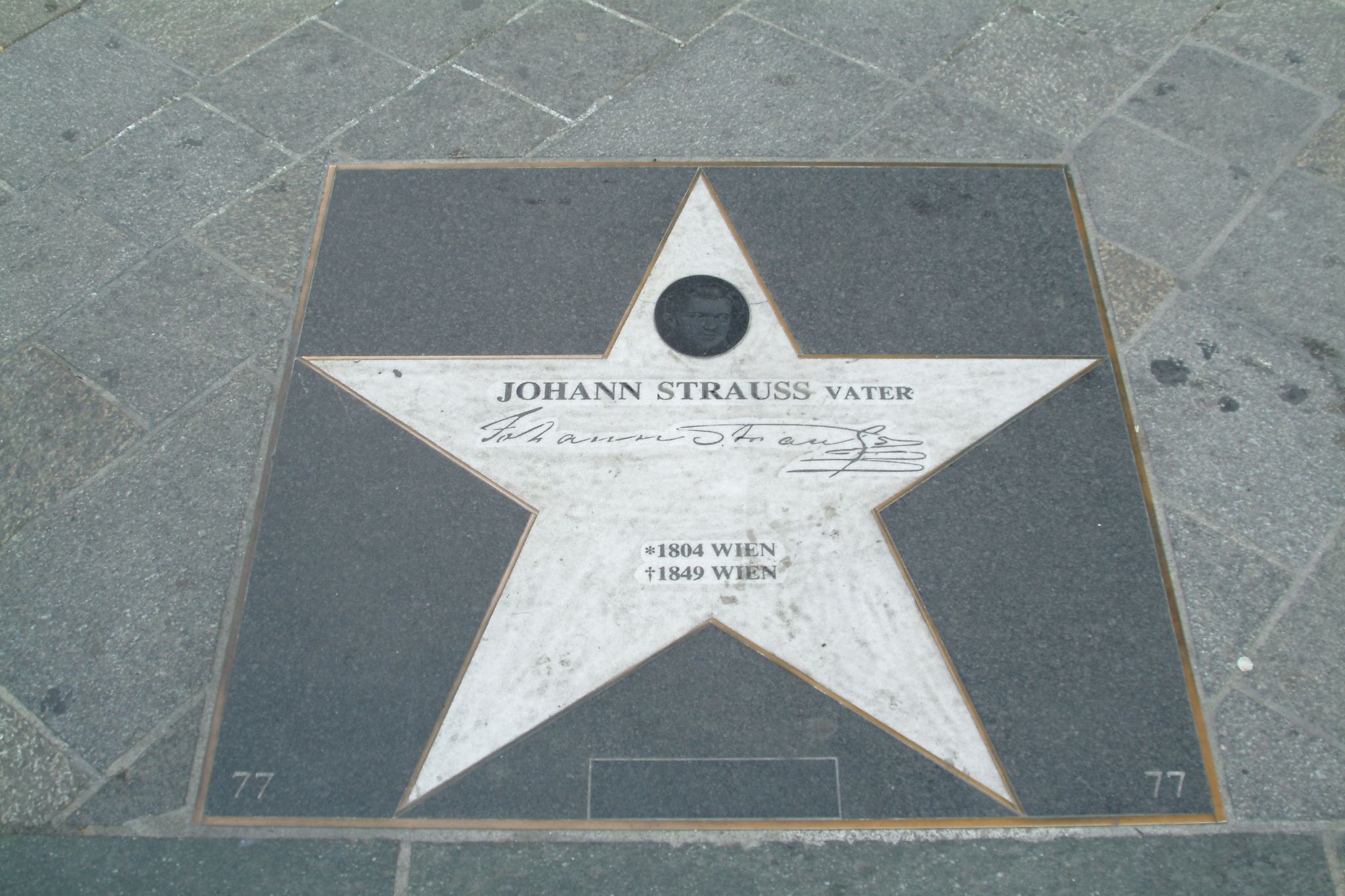
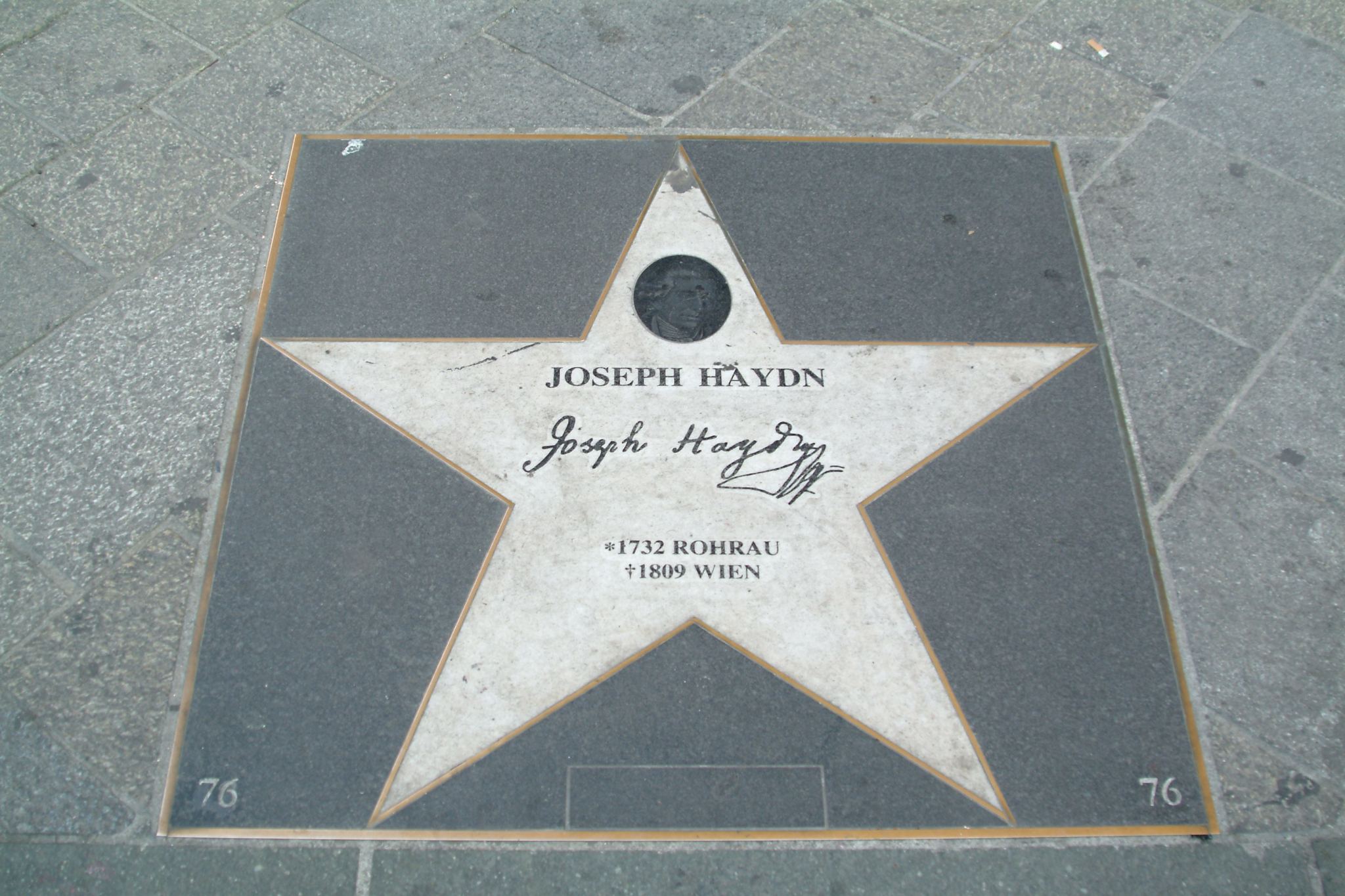
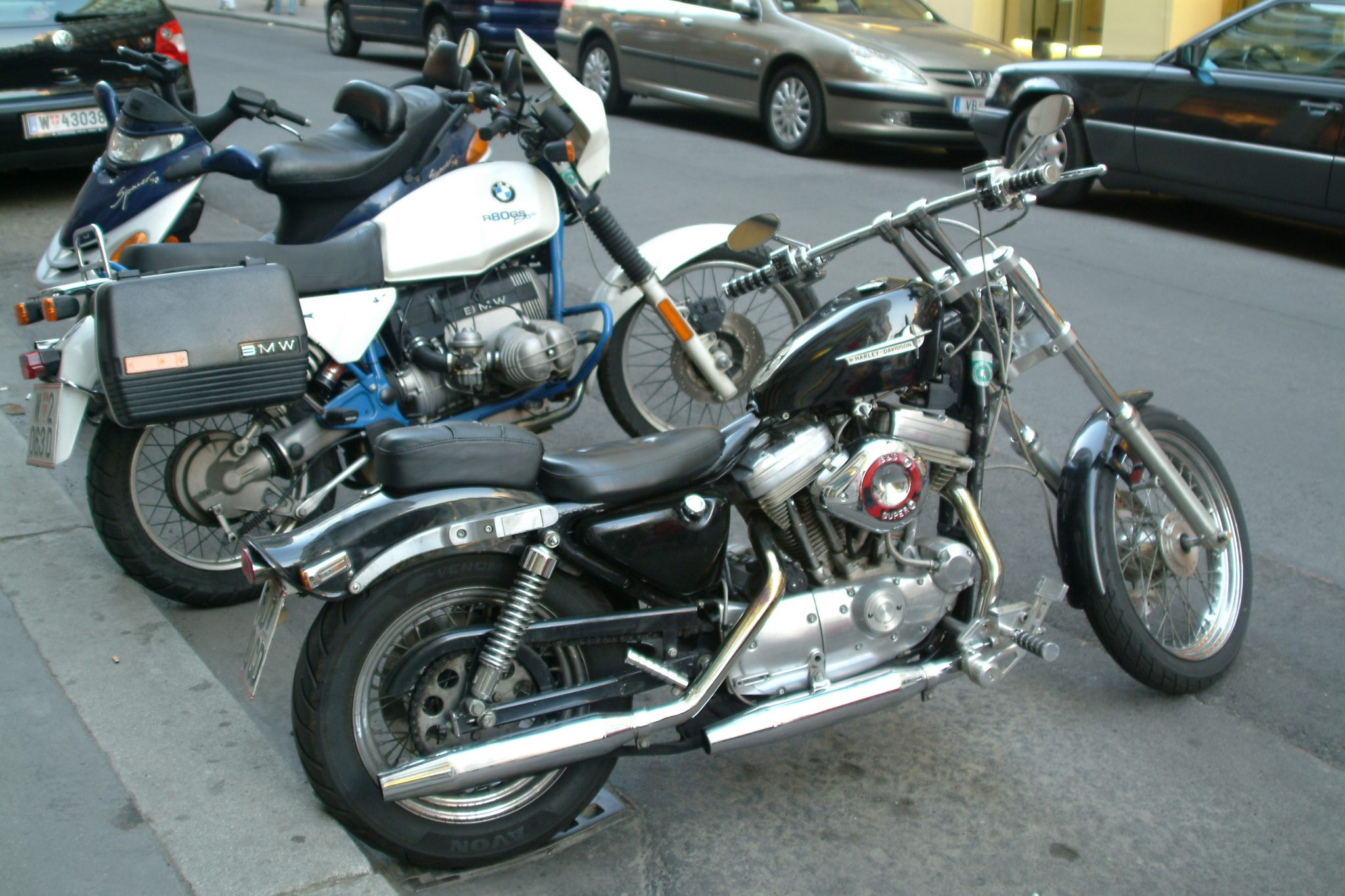
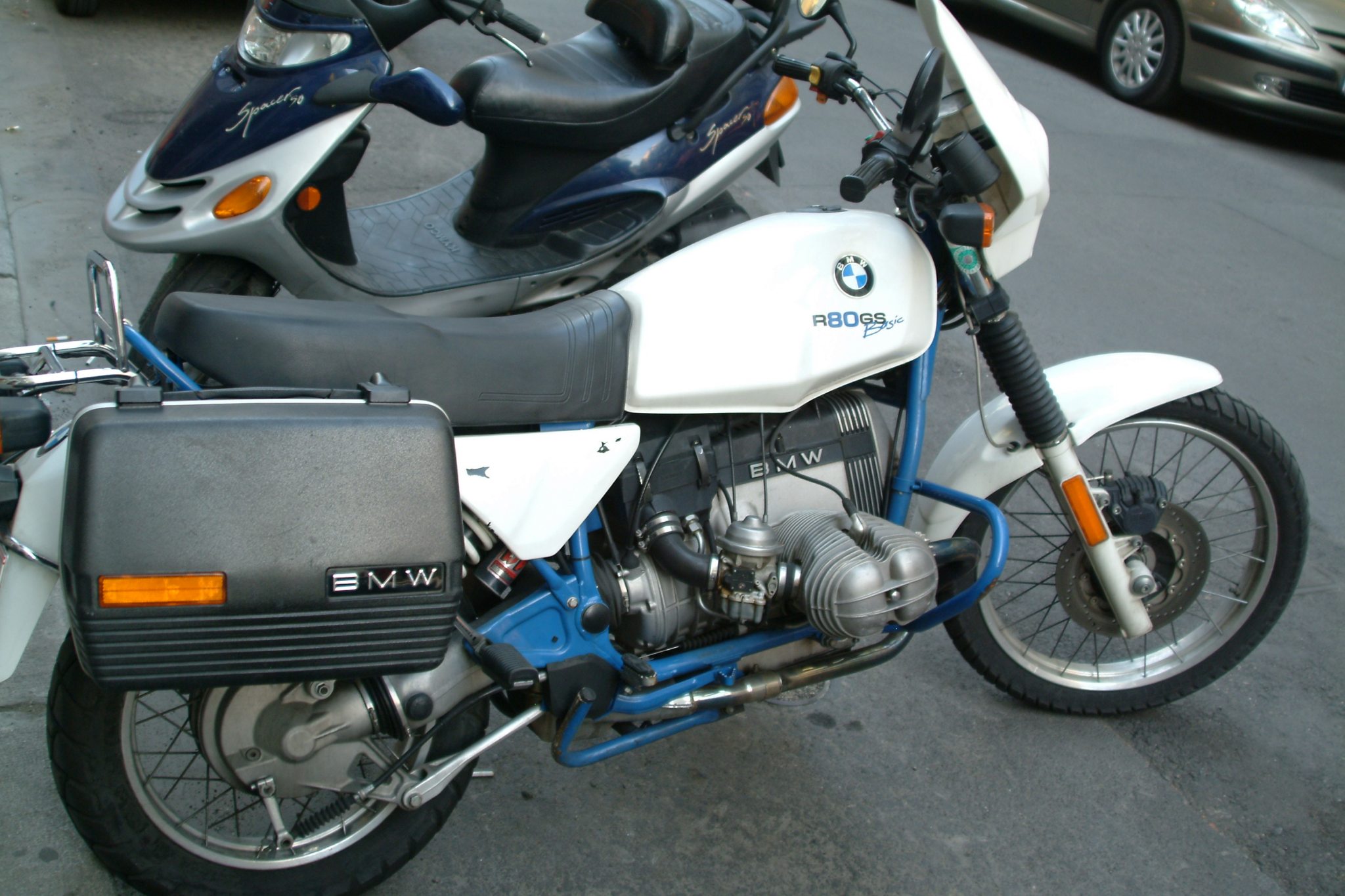
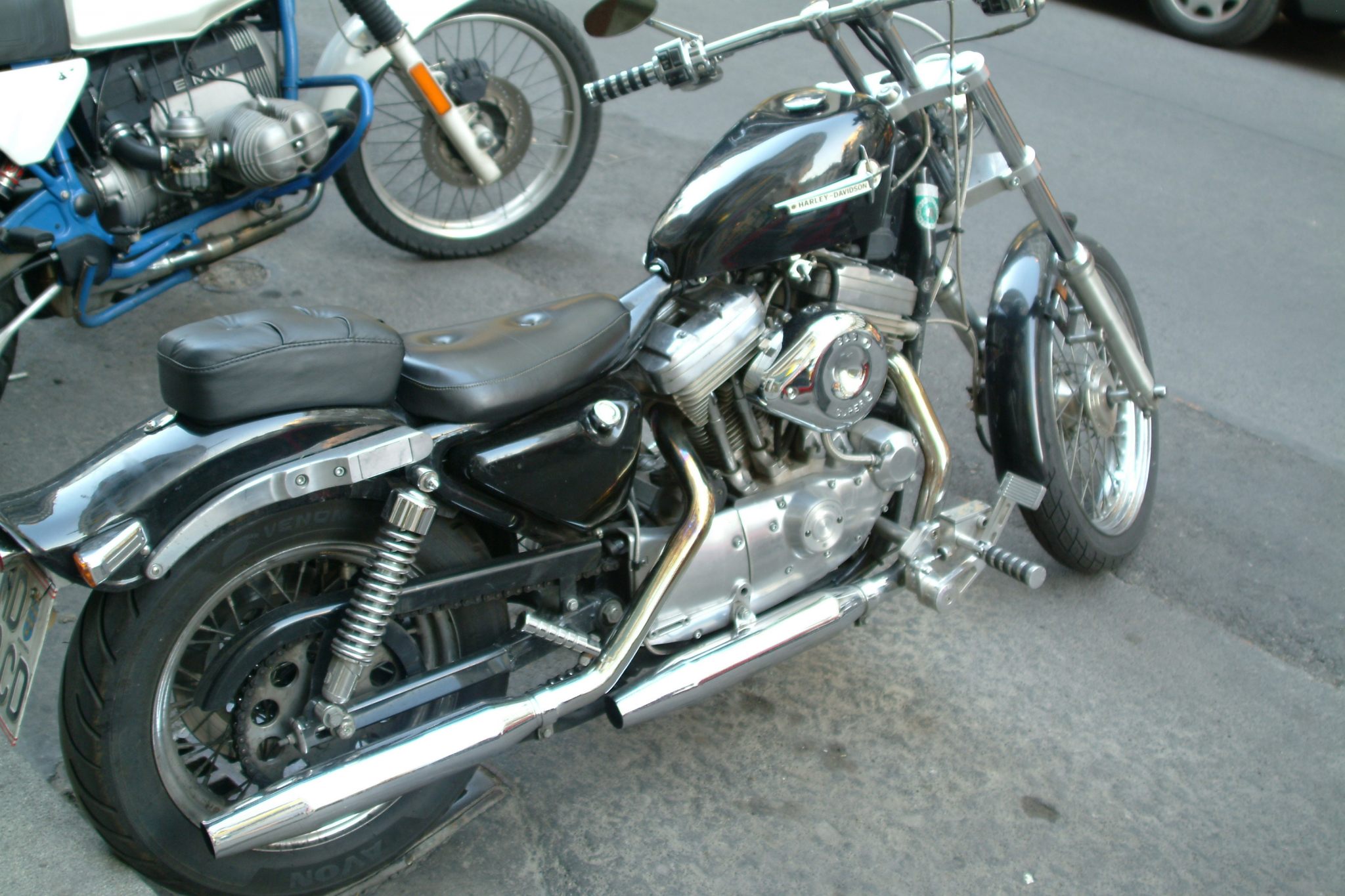
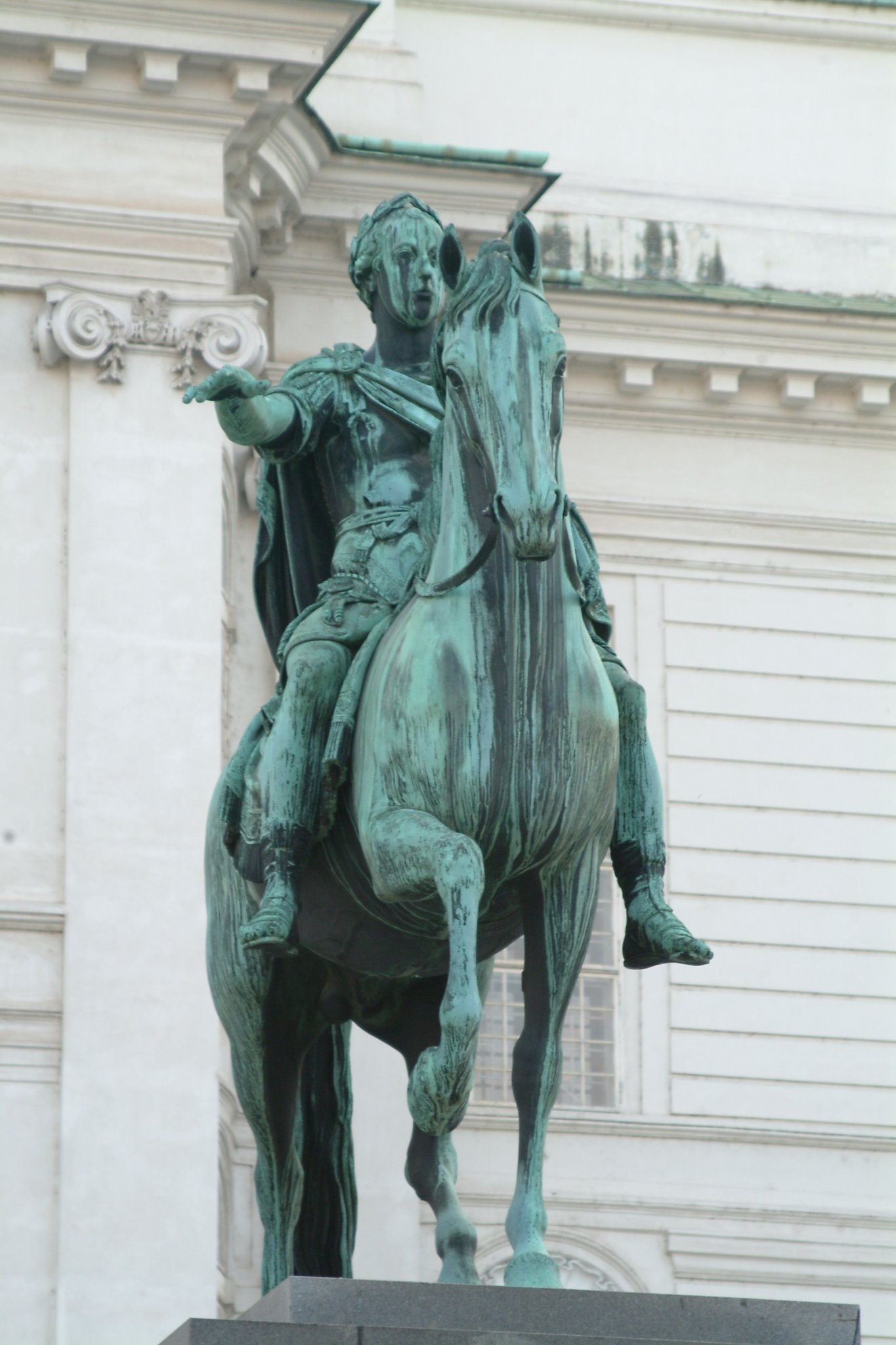
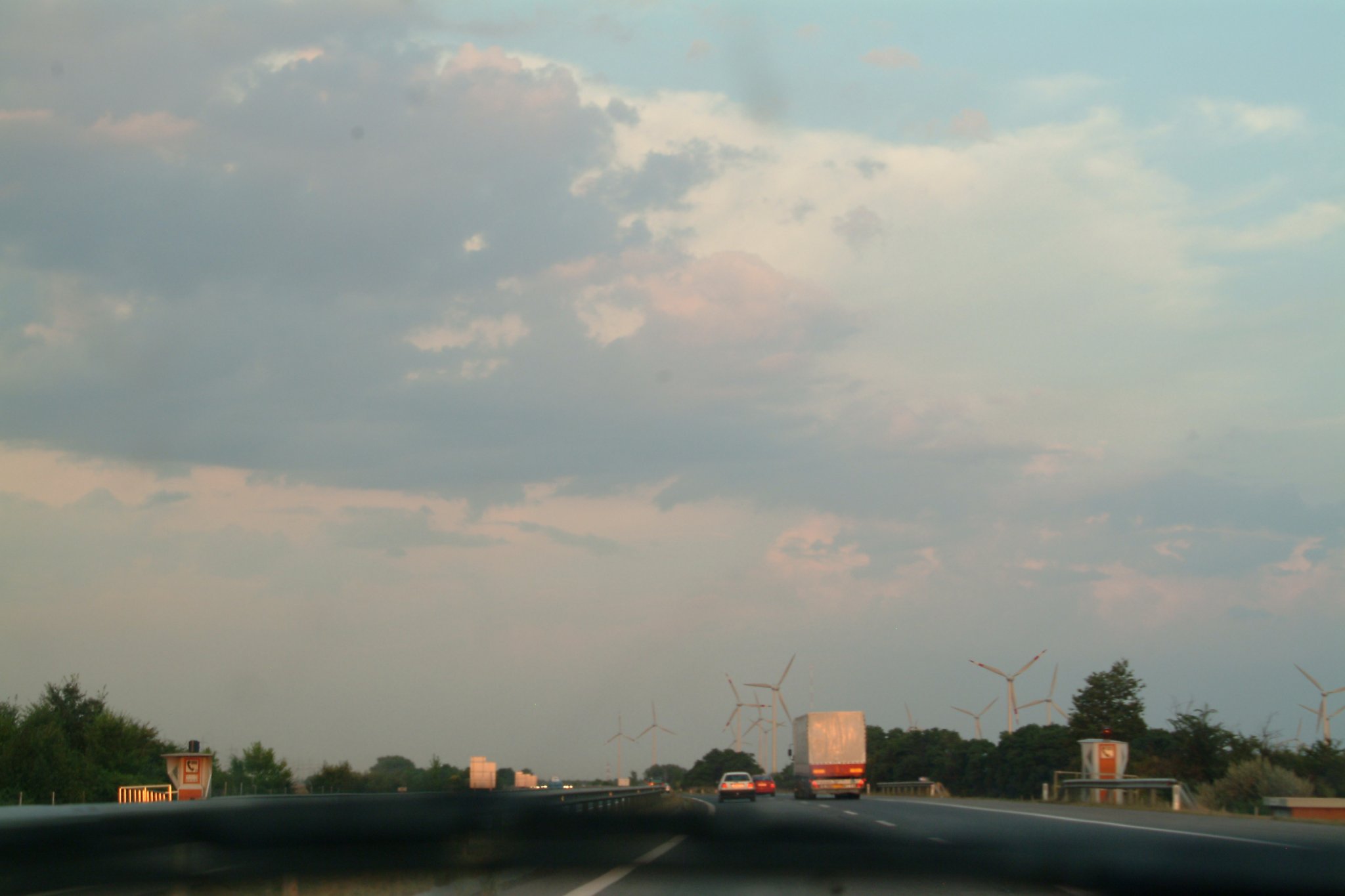
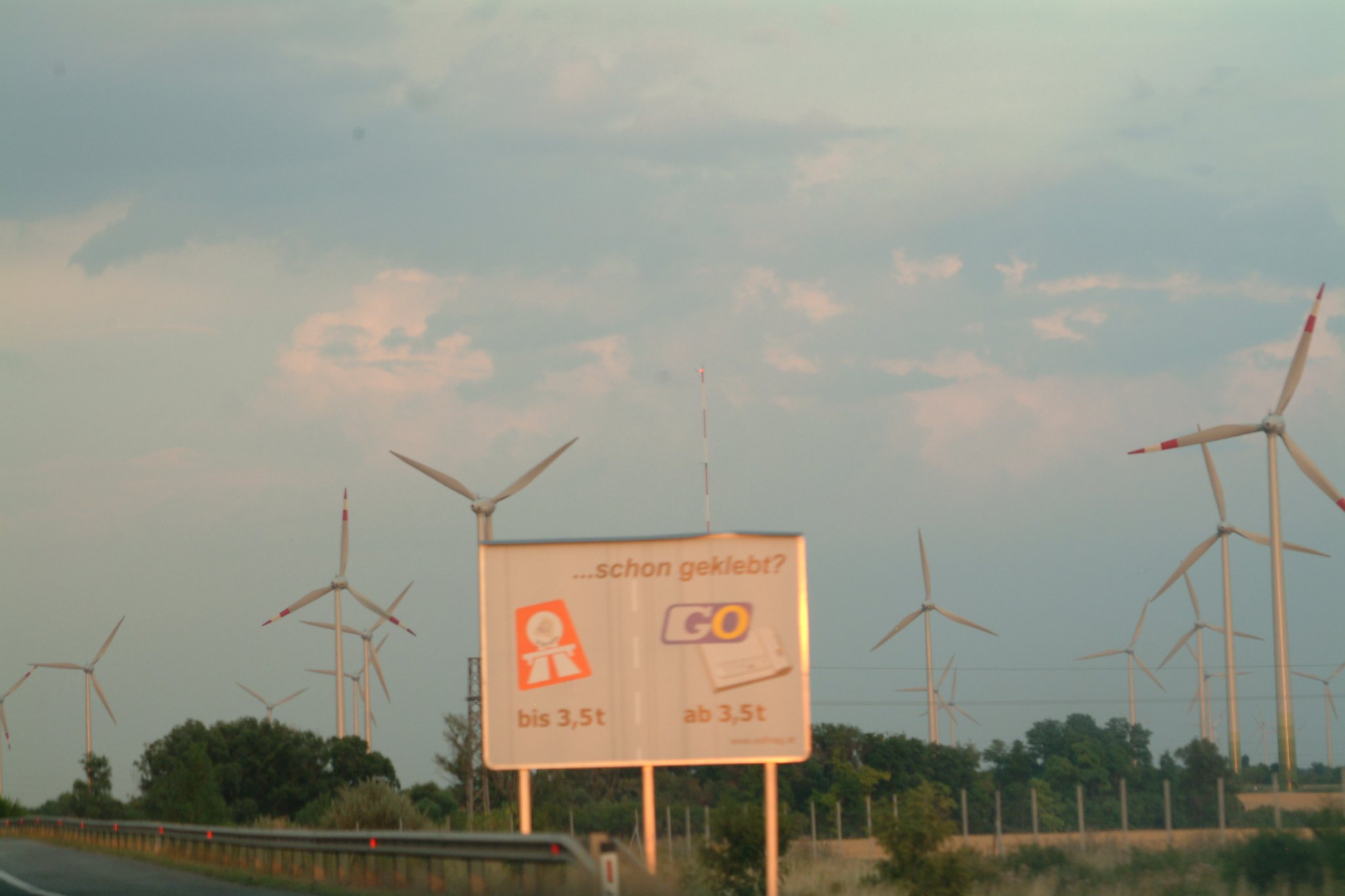
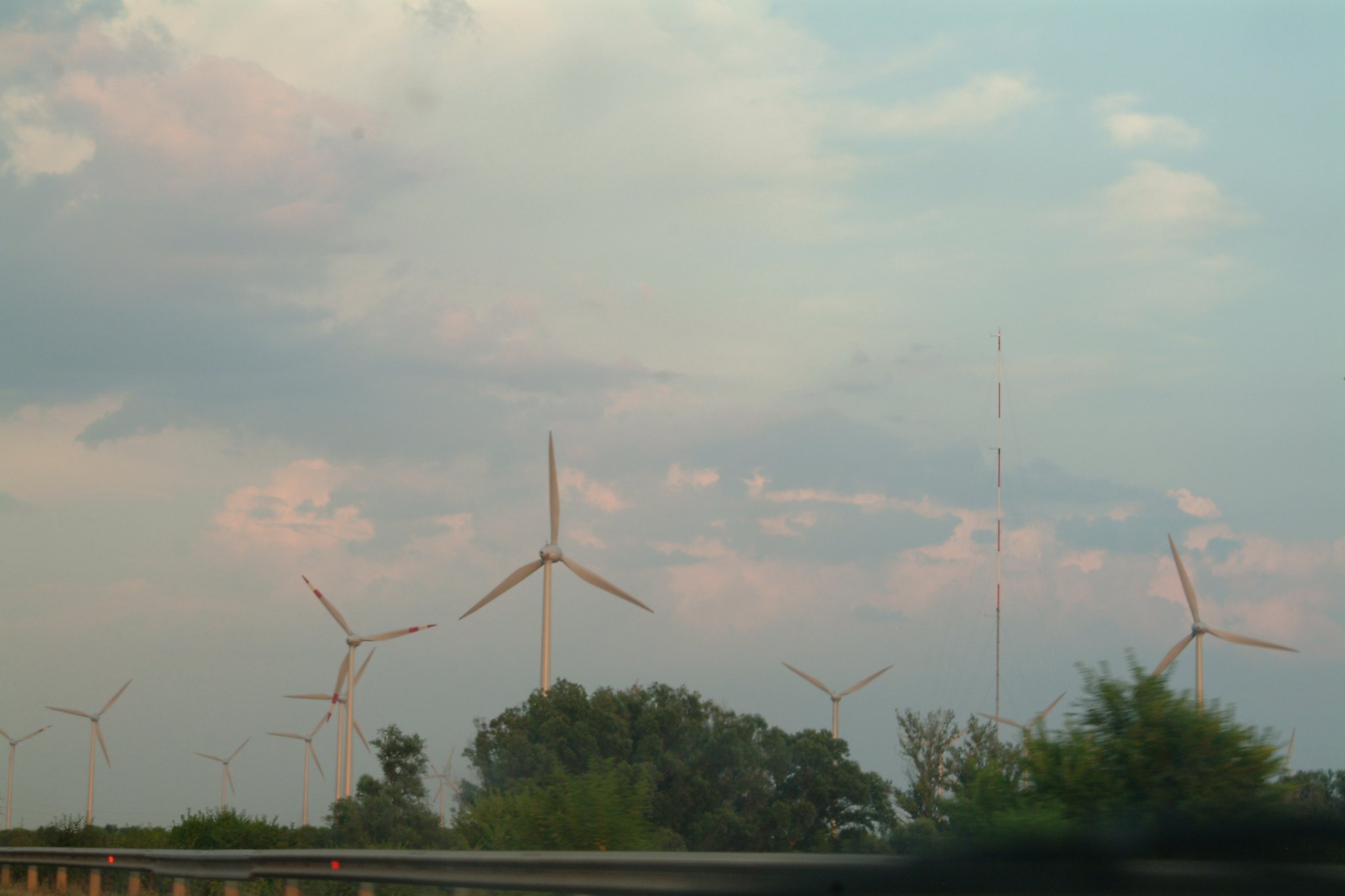
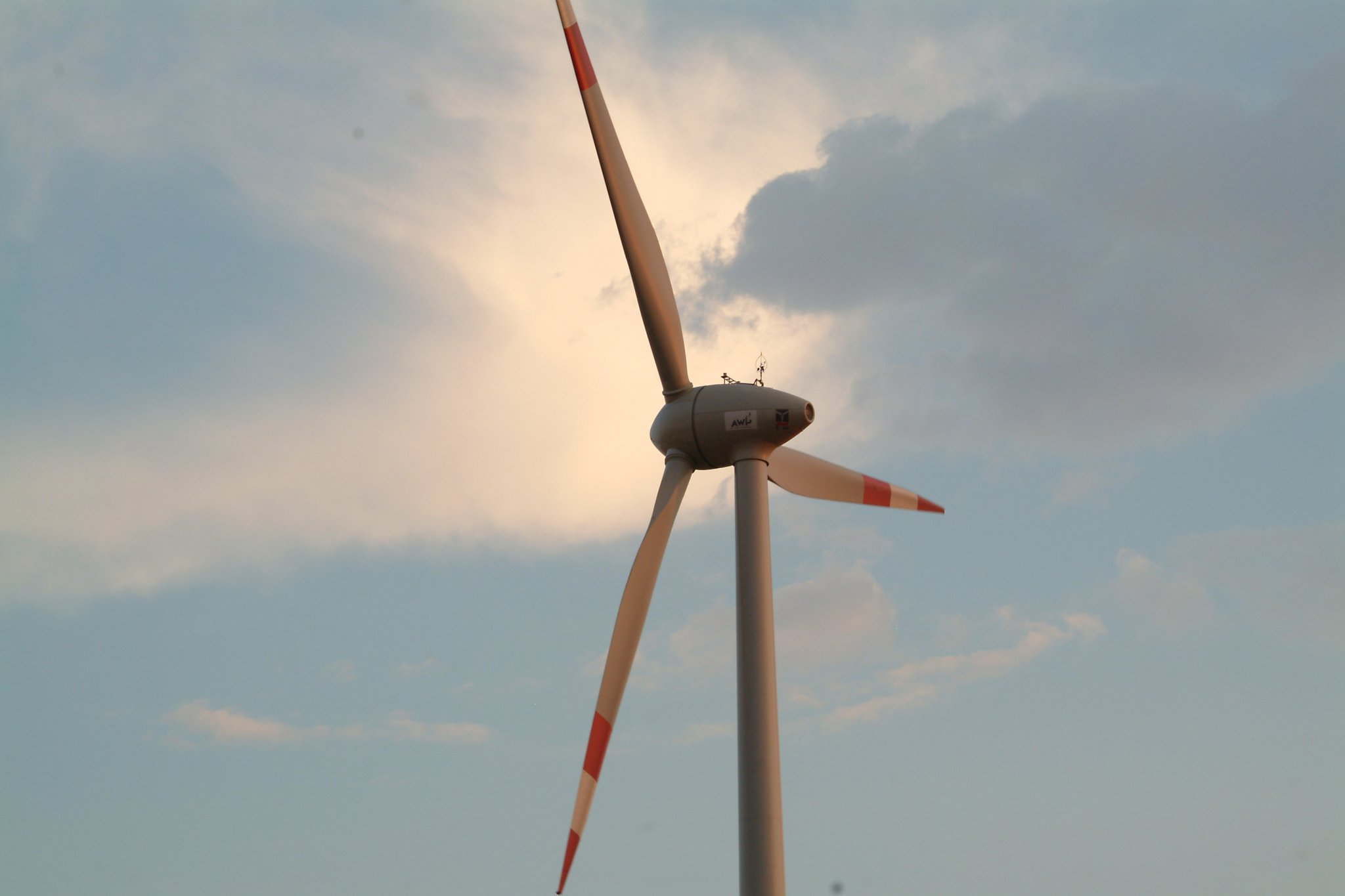
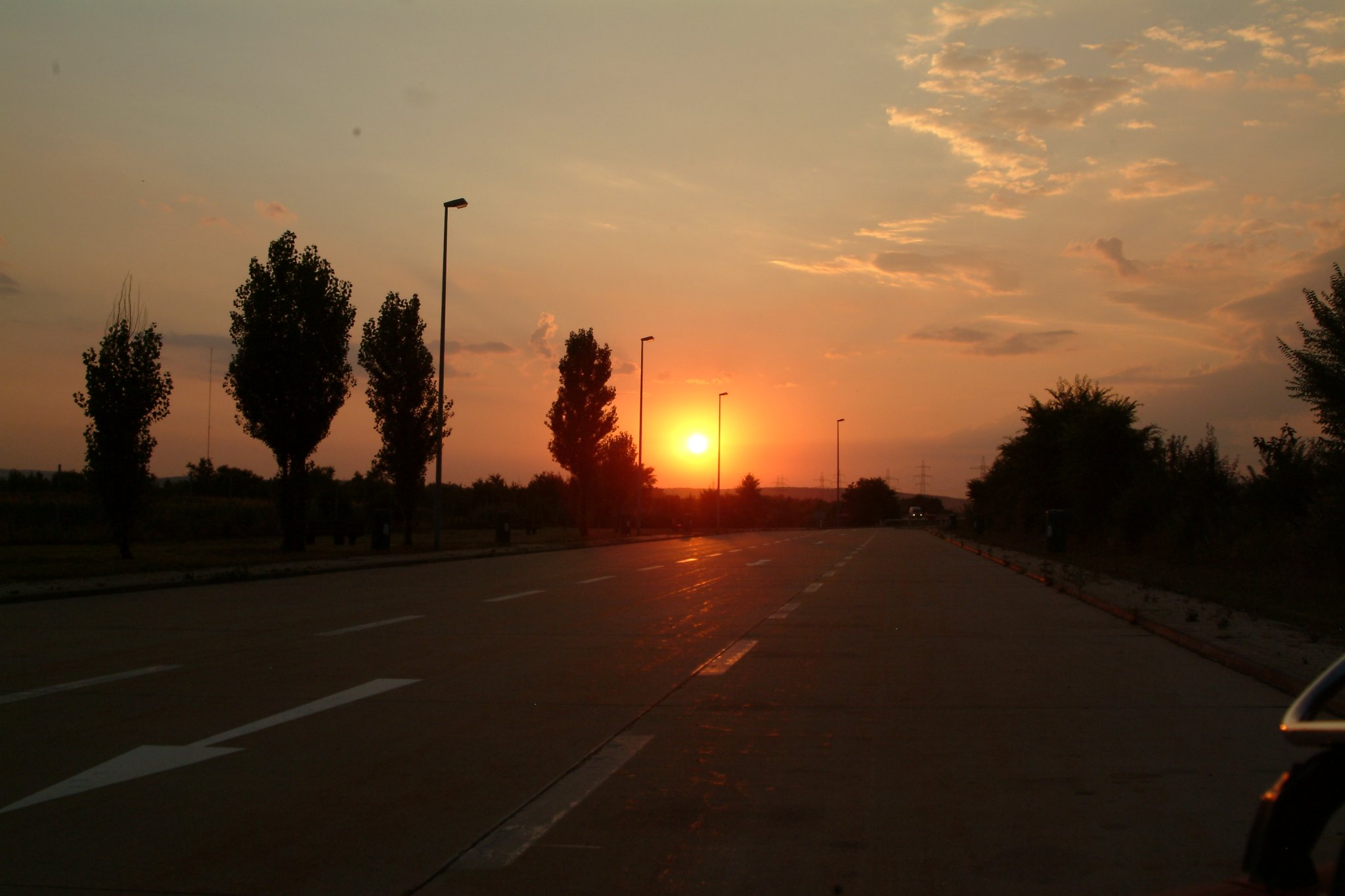
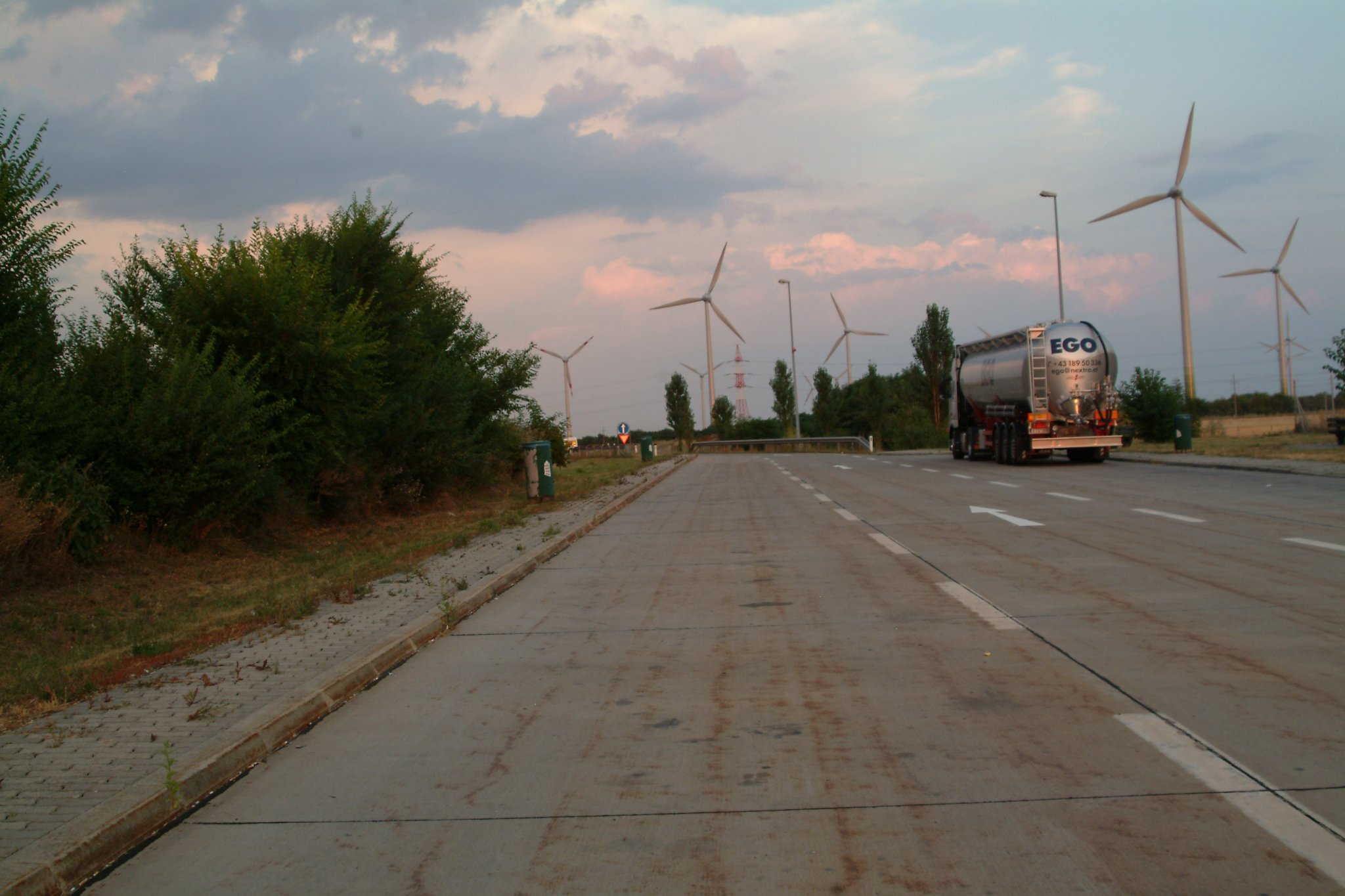
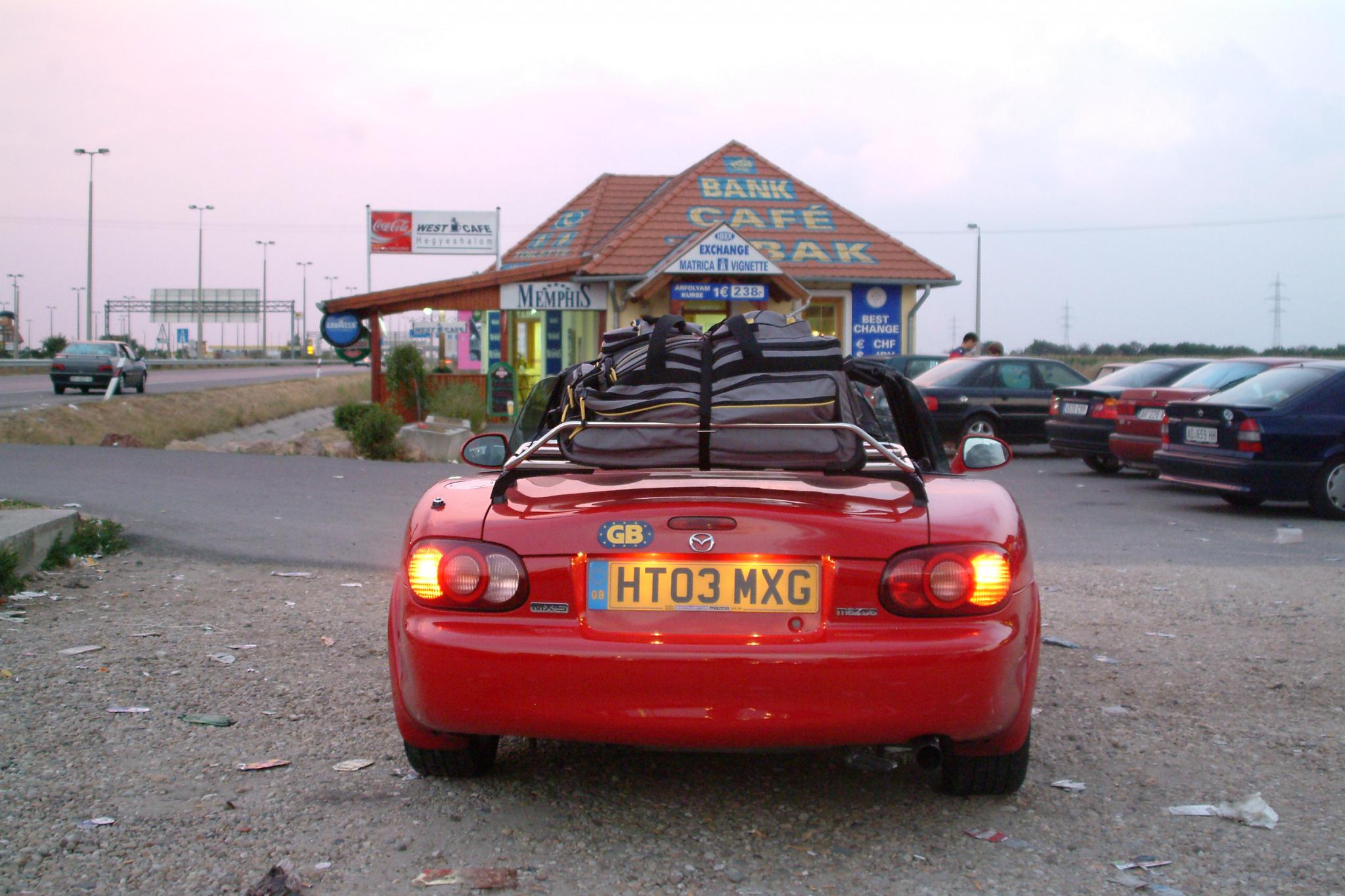
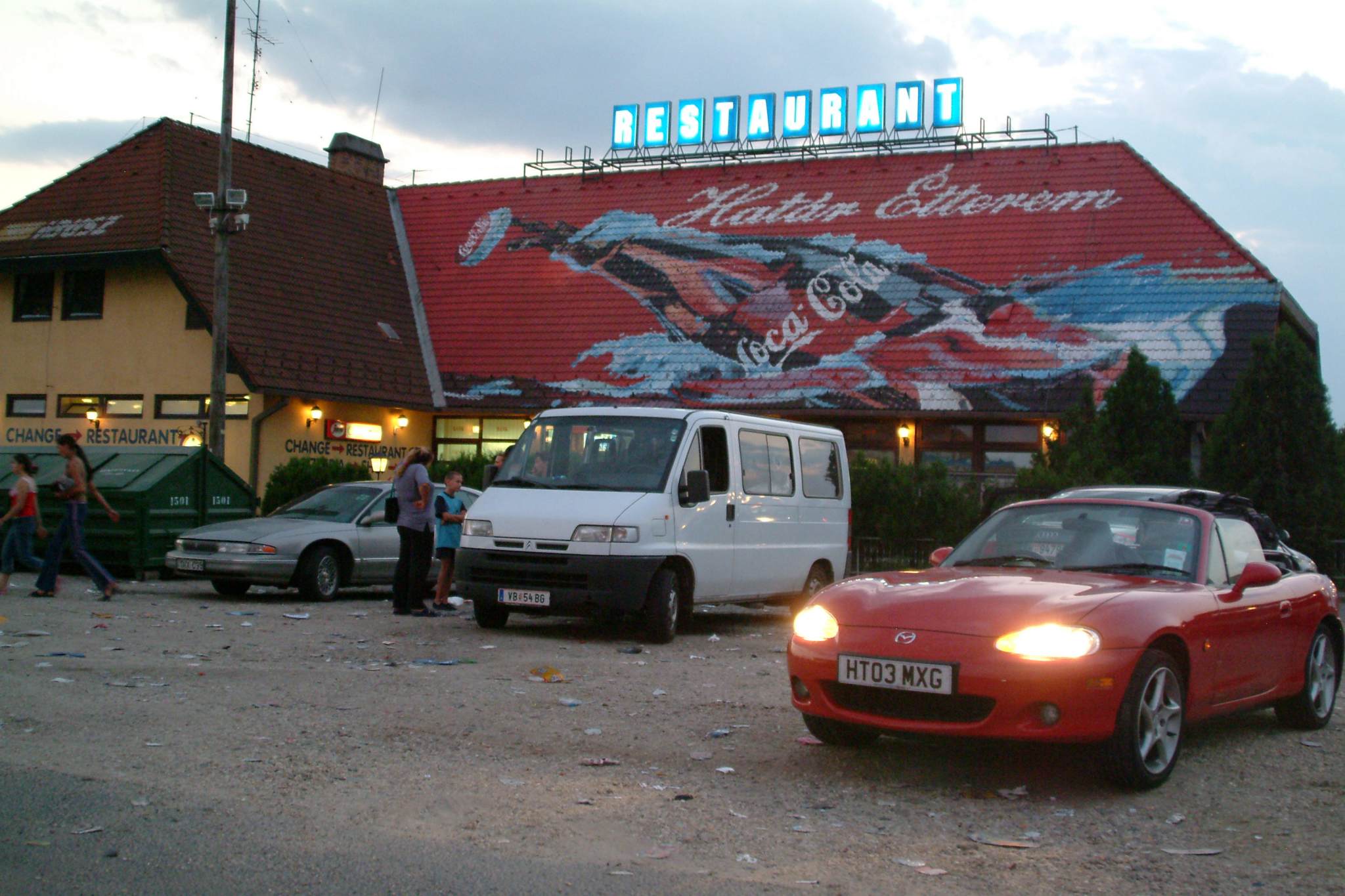
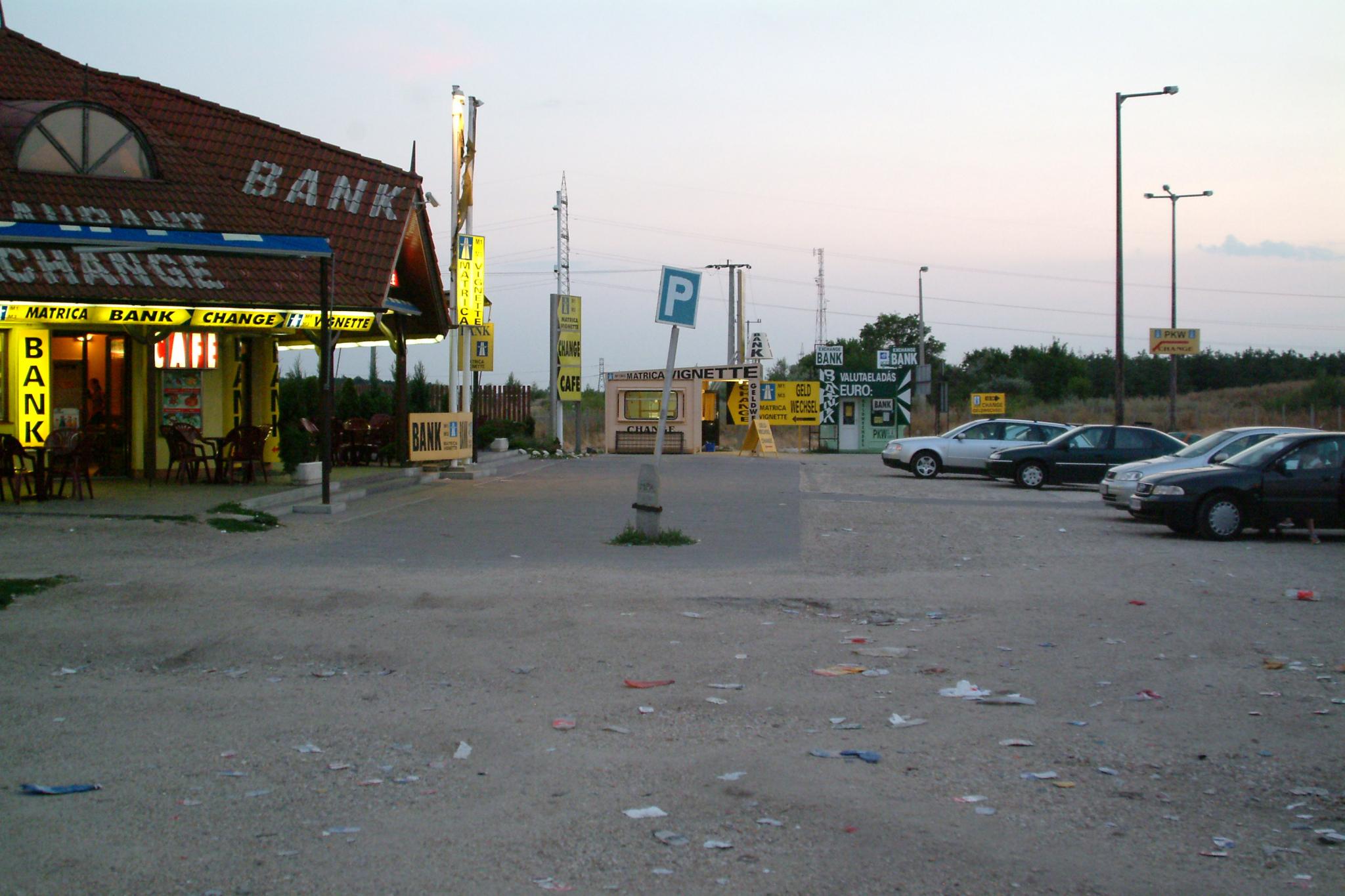
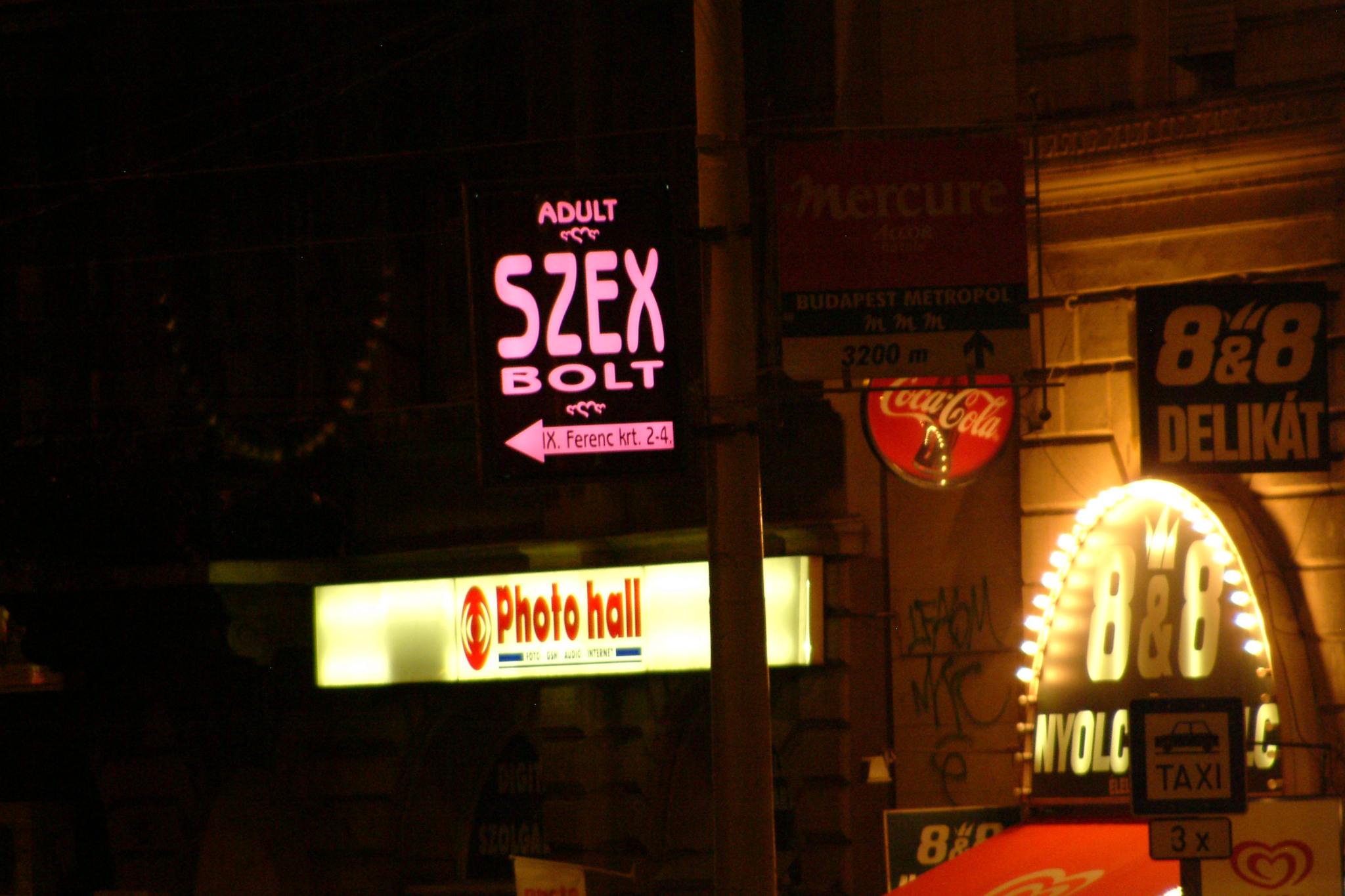
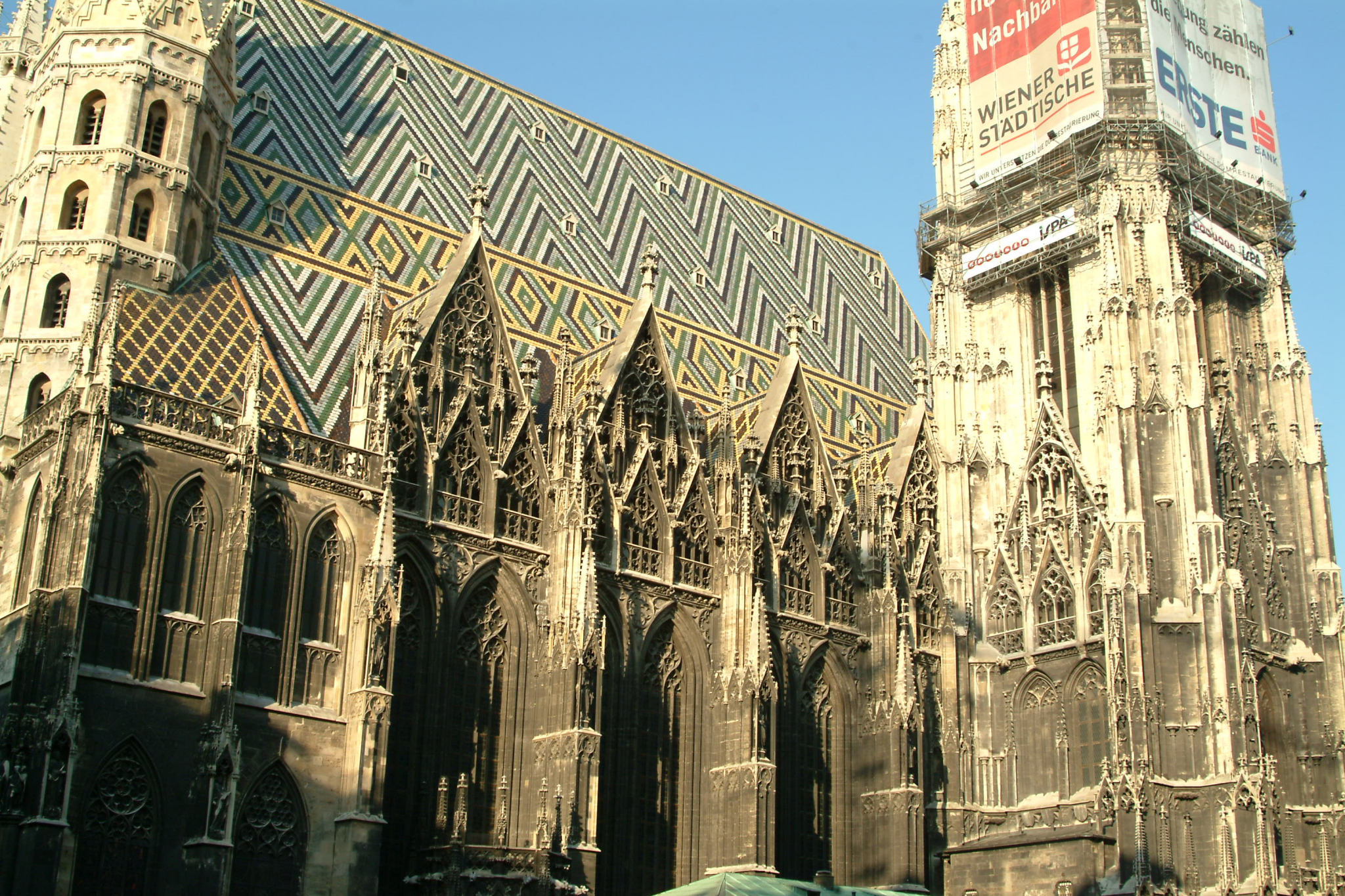
Spent the day cruising through the Austrian Alps, stopping for lunch in Salzburg, a few snaps around the beautiful city of Vienna and then on to the Hungarian border.

More astute observers may have noticed that GarfNet has changed a bit lately. You may also have observed that some features are missing and some don’t work at all. We’re really sorry about this. Trouble is that Garfnet is currently upgrading its main CMS (content management system) from Joomla 1.0.x to Joomla 1.5.x. This task…

In my early days of using GNU/Linux full time, we had an application called Gwenview. It was, and still is an excellent thumbnail viewer. But back then it also used to have an excellent set of plugins called KIPI. Sadly the really useful ones such as resizing and changing format completely disappeared when KDE 5…

These days almost all digital cameras offer excellent light metering, The old fashioned “light meter” has become a “thing of the past” to a large extent. Nevertheless they do still have their uses. For those still wishing to flirt with light meters but who don’t want to fork-out to the £100 or so that a…

Regular visitors will notice that quite a few Garfnet features are looking a bit tired. And you have probably encountered quite a few 404’s too. The reason for this is that Garfnet is undergoing a fairly major overhaul at the moment. Moving to a new, better designed and much faster server Dumping dead or unsupported…
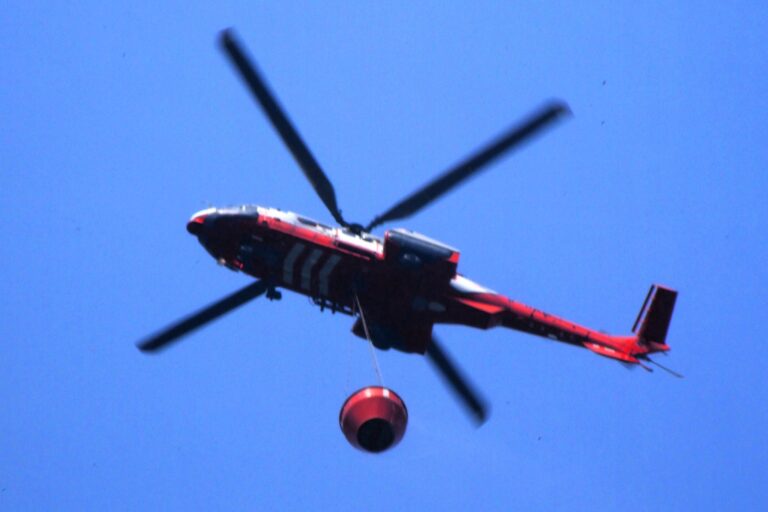
Today we had a fairly big brushfire up in the Mui-Wo Hills. A helicopter carrying a large bucket of water was dispatched to put out the fire, along with several fire engines. The helicopter, tail number B-HRN is a Eurocopter AS-332L2 Super Puma Mk2, owned by the Hong Hong government. More about this aircraft https://airport-data.com/aircraft/B-HRN

Decided to ride the Peak ram up to The Peak, to get a few snaps across the city.